Get started
Sign in and sign out
Atlas Studio uses your Atlas account, the same one you use on the website. If you do not have one yet, you make it during sign in.
Signing in
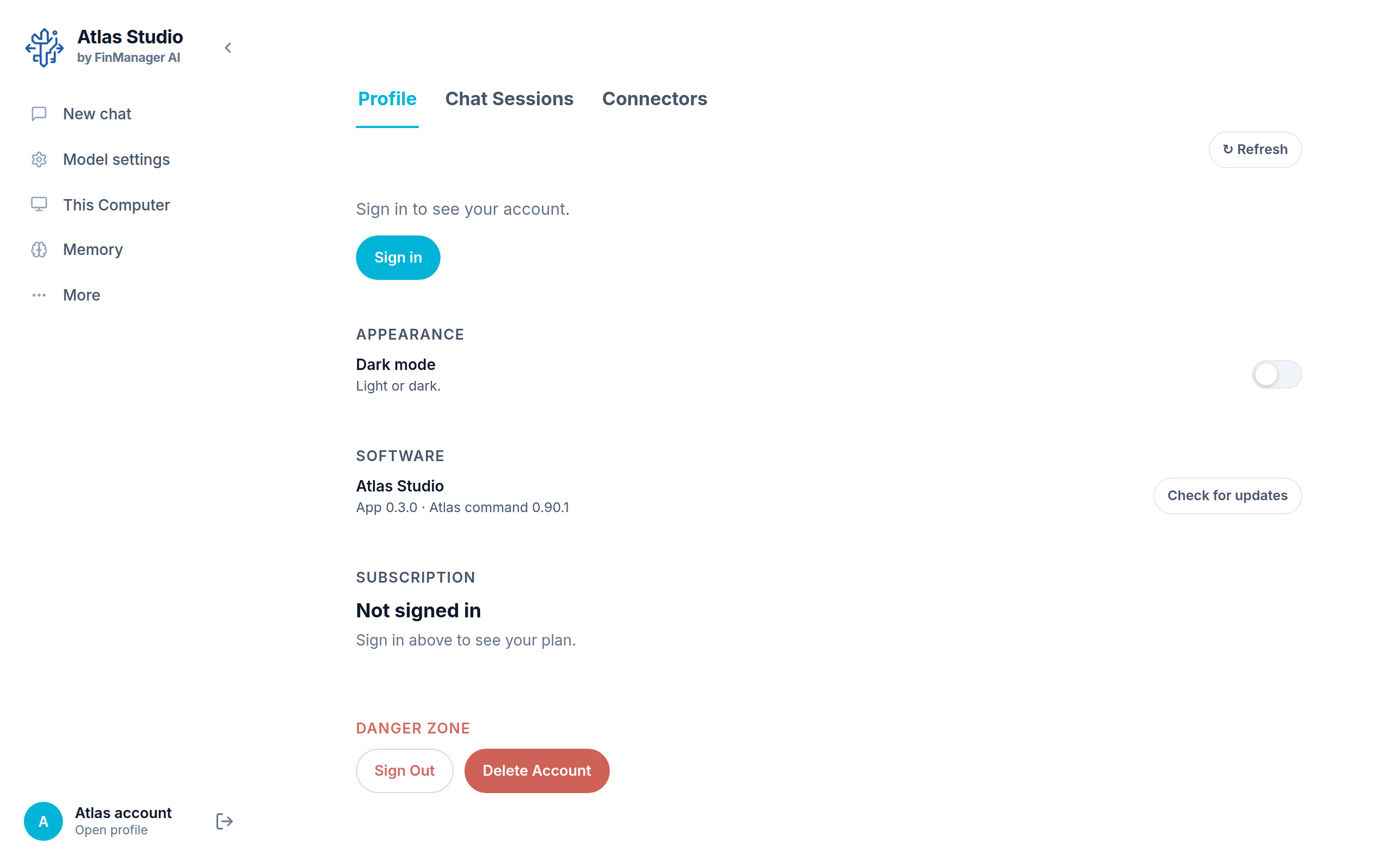
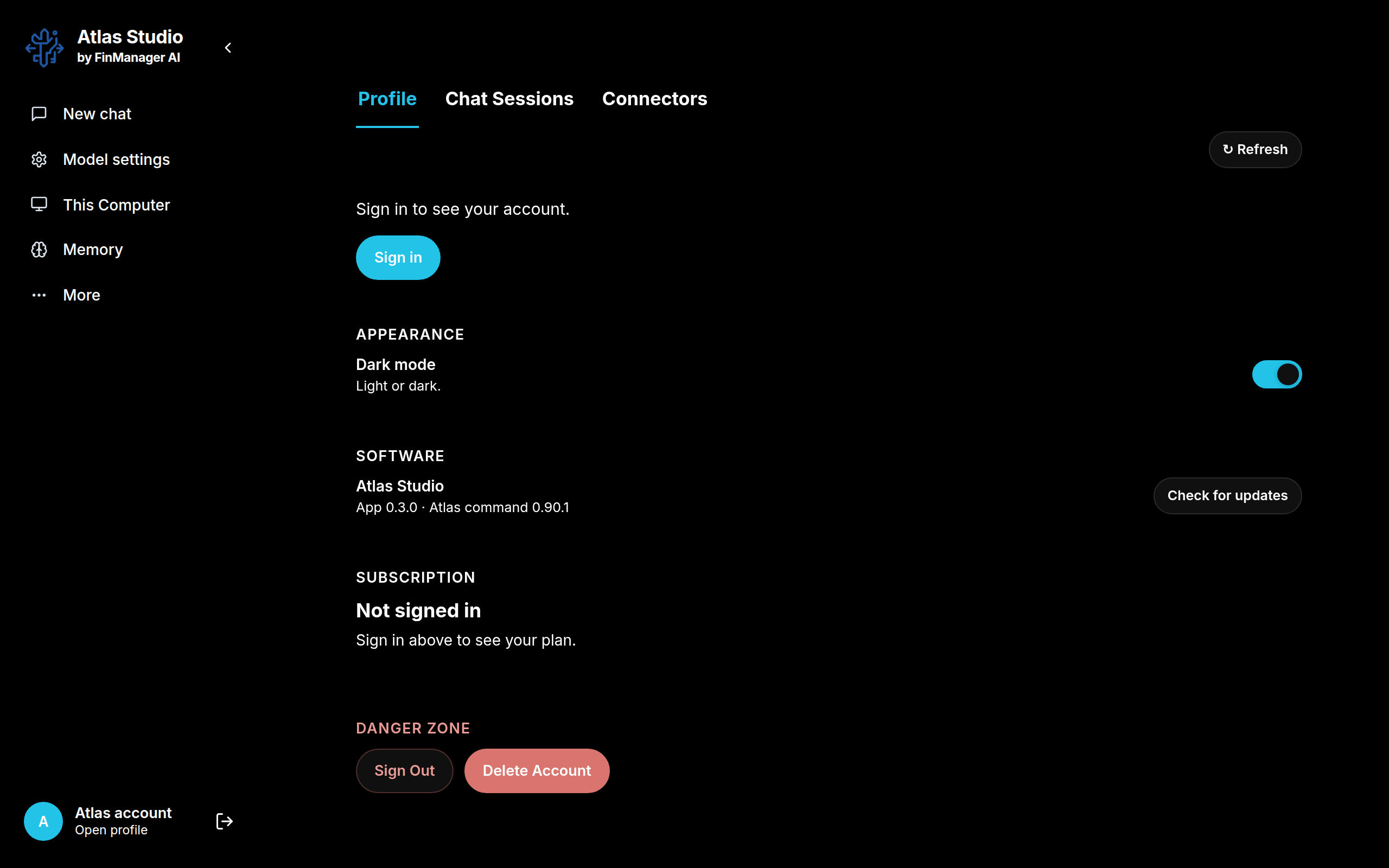
- Click Atlas account at the bottom of the left menu. This opens your Profile.
- Press Sign in.
- Your web browser opens the Atlas sign in page. Sign in there (or create an account).
- Go back to Atlas Studio. Your name, picture and plan now show at the bottom of the menu.
You only do this once. Closing the app does not sign you out.
Tip
When you are signed in, the chat greets you by name ("Hello Alex"). If it only says "Hello there", you are not signed in yet.
Signing out
There are two ways, and both do the same thing:
- The sign out button next to your name at the bottom of the menu (the arrow pointing out of a door).
- Profile → Danger Zone → Sign Out.
Atlas asks you to confirm first. Signing out removes this computer's access to your account, so projects on this computer stop running until you sign in again. Your chats and files stay on the computer.
Deleting your account
Profile → Danger Zone → Delete Account opens the website, where you finish deleting it. This cannot be undone.