Memory
Add, change and forget
Add one yourself
Press New memory on the Memory screen.
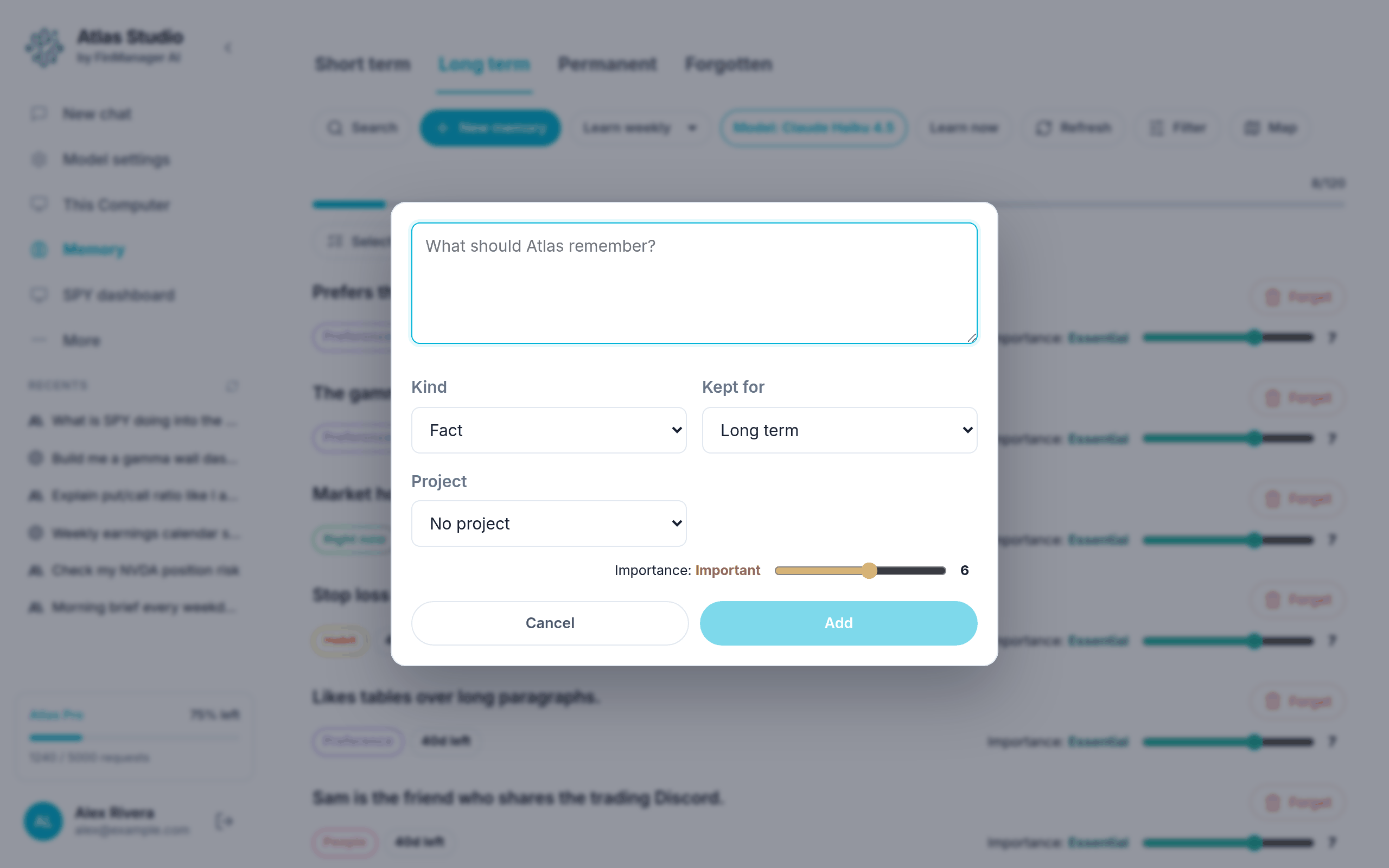
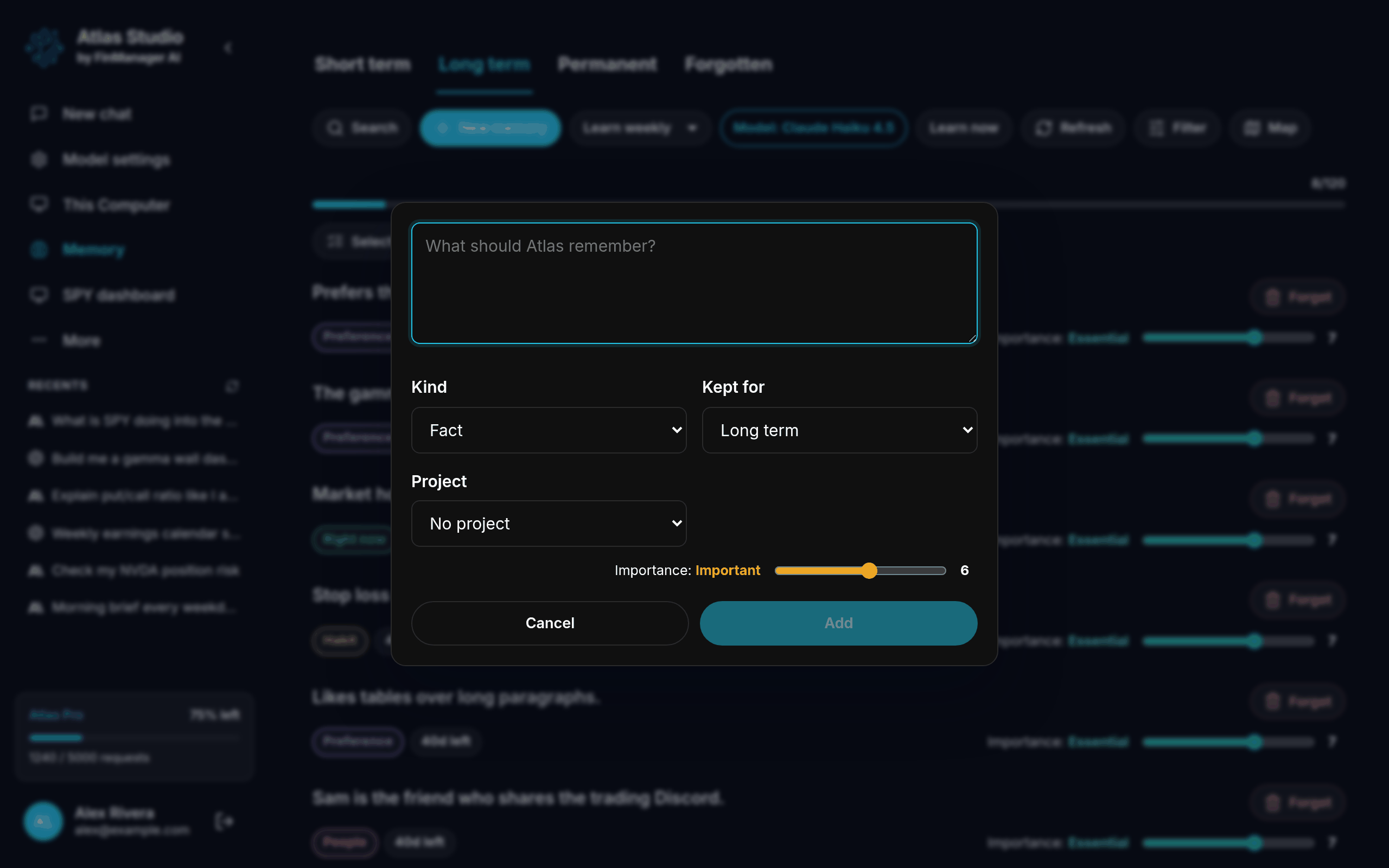
- Type what Atlas should remember, in plain words.
- Kind: what sort of thing it is (a fact, a preference, something about you...).
- Kept for: Short term, Long term or Permanent.
- Project: leave as No project to use it everywhere, or pick one project.
- Importance: slide it up for things that really matter.
- Press Add.
If your new memory replaces an older one that says something different, Atlas tidies the old one away for you.
Change one
Click a memory to open it. Change the words, the kind, how long it is kept, the project or the importance, then press Save. If it came from a chat, Open the chat it came from takes you there.
You can also move the Importance slider right in the list: Minor, Important or Essential.
Forget one
Press Forget on the memory.
Forget several at once
- Press Select.
- Tick the ones you want, or Select all shown.
- Press Forget and confirm.
Bring one back
Open the Forgotten tab and press Restore on it.
When Atlas asks you
Sometimes Atlas is not sure whether to change a memory. It then shows a Your call box above the list with what it wants to do and why. Press Do it or Leave it.