This Computer
Share and import projects
Share one of yours
- On This Computer, press the share button on the project's row.
- Write one line under What is this project? so people know what it does.
- Press Choose if you want to leave some files out.
- Press Yes, share it.
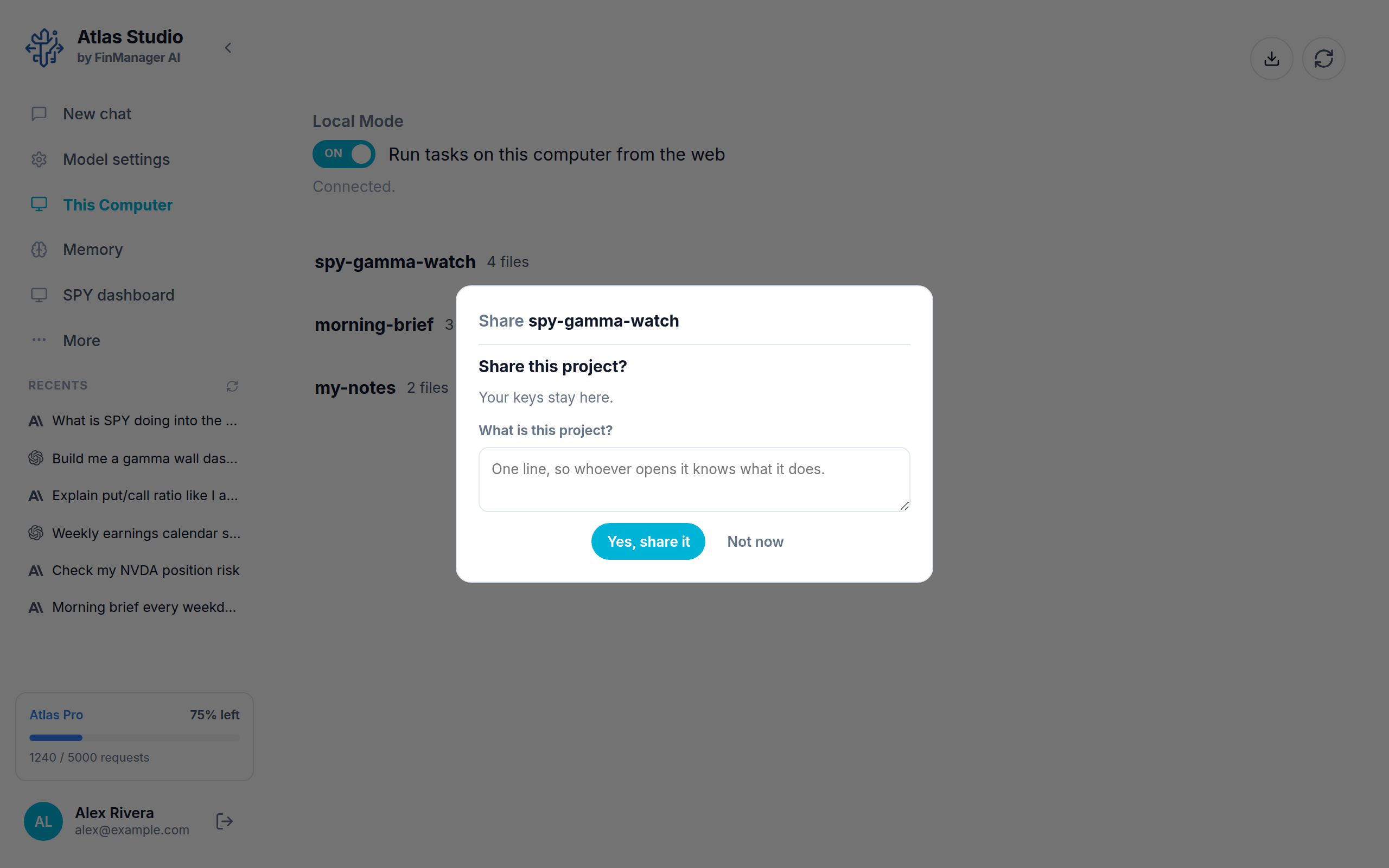
You get a link. Press Copy and send it to whoever you like.
Your keys are never shared. The person who imports it adds their own.
Later on:
- Publish changes sends your latest version to everyone who has a copy. You can write a note saying what changed.
- The Shared switch turns sharing off.
Open one someone sent you
- On This Computer, press the download button at the top right.
- Paste the link and press Open.
- Look through what is in it: the files, the version and who made it.
- Press Import, then confirm. Only import projects from people you trust, because the project runs on your computer.
If the project needs keys, Atlas tells you which and gives you an Open Keys button to add them.
Updates
When the person who shared it publishes a new version, your copy shows New changes from author. Press Review changes, then Update this project. Anything you changed yourself is backed up first.