Projects
Notifications
Each project chooses which moments send a message to your phone (the Atlas phone app). Open the project and click the Notifications tab.
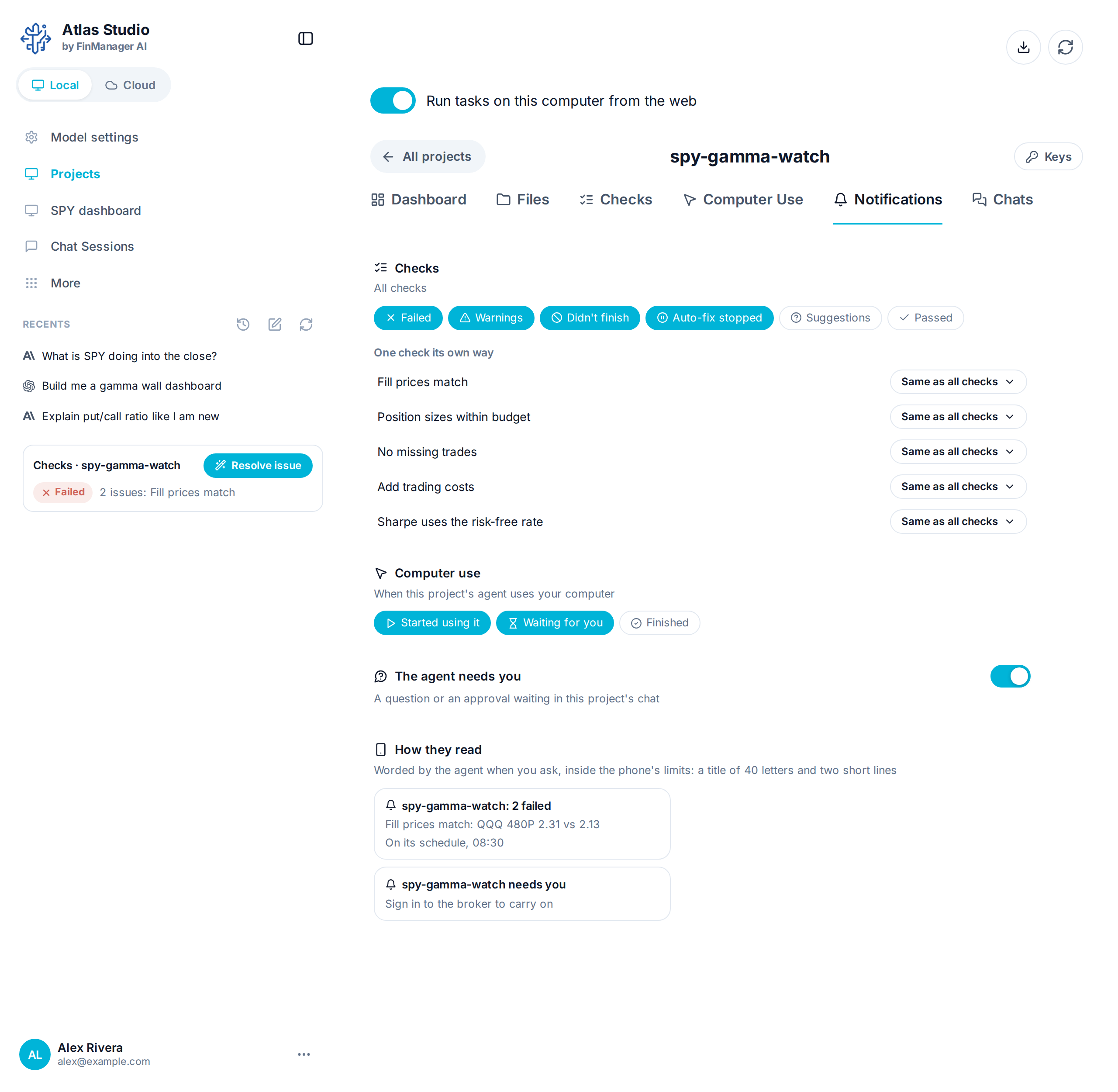
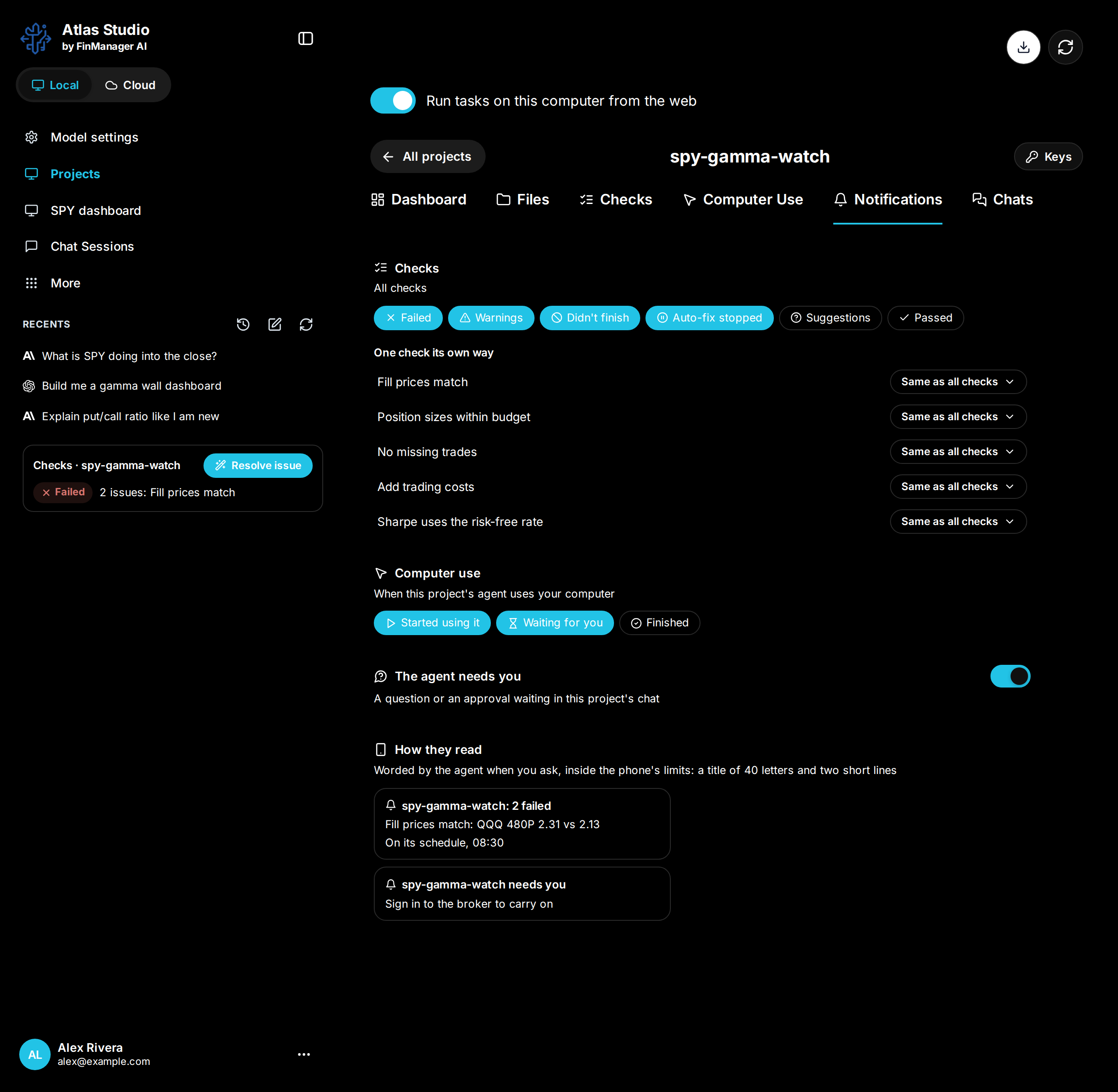
| Part | What you choose |
|---|---|
| Checks | Which check results send one: Failed, Warnings, Didn't finish, Auto-fix stopped, Suggestions, Passed. Under One check its own way, any check can follow its own choice instead. |
| Computer use | When this project's agent starts using your computer, is waiting for you, or has finished. |
| The agent needs you | A question or an approval waiting in this project's chat. |
| How they read | What each message looks like on your phone. Ask in the chat to word them differently. |
The settings stay on this computer, with the project. What a project's own runs send (for example "SPY is near the call wall") is part of the project: ask in a chat to change it.
Need help? Email accesspoint@finmanagerai.com.