Chatting
Start a new chat
Click New chat at the top of the left menu.
First, pick a project
Every chat belongs to a project. A project is simply a folder on your computer where the chat keeps its work: files it writes, a dashboard, notes. The chat is also saved with that project, so you can find it again later.
A small window asks: Which project?
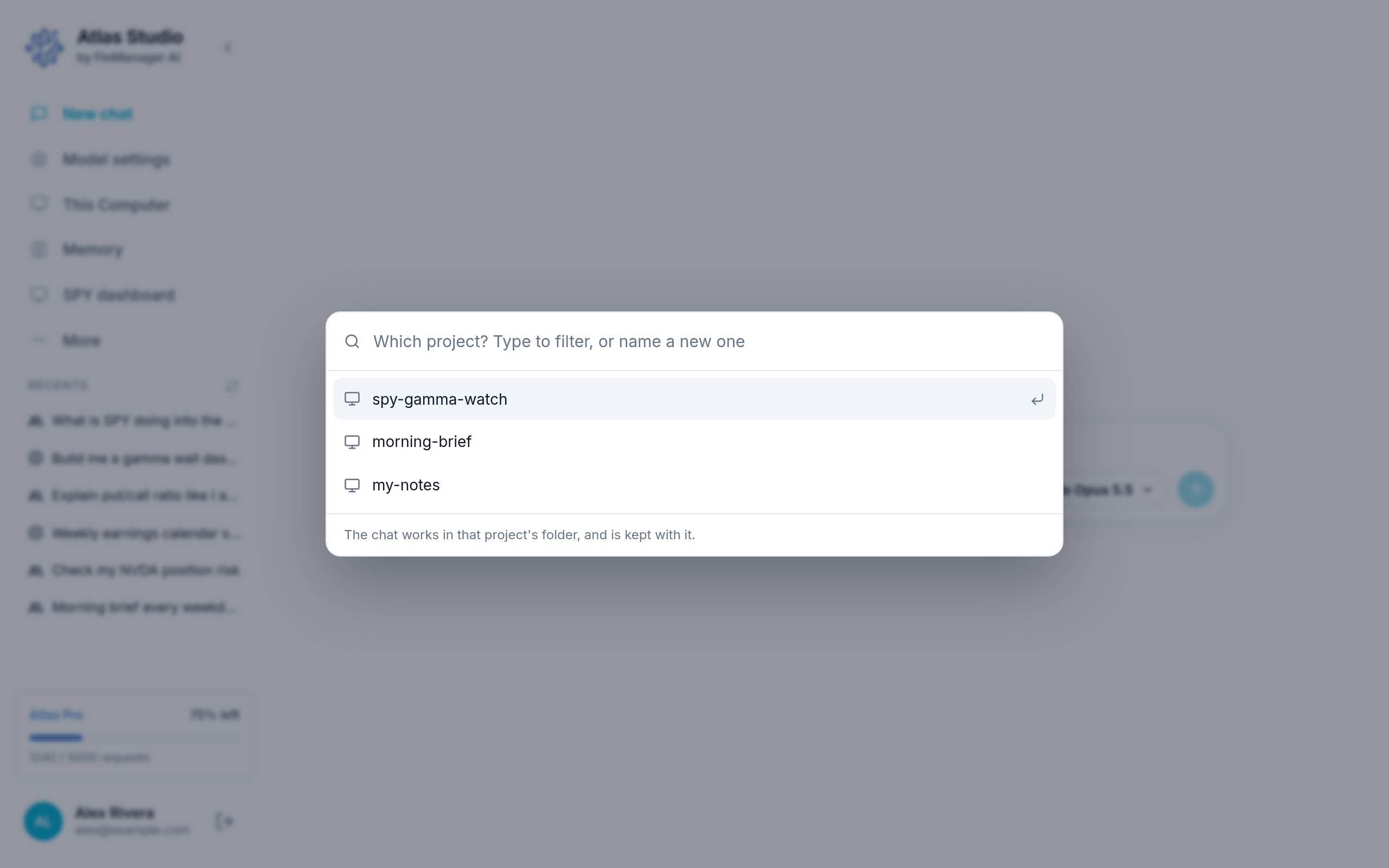
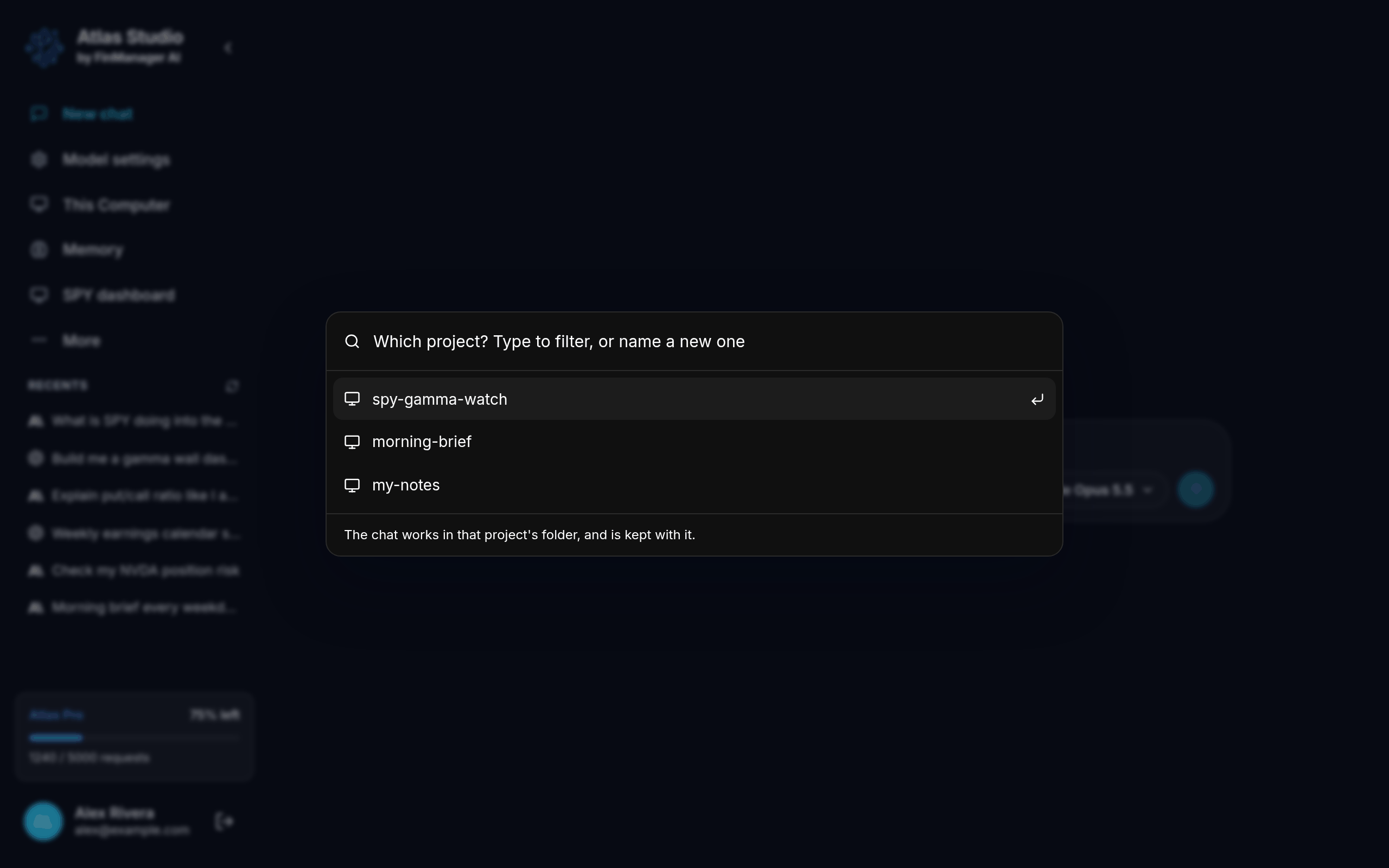
- To use one you already have: click it, or use the arrow keys and press Enter.
- To make a new one: type a new name and press Enter.
- To go back without starting a chat: press Esc or click outside the window.
Making a new project
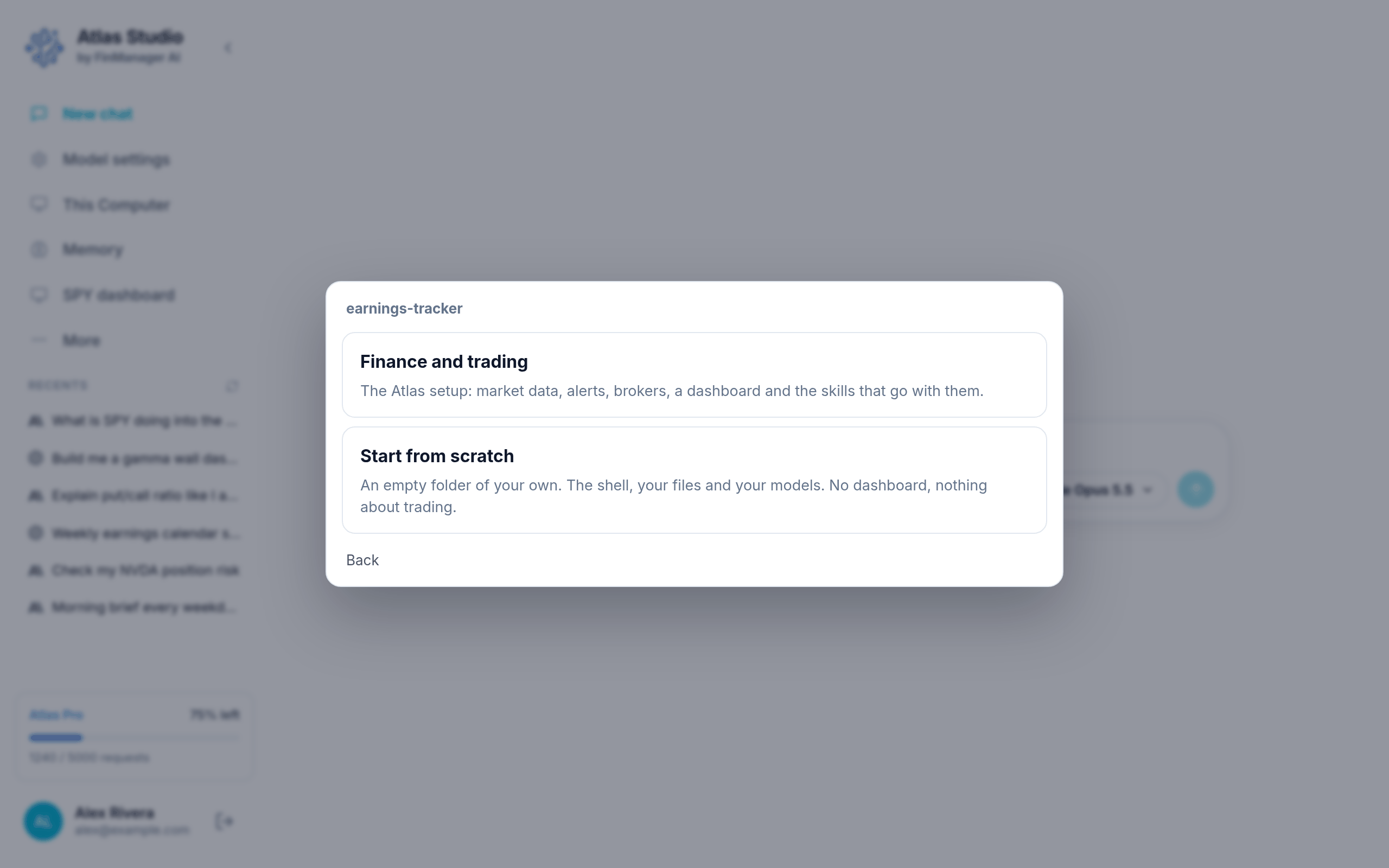
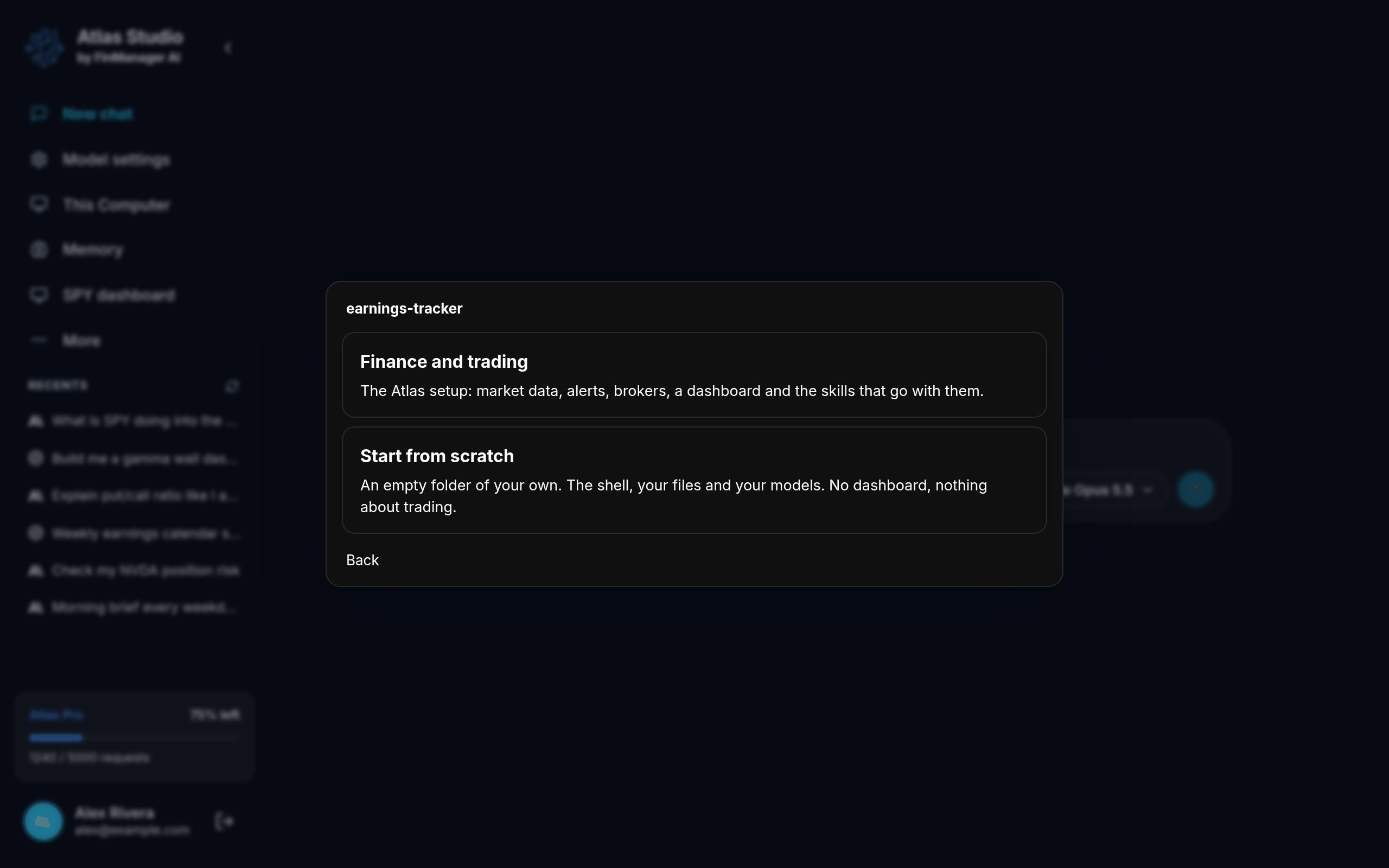
When you type a new name, Atlas asks what kind of project it is:
| Choice | Pick it when |
|---|---|
| Finance and trading | You want the full Atlas setup: market data, alerts, your broker and a dashboard. |
| Start from scratch | You want an empty folder for anything else. No dashboard, nothing about trading. |
Press Back if you want to change the name.
Then just type
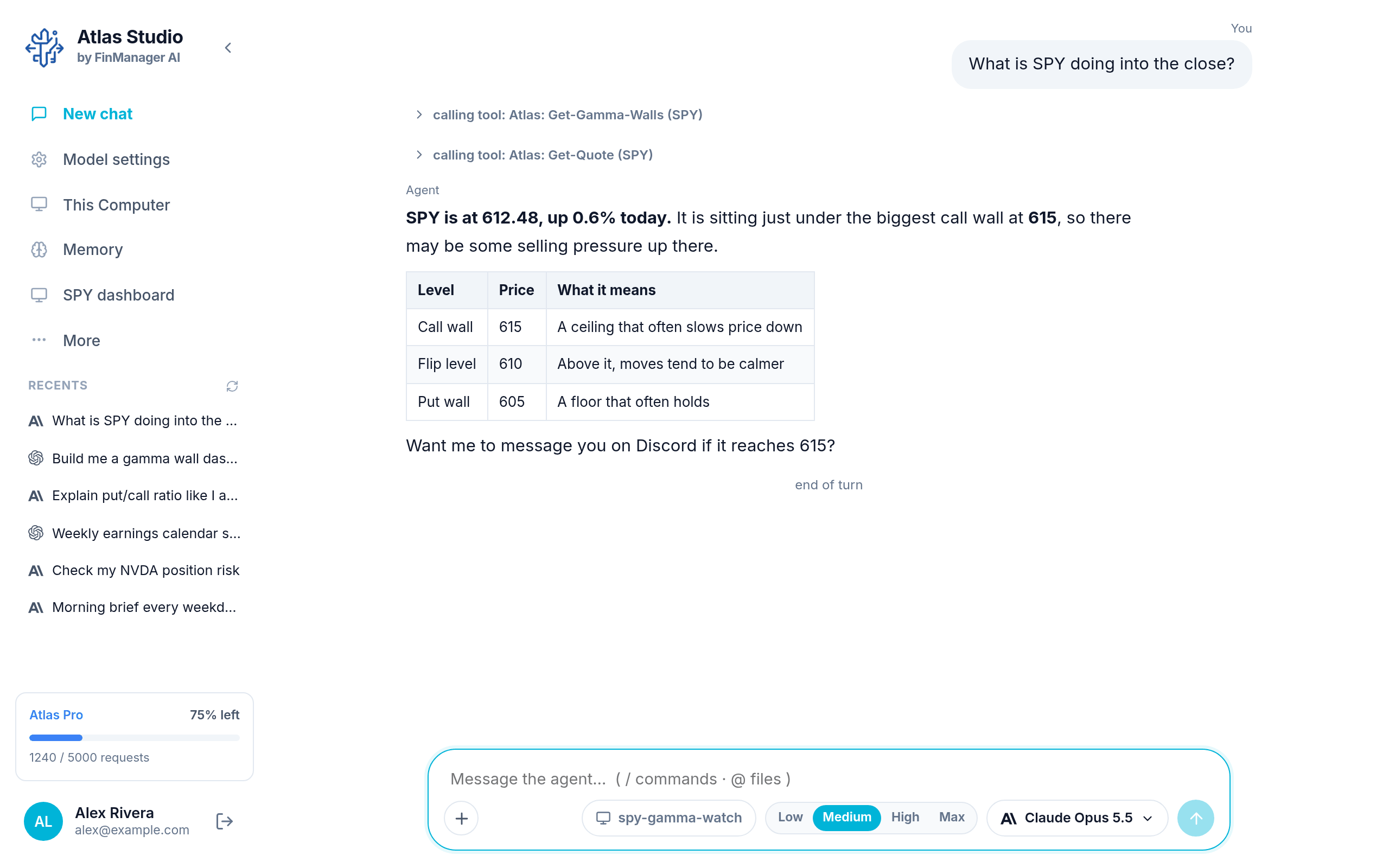
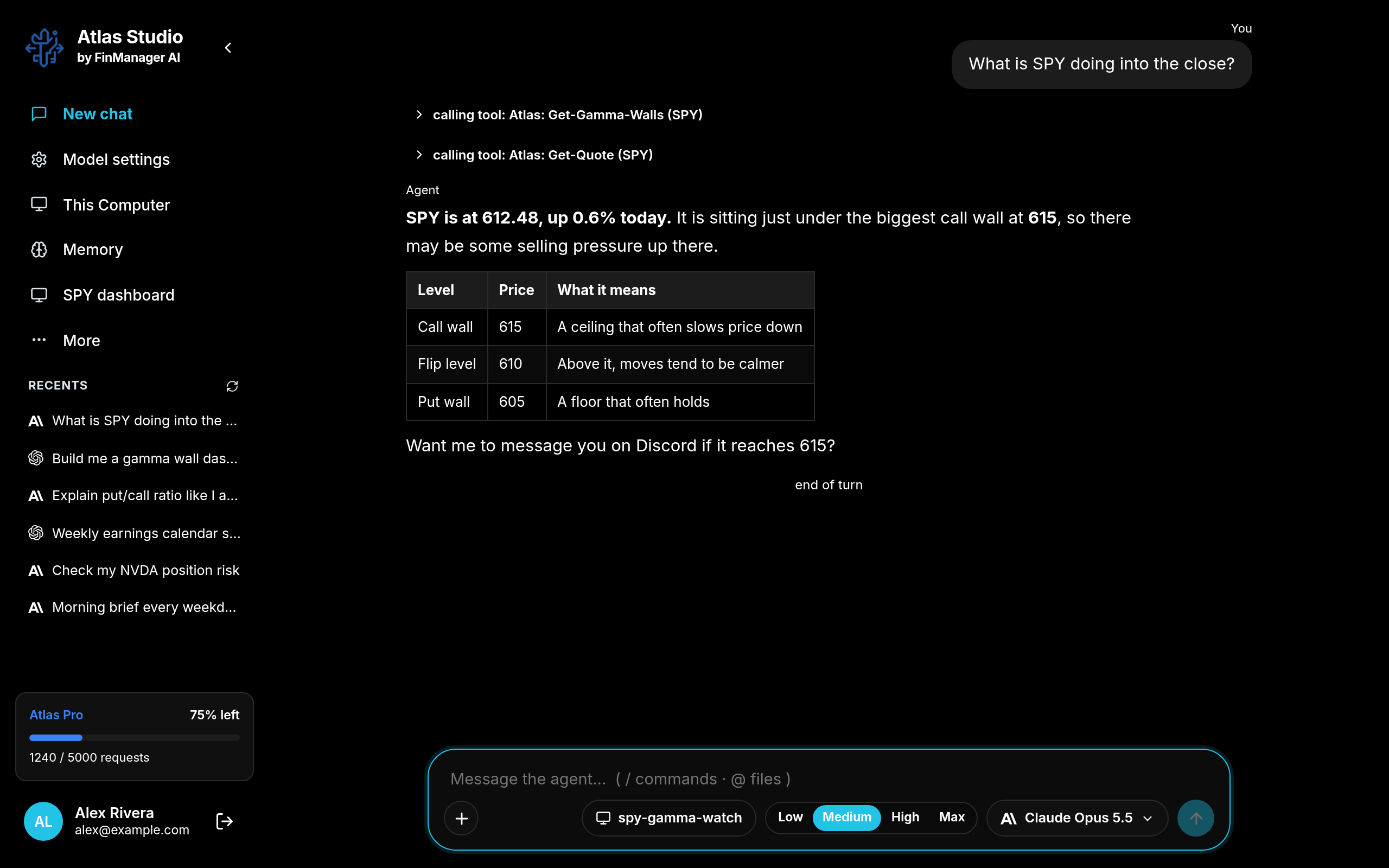
The chat opens with your project's name shown in the chat box. Type what you want and press Enter. See The chat box for everything else it can do.
Tip
Leaving a chat while the model is still working does not stop it. Go to another chat, come back later, and the answer is there.