Make it yours
Arrange the tabs
Every row of tabs can be put in your own order: a project's tabs, the projects list, Profile, Memory, Chat Sessions and Computer Use.
- Drag a tab straight to its new place. The others slide aside.
- Right click a tab (or press and hold it) and choose Arrange for the whole row at once.
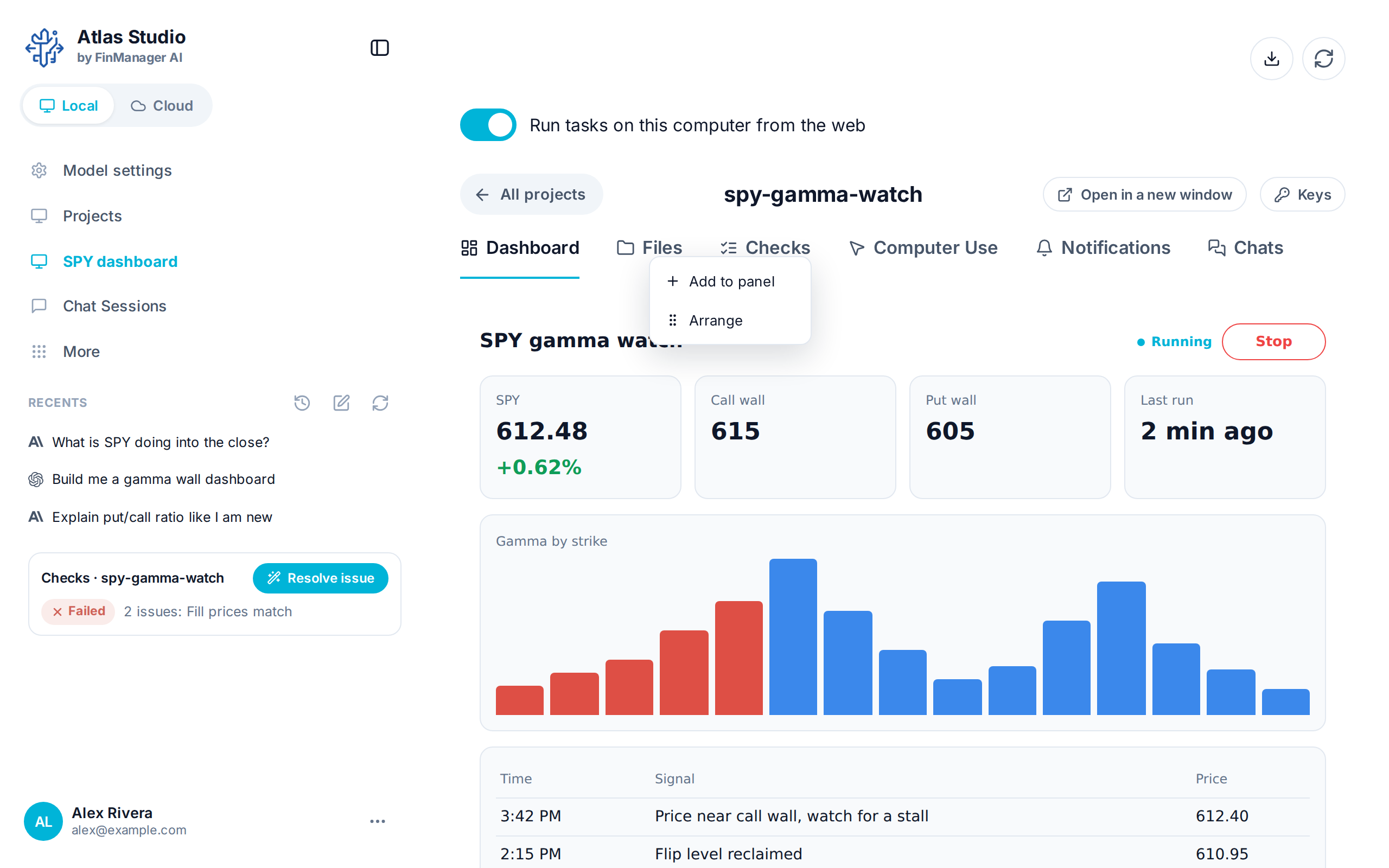
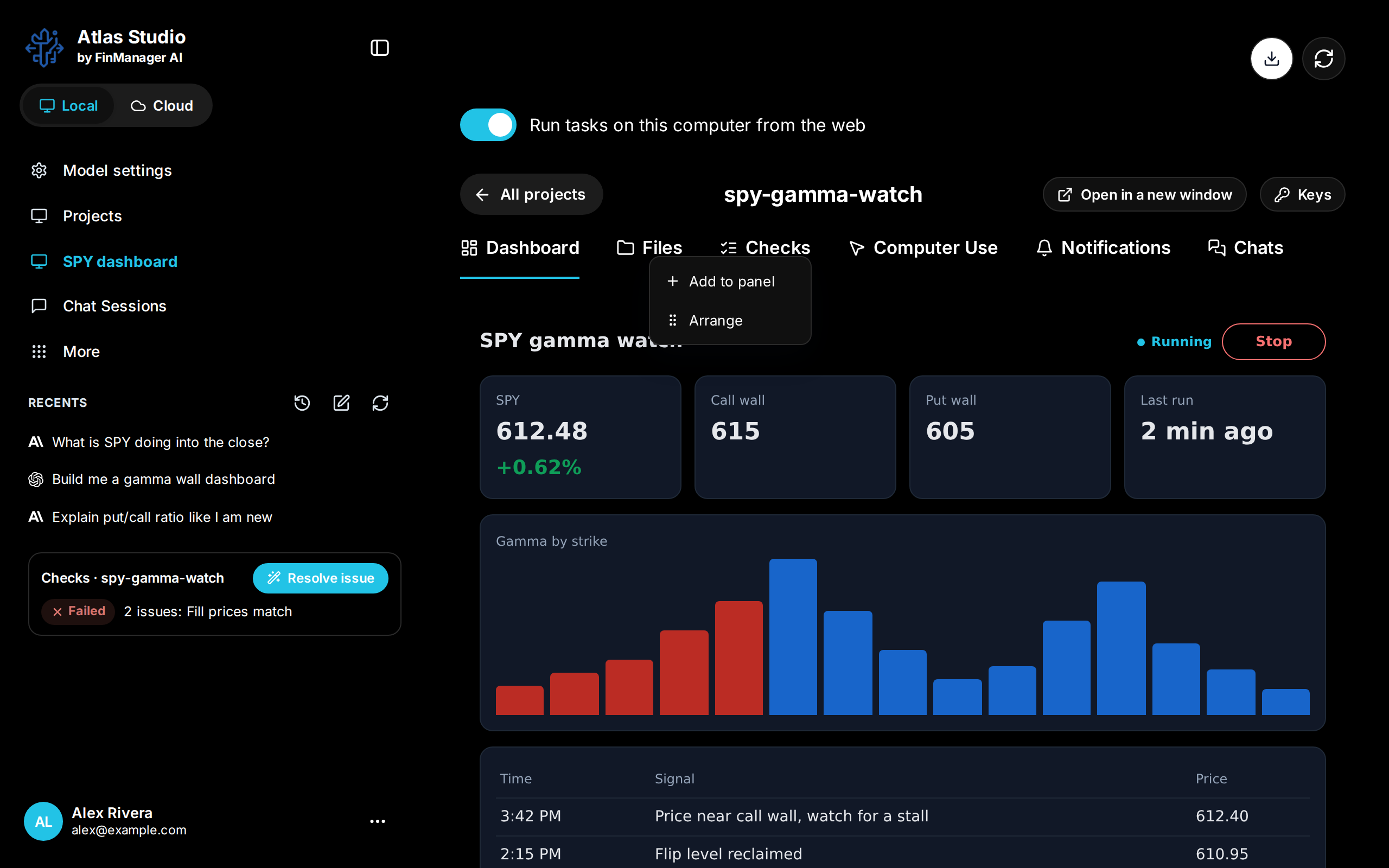
In Arrange, drag a tab by its handle, and use its switch to hide it. Hidden tabs go under More at the end of the row, which only shows when something is hidden. Back to how it came puts the row back, and Done closes it.
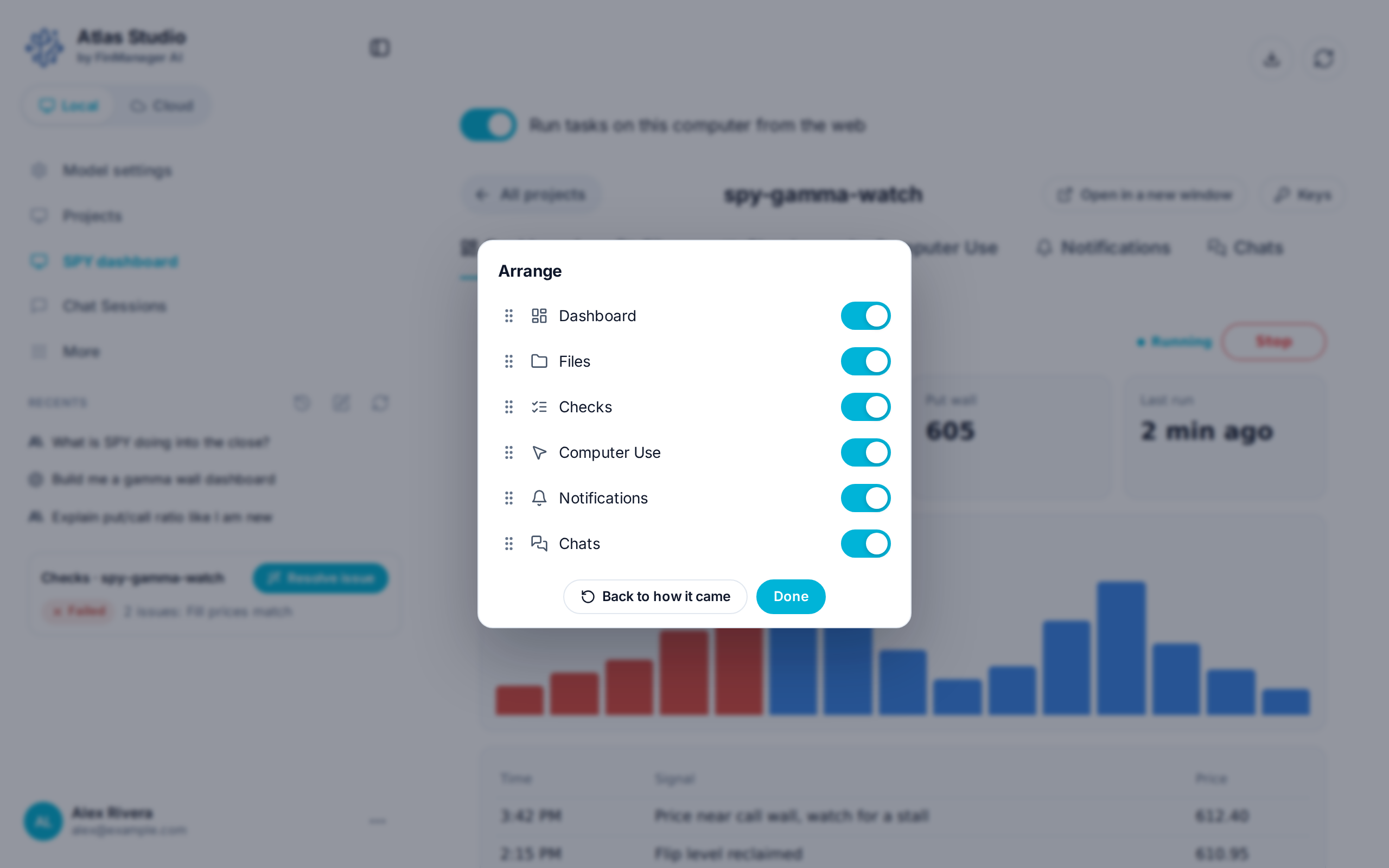
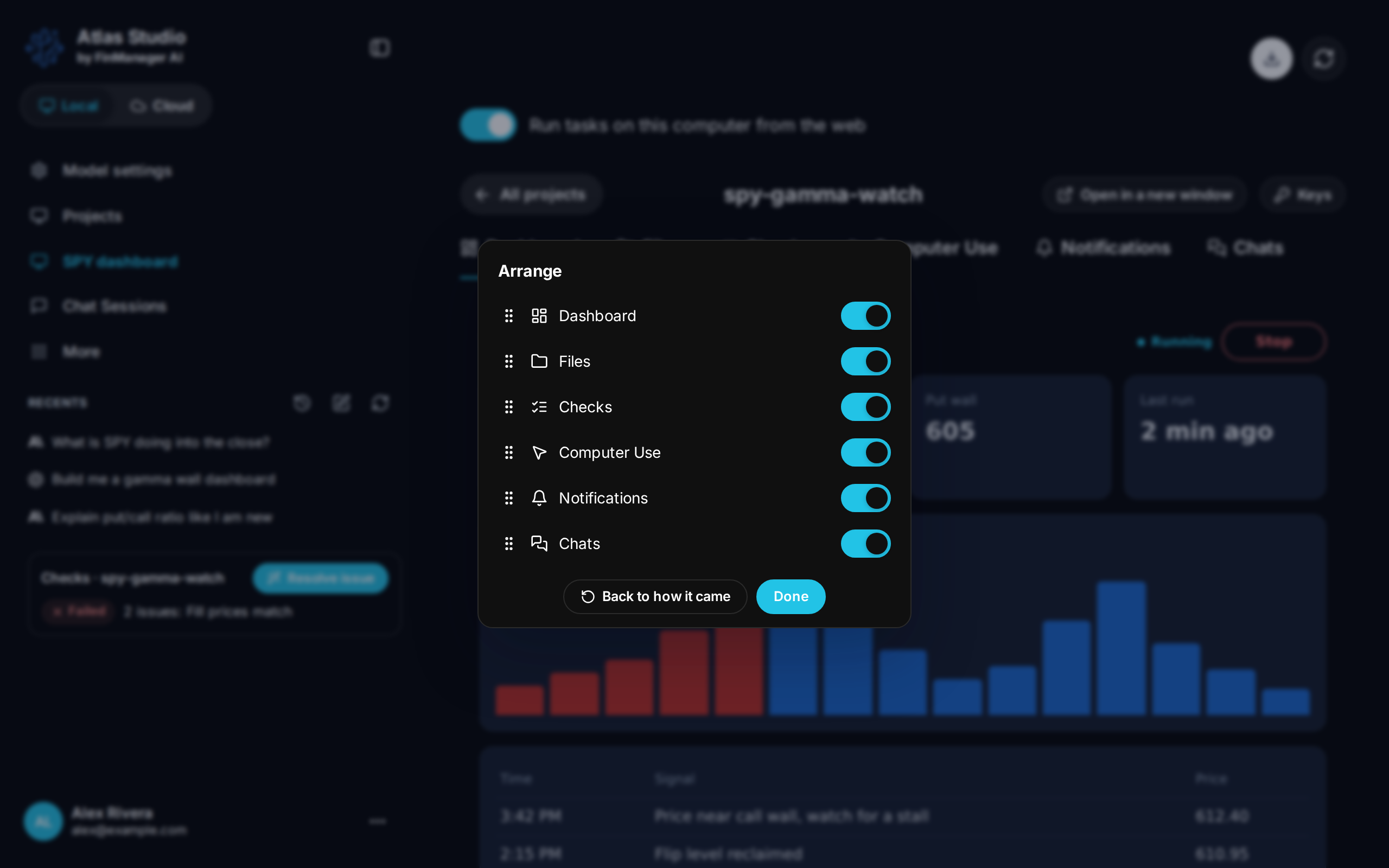
For a project, the first tab is the one it opens on. Your order is kept on this computer.
Need help? Email accesspoint@finmanagerai.com.