What Atlas remembers
Atlas keeps short notes about you, like *"wants answers short, with the number first" or "uses Robinhood"*. Every chat, whichever model you use, gets the ones that matter, so you do not have to repeat yourself.
Click Memory in the left menu to see them.
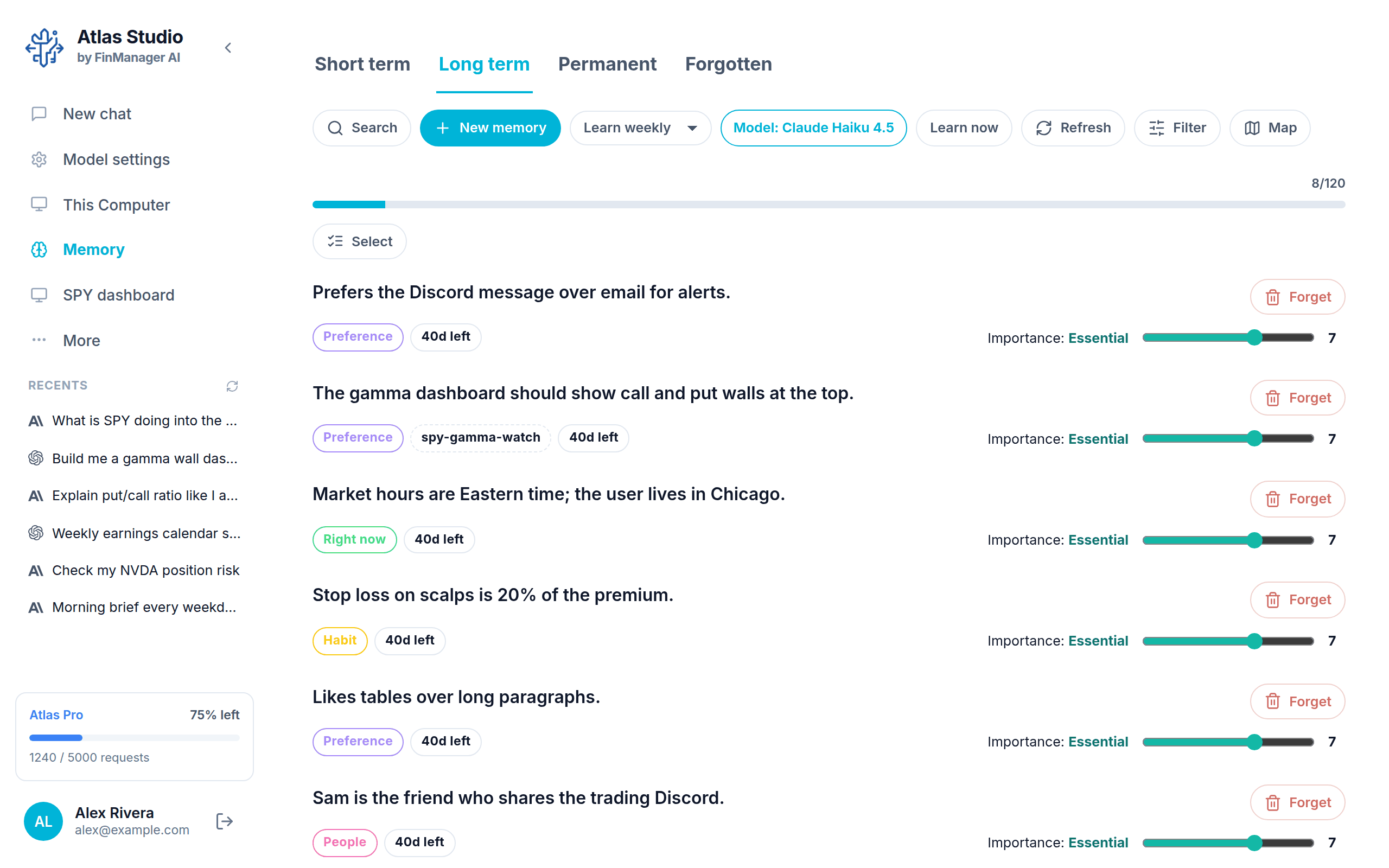
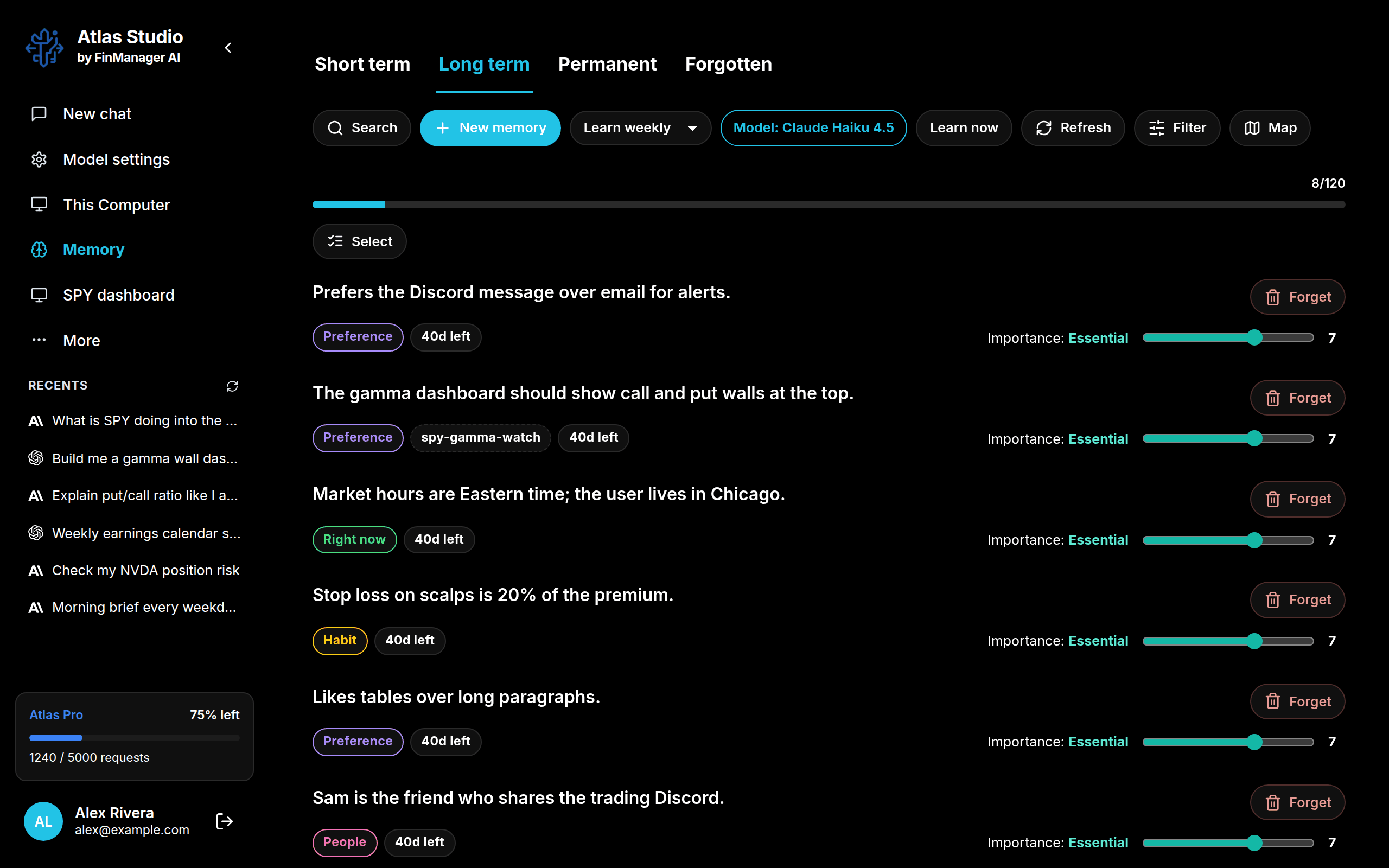
How long it keeps things
The tabs along the top:
| Tab | What is in it |
|---|---|
| Short term | Things that matter right now. They fade after a while if they are not used. |
| Long term | Things that stay useful for a long time. |
| Permanent | Things that never fade. |
| Forgotten | What was removed. You can bring any of it back. |
Each memory shows what kind it is (like Preference or Fact), which project it belongs to (if any), and how long it has left before it fades. Memories you use often stay; ones you never use fade away on their own.
Where memories come from
- From your chats. Atlas reads your recent conversations and picks out what is worth keeping. Choose how often with the Learn daily / weekly / monthly menu, or press Learn now. Never learn turns this off.
- From you. Press New memory and type it. See Add, change and forget.
Model: ... says which model does the reading. Click it to choose another.
The map
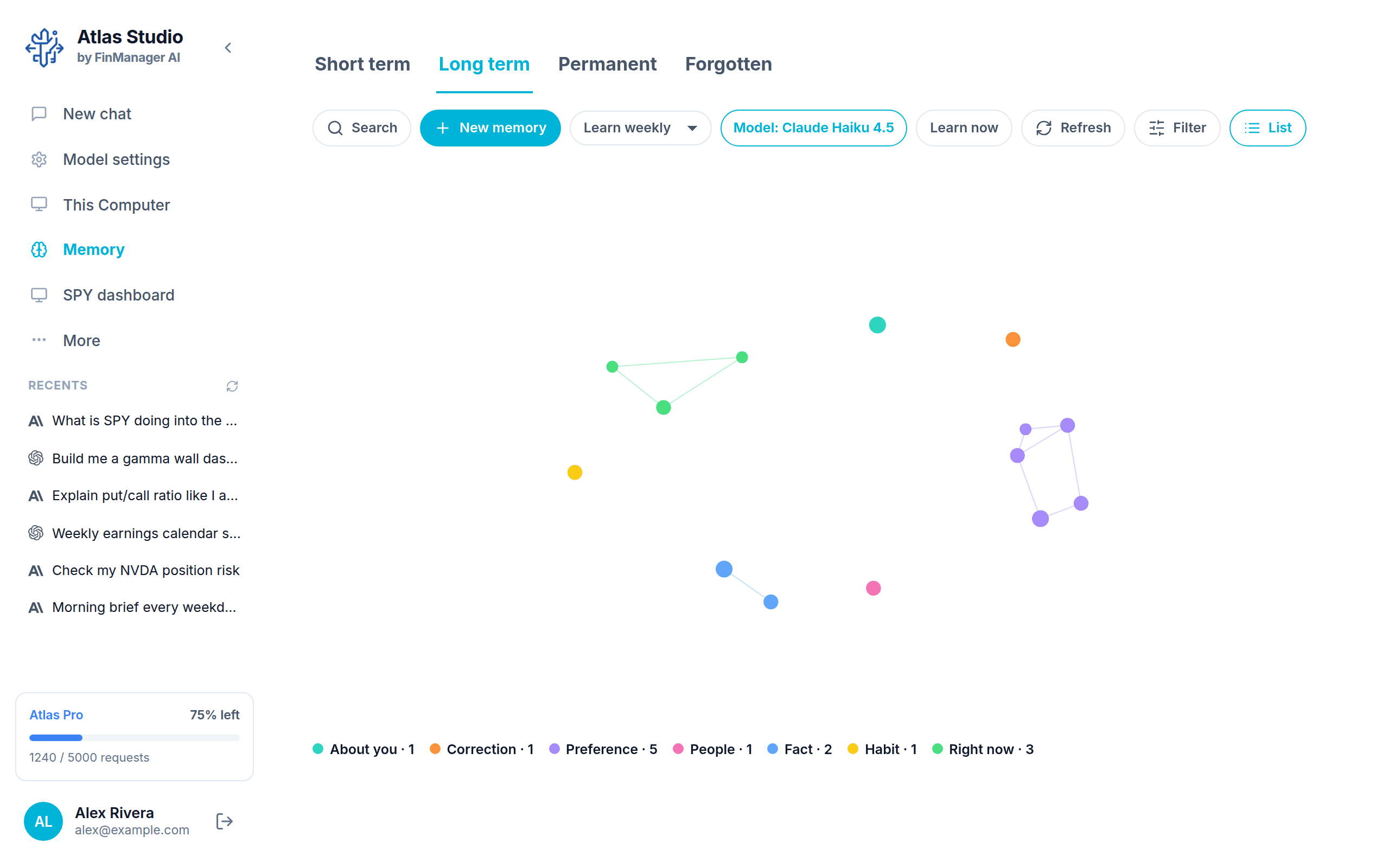
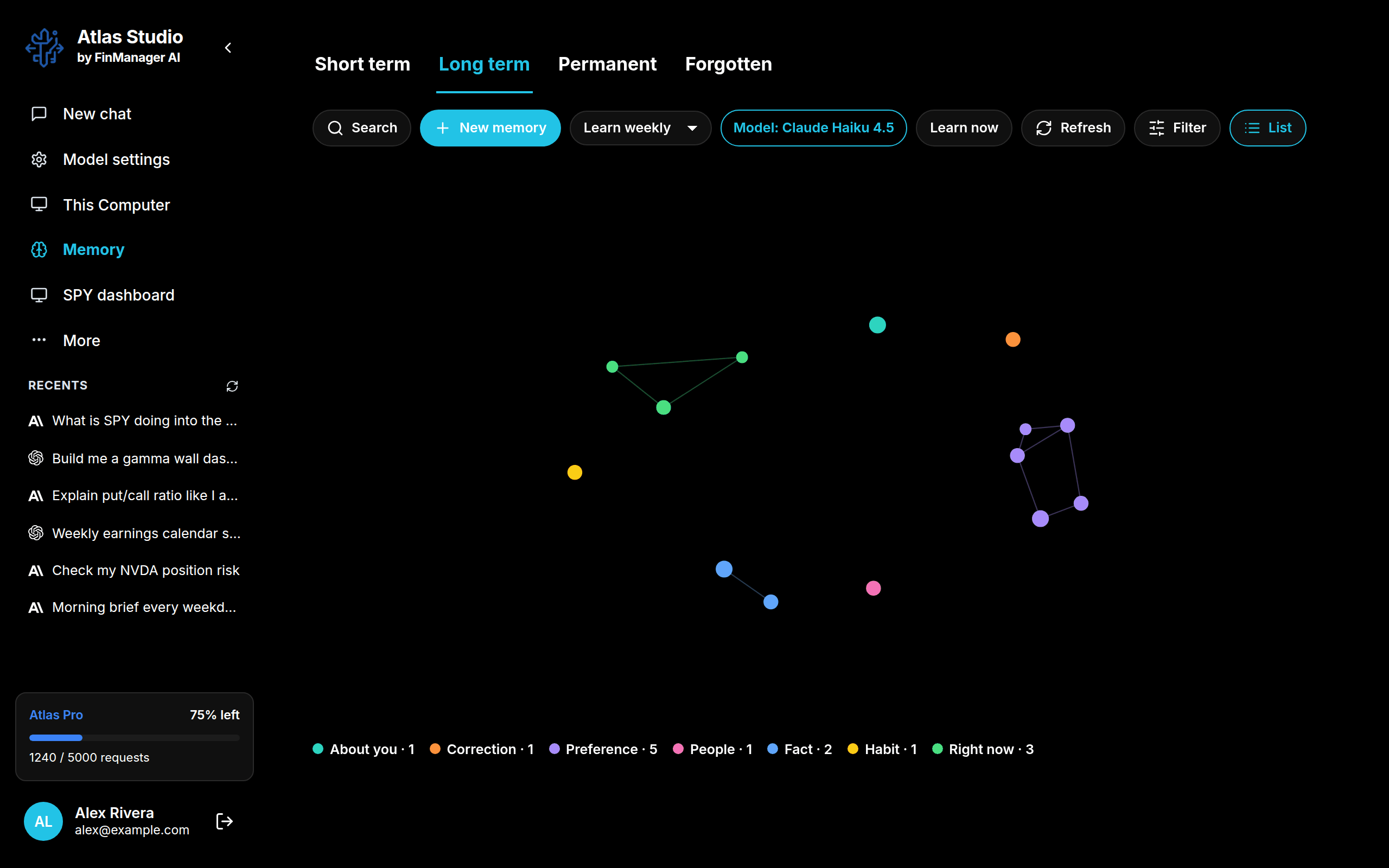
Press Map to see your memories as dots, grouped by kind. Bigger dots are more important. Hover a dot to read it, click it to open it. Press List to go back.
Finding one
- Search looks through everything Atlas remembers.
- Filter narrows the list by kind, project, how long it is kept, and when it was saved. Clear resets it.
Memories are kept on this computer. A memory tagged with a project is used in chats about that project; one with no project is used everywhere.