Models
Make a model group
A model group puts several models in one chat. The Router gets your message and hands pieces to the members. See Chat with a team of models for how it looks in a chat.
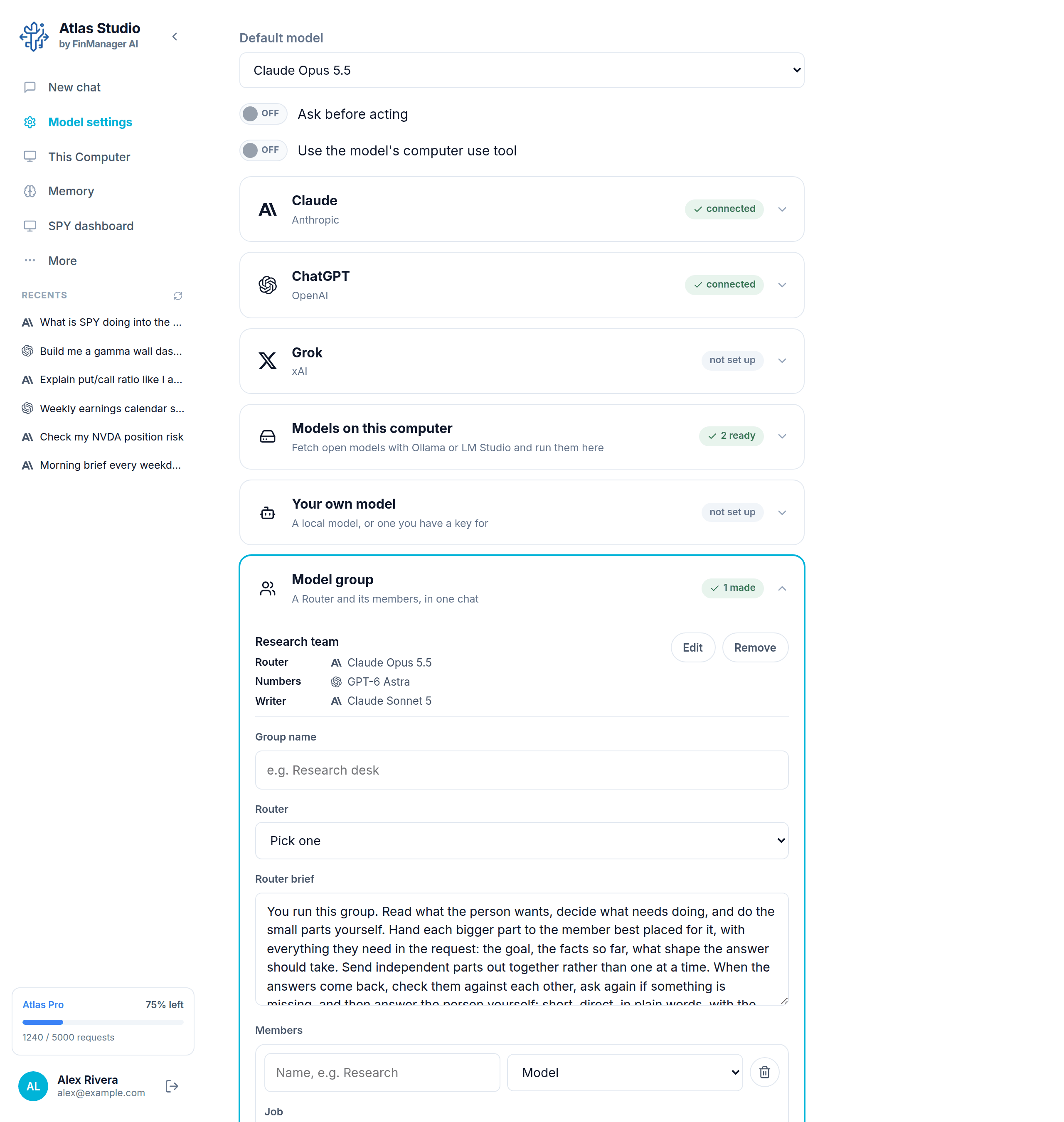
Open Model settings, click Model group, then Make a group.
Fill it in
- Group name, for example "Research desk".
- Router: pick the model that runs the group. Pick a strong one.
- Router brief: how the Router should run things. It is filled in for you; change it only if you want to.
- Members: for each one, give a short name (the Router calls them by it), pick a Model, and say what its Job is.
- + Add a member for more. The bin removes one.
- Press Make it.
Tips
- Give members names that say what they do, like Numbers or Writer.
- Mix models. For example one model to check facts and another to write.
- A group cannot contain another group.
Your group now shows in the chat's model list by its name. Edit and Remove are on the group in the same row.