Arrange the sidebar
The left menu is yours to arrange. You can rename things, change the order, pin your favourite places and choose which screen Atlas opens on.
More
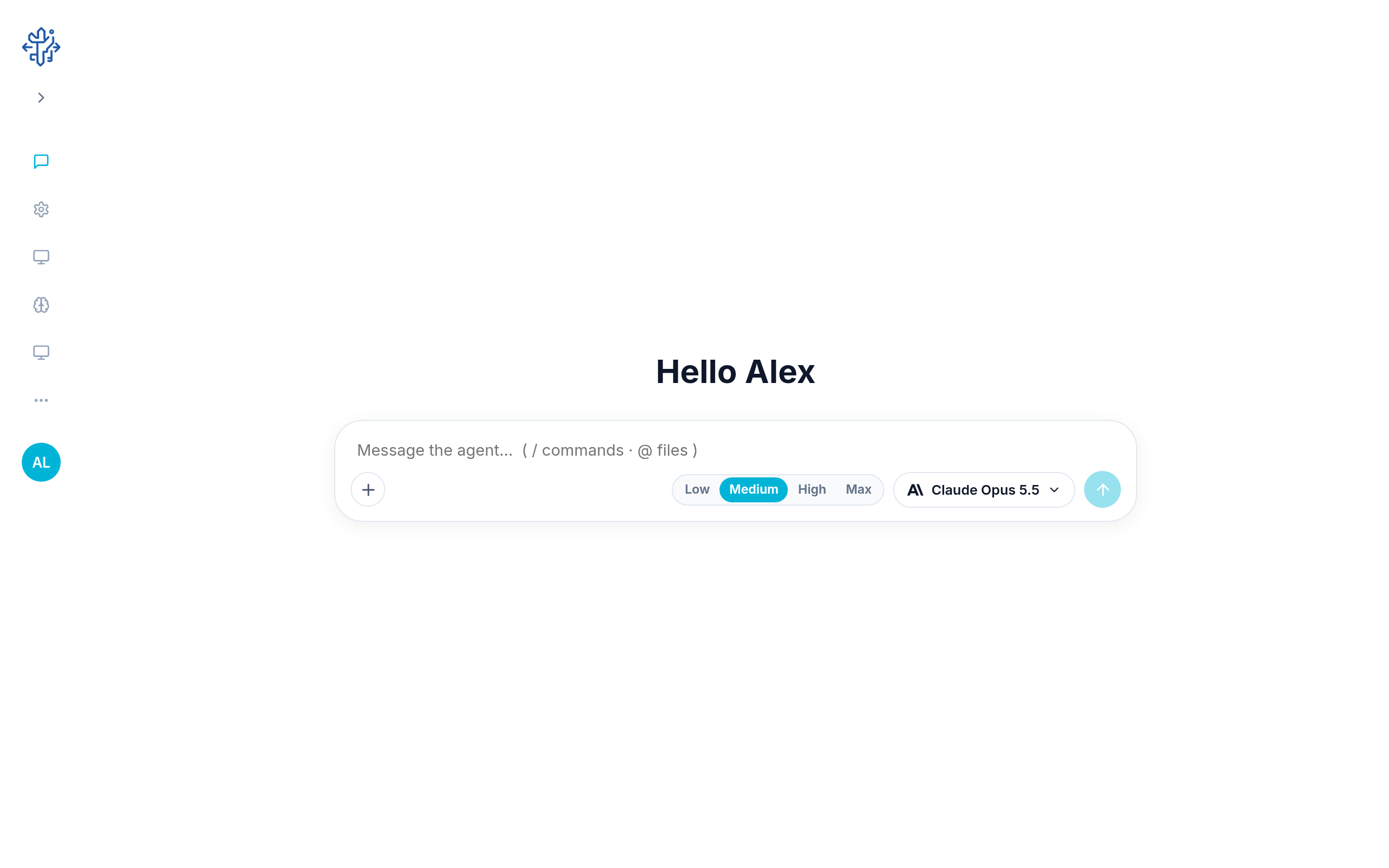
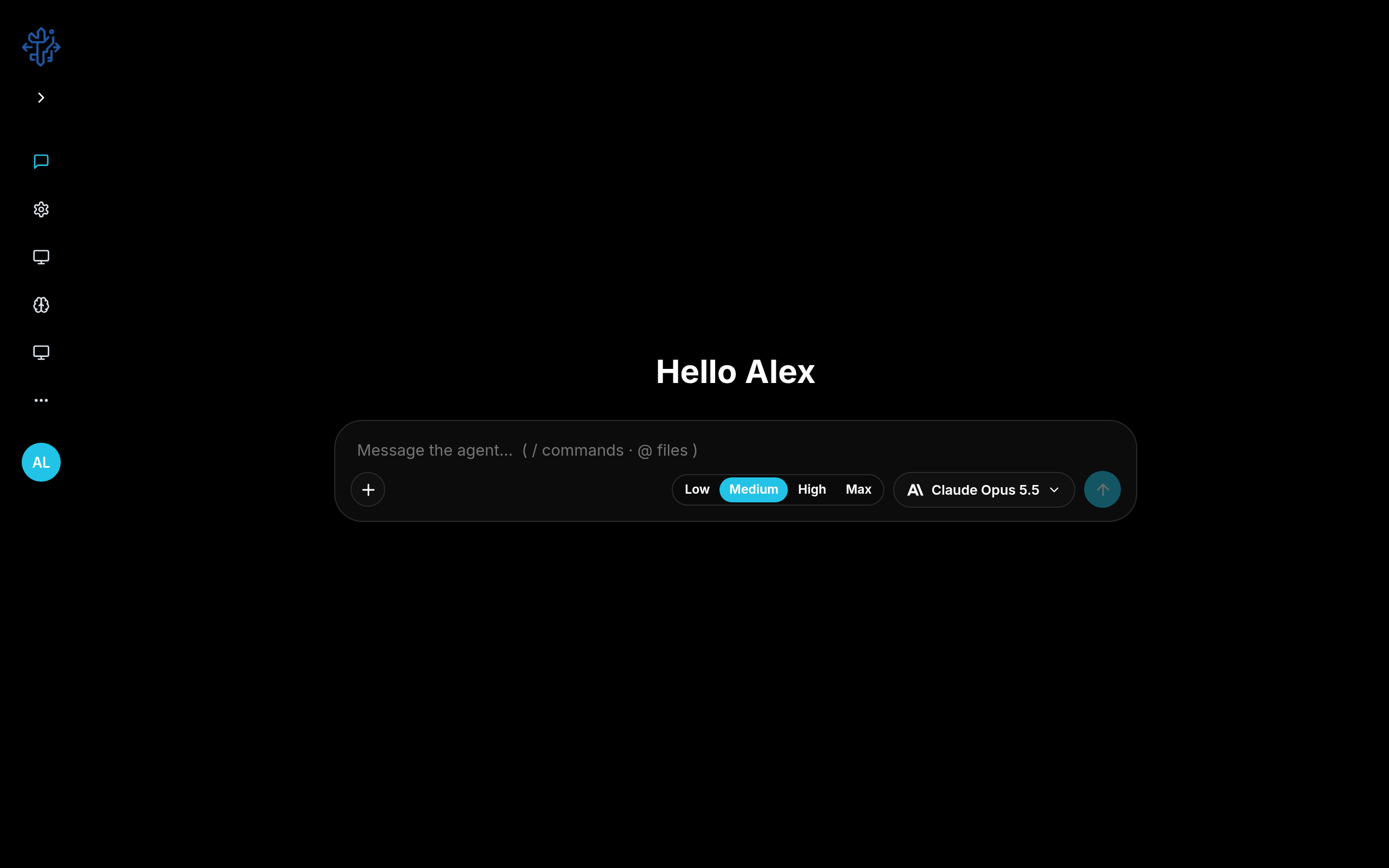
The menu shows five buttons. Anything after the fifth goes under More. Click More to see them.
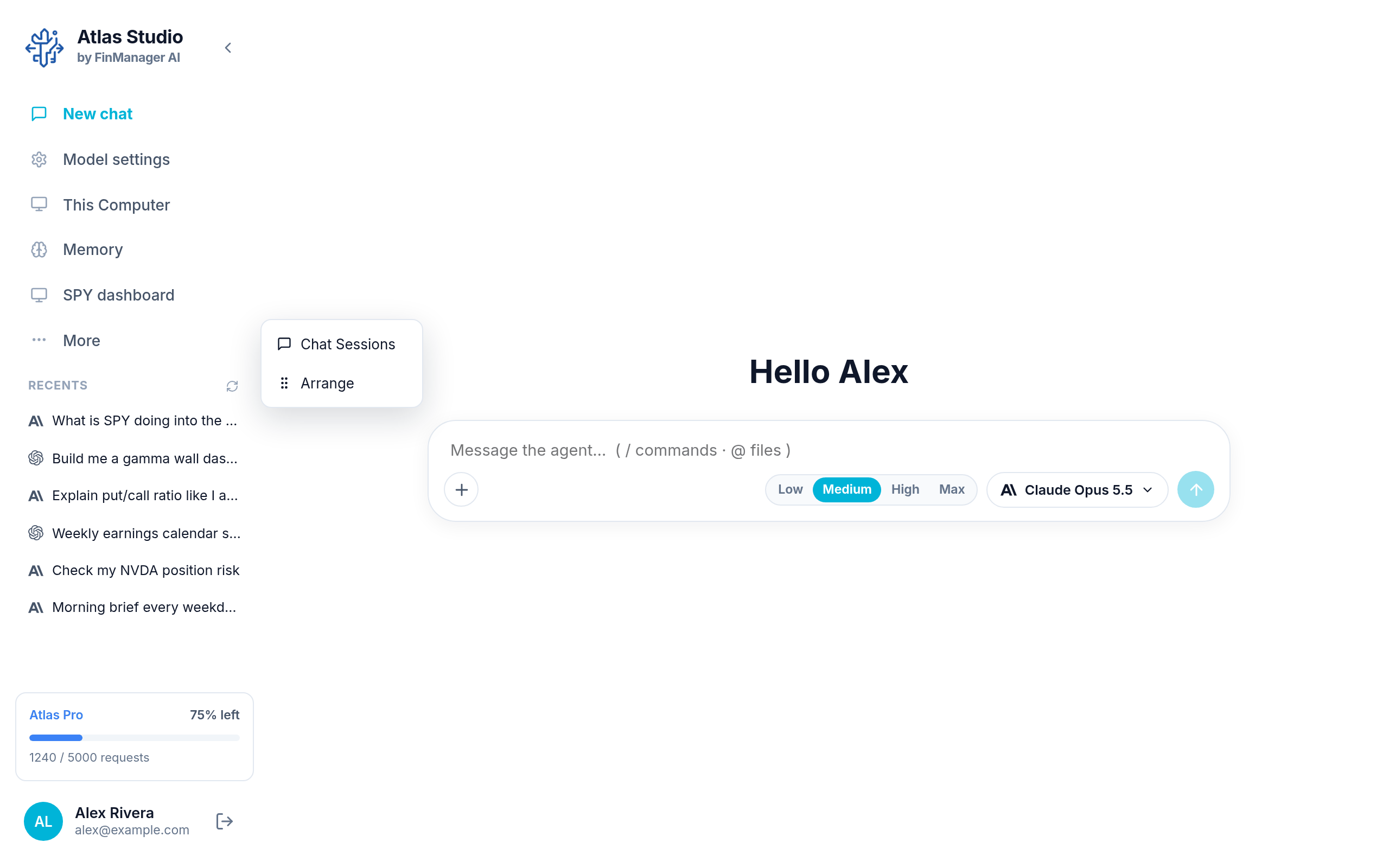
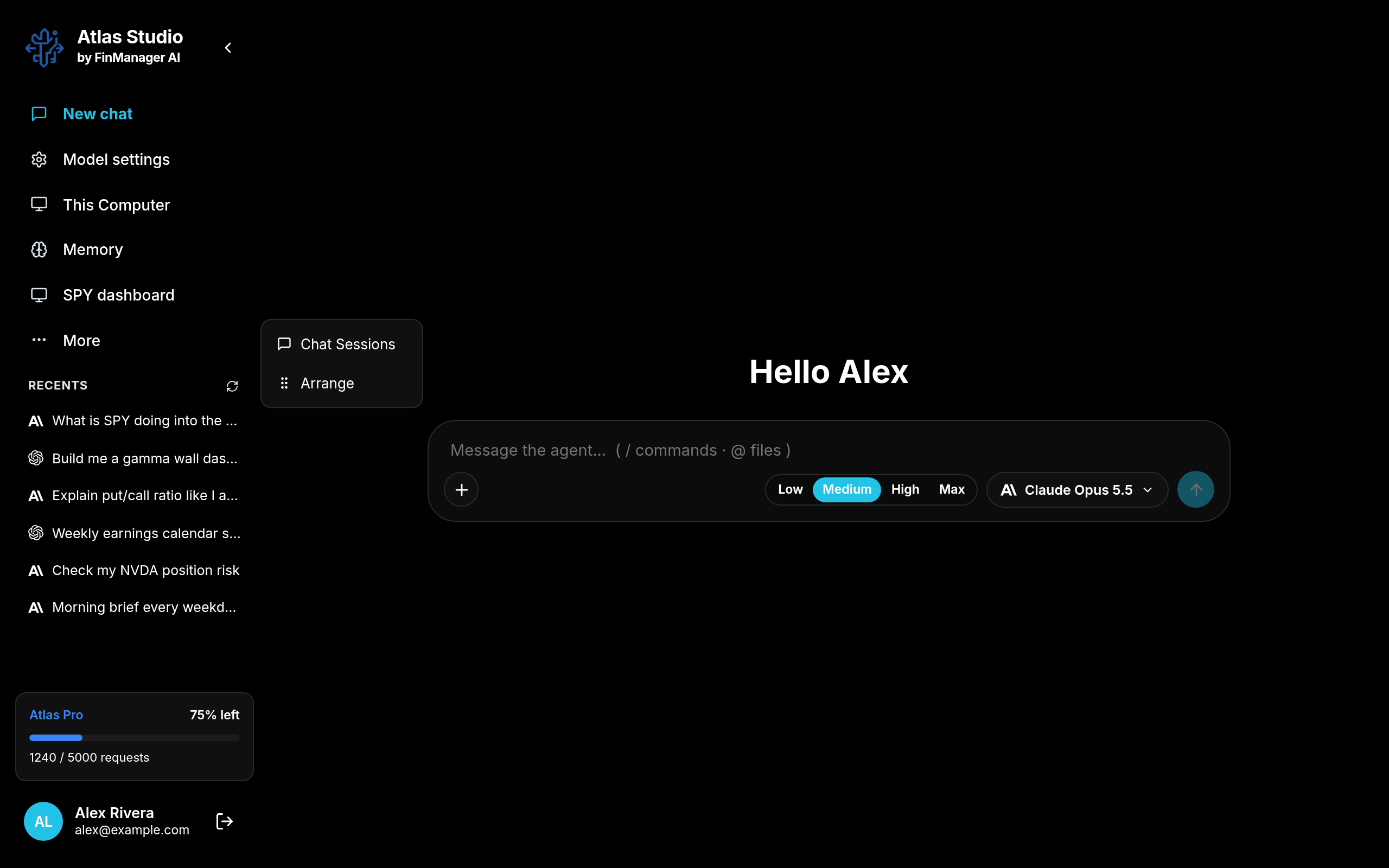
Press and hold
Press and hold any button in the menu for half a second, or right click it. A small menu opens:
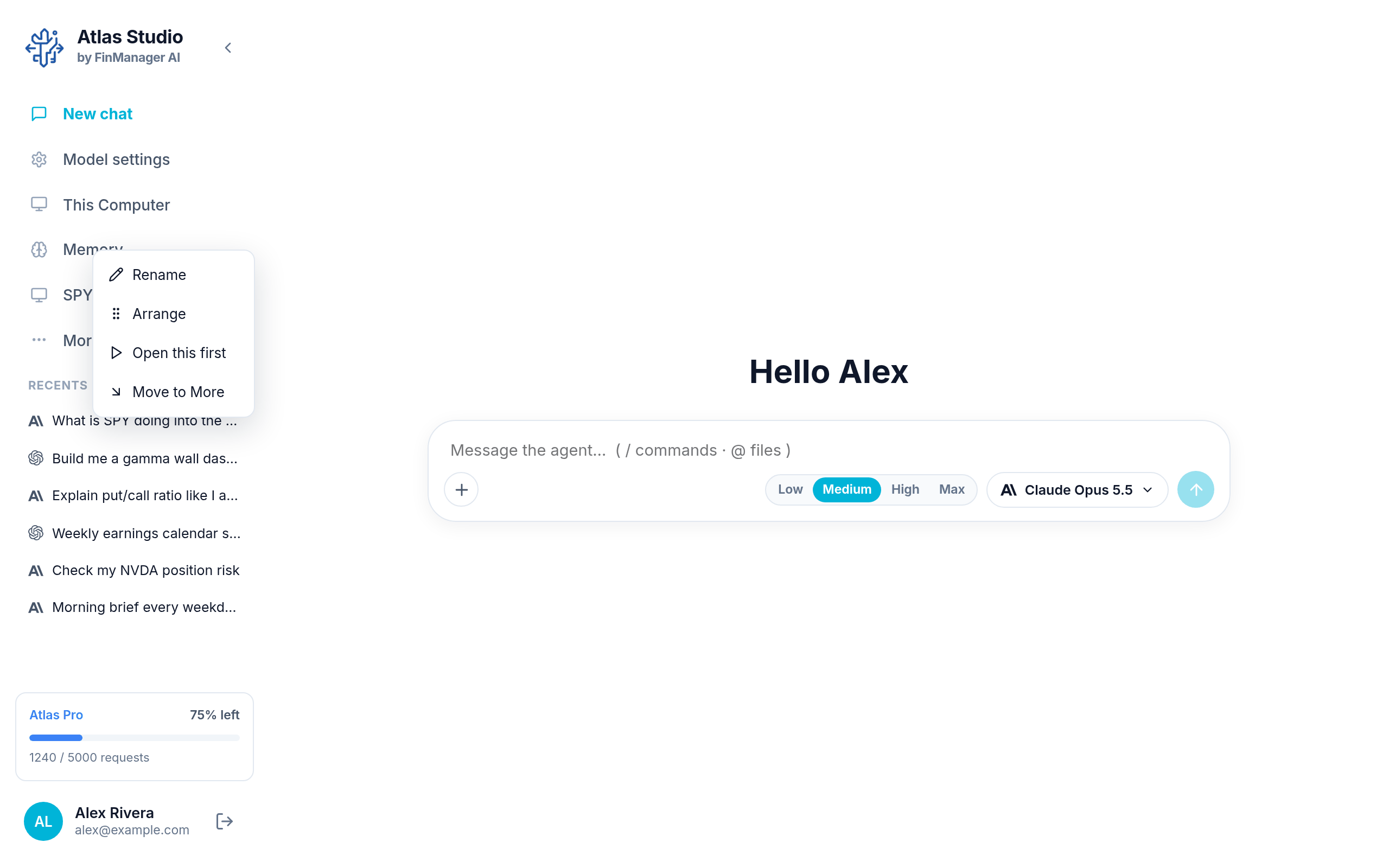
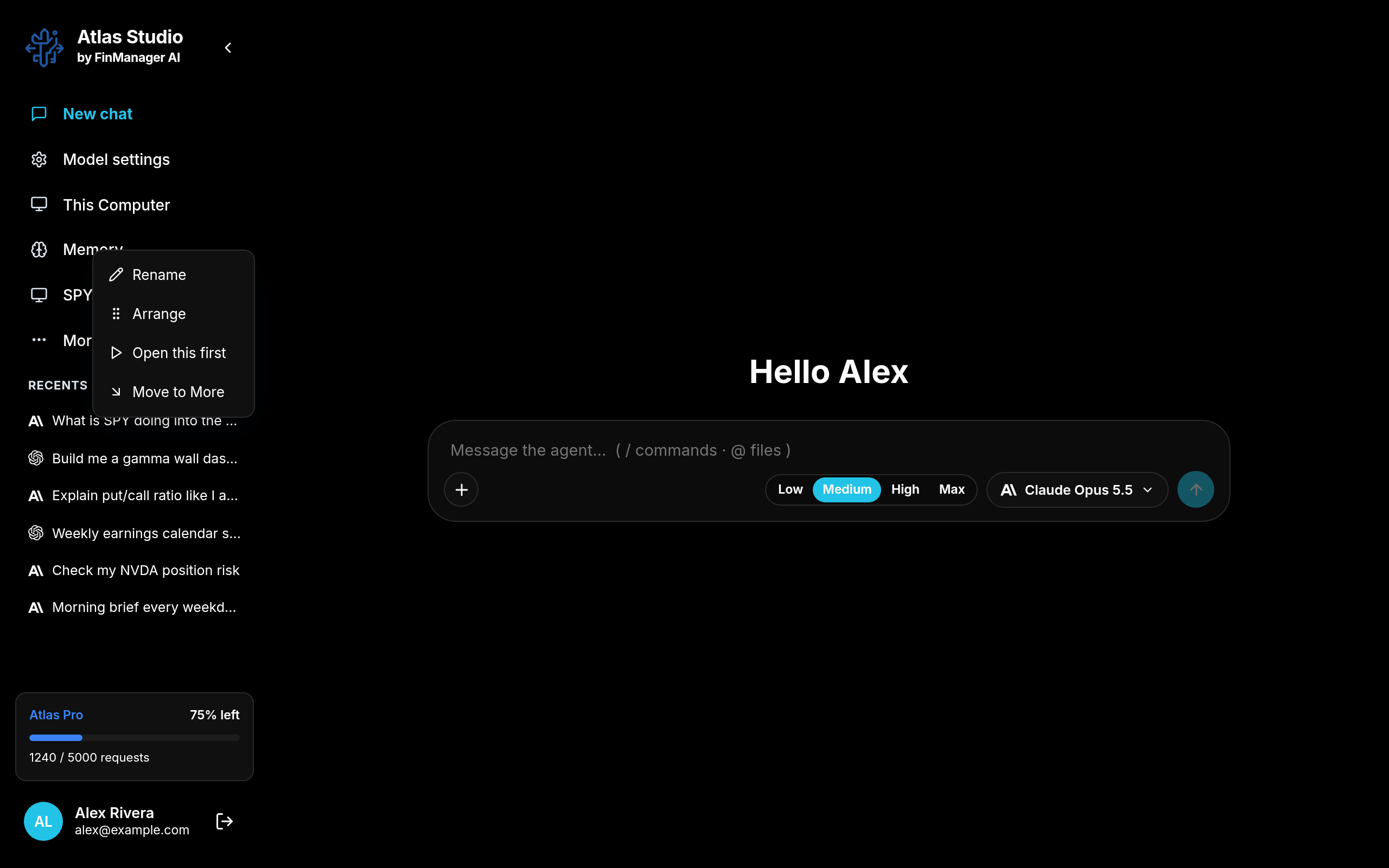
| Choice | What it does |
|---|---|
| Rename | Give it your own name (up to 30 letters). |
| Arrange | Change the order of everything. See below. |
| Open this first | Atlas opens on this screen when it starts. Stop opening first undoes it. |
| Move to More | Take it off the menu and put it under More. |
| Move to the rail | Bring it back from More. |
| Remove from panel | Remove one of your own pins. |
New chat, Model settings, This Computer and Memory can be renamed or moved to More, but never removed.
Pin a place you use a lot
You can pin a project, one of its tabs (like its Dashboard), or a Profile tab (like Chat Sessions) to the menu:
- Press and hold it (or right click it).
- Choose Add to panel.
- Give it a name and press Save.
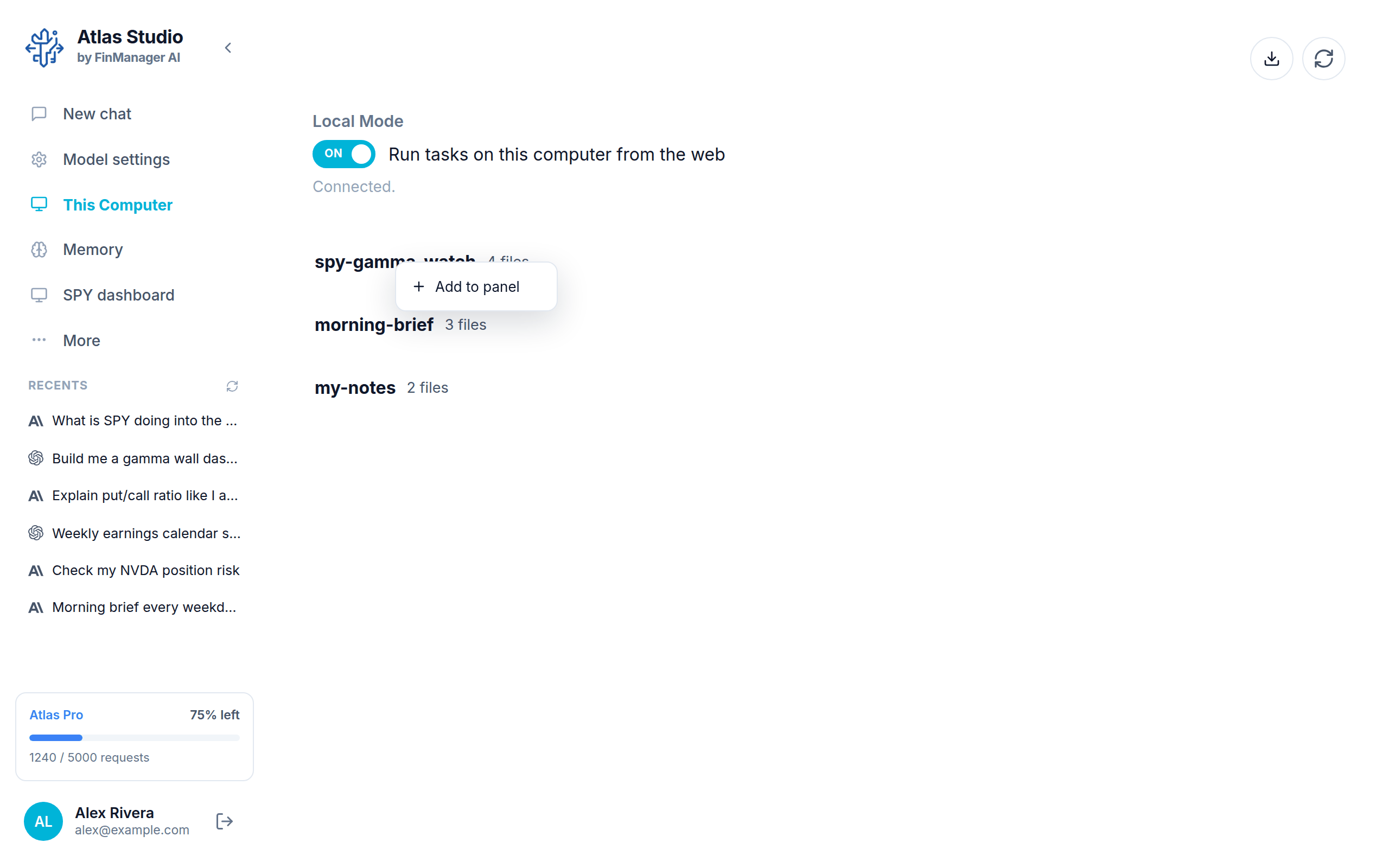
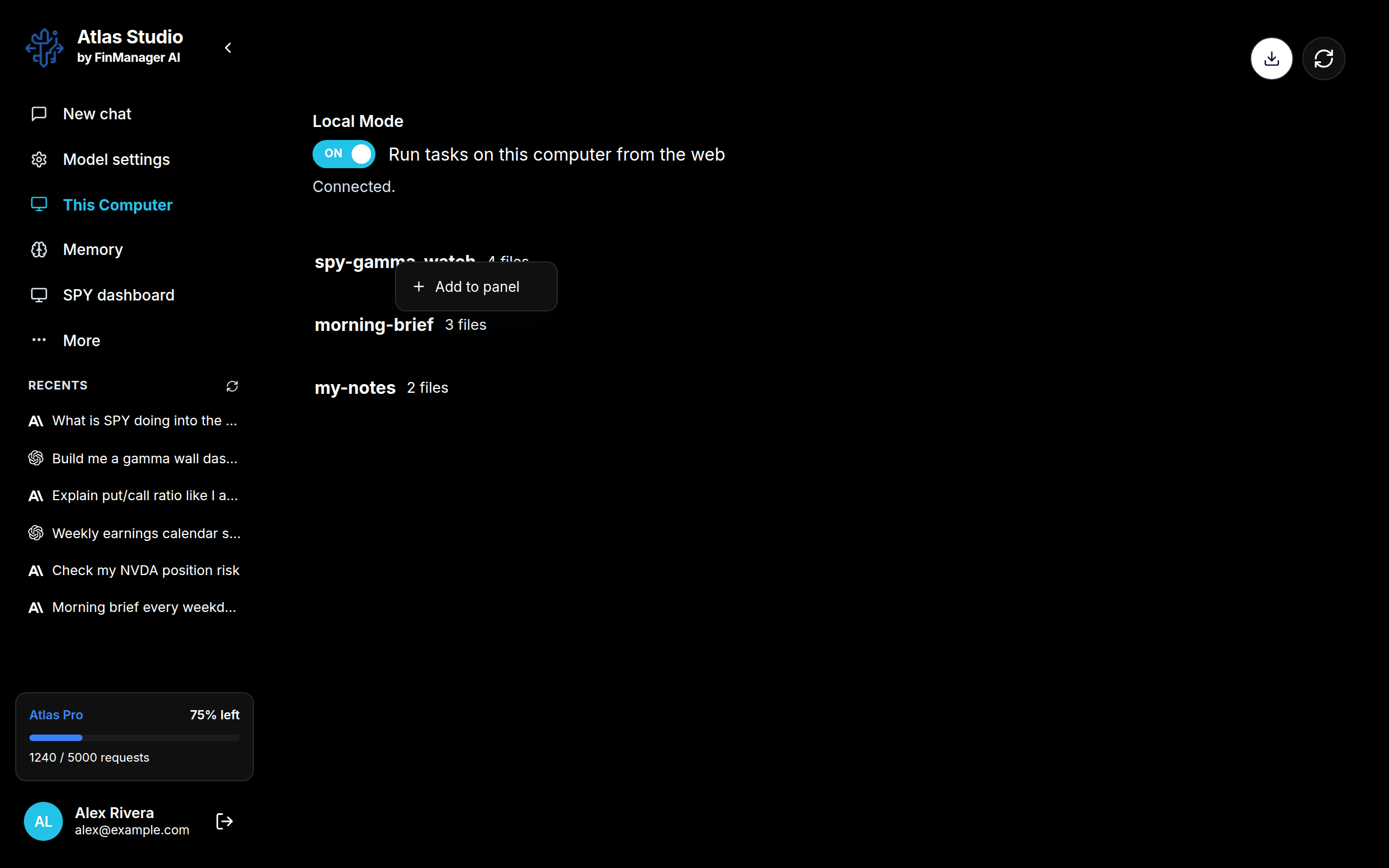
For example, pin your project's dashboard as "SPY dashboard" and it is one click away.
Arrange
Choose Arrange from the More menu or the hold menu.
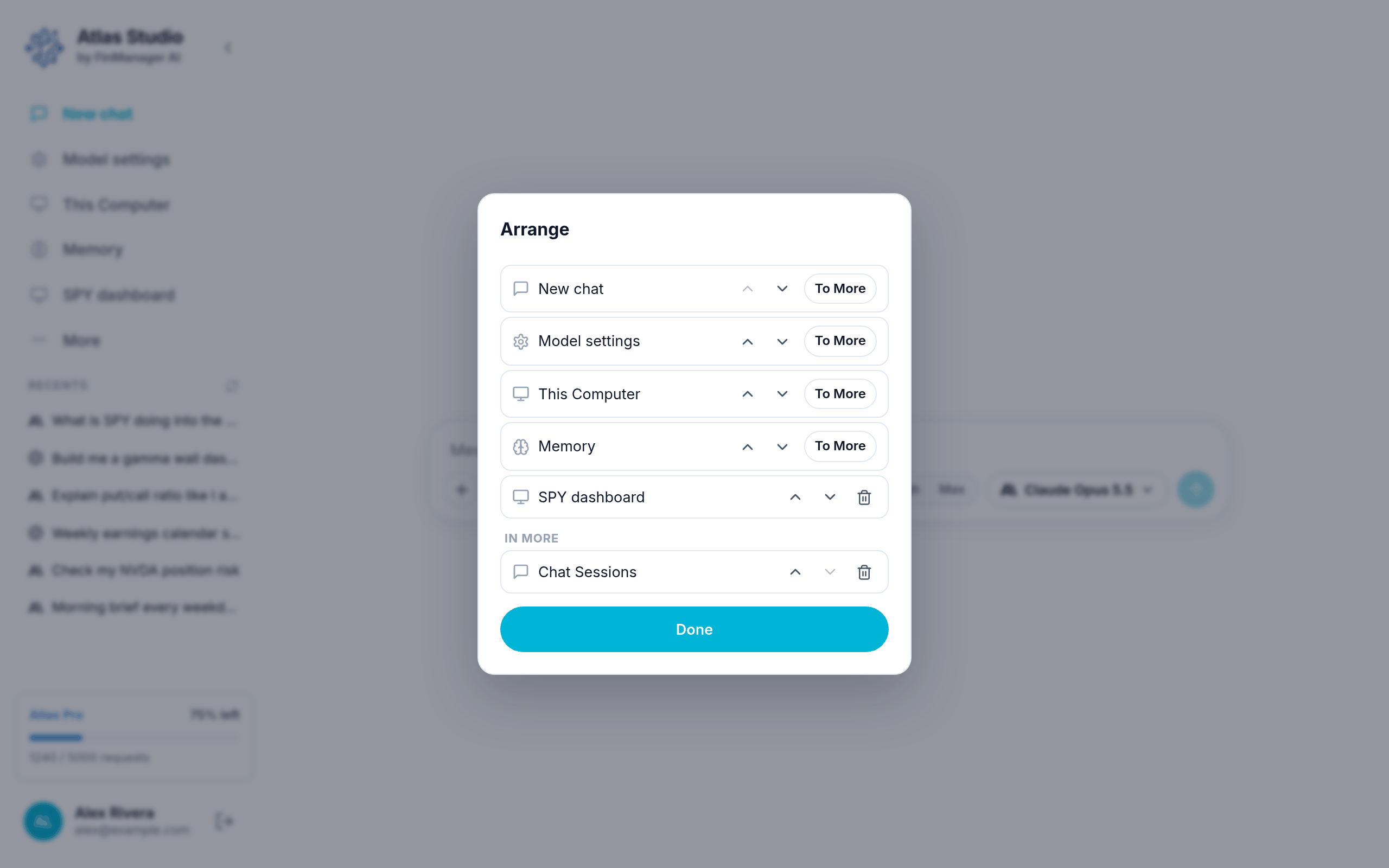
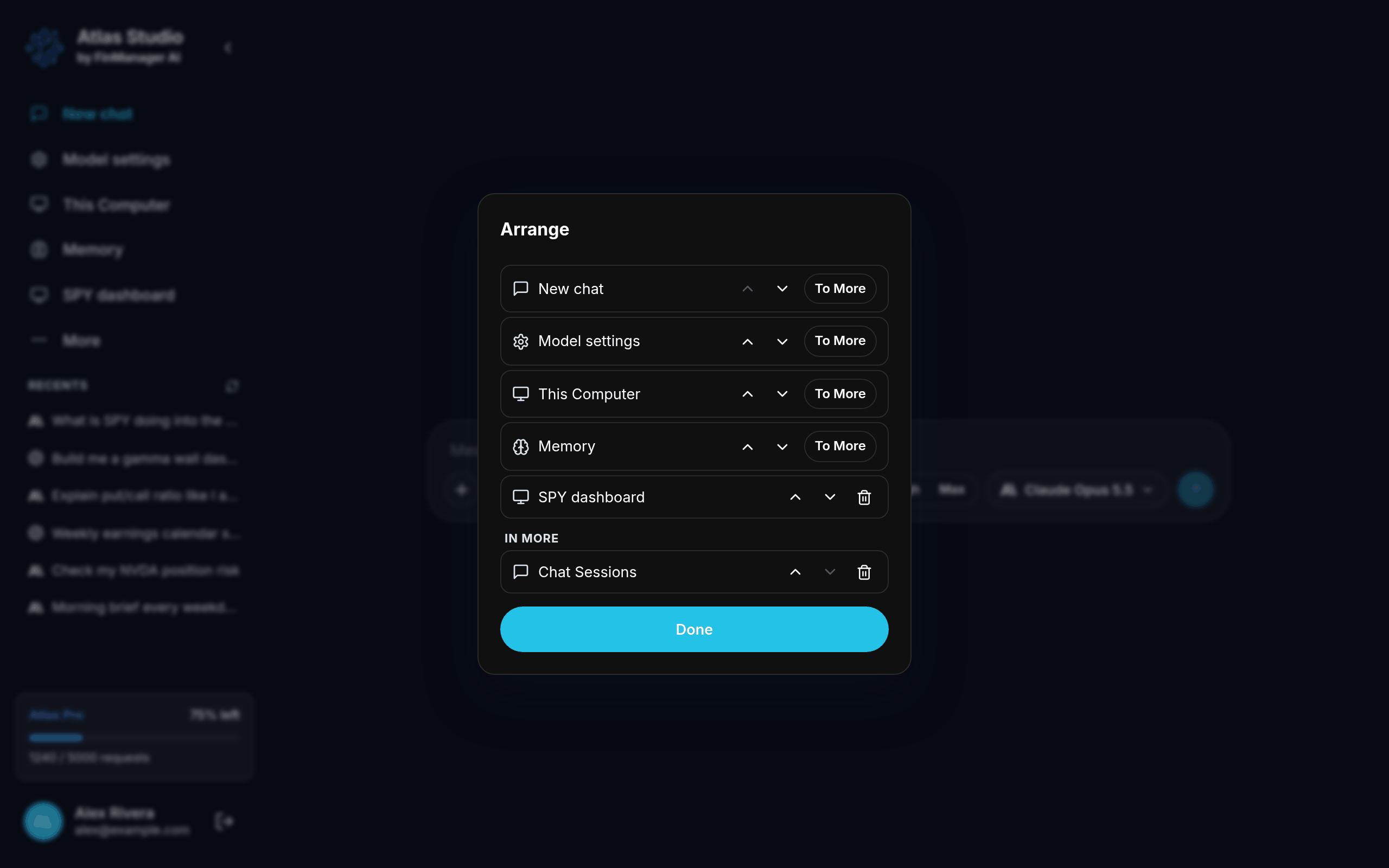
- The up and down arrows move a button.
- Everything below the In More line lives under More.
- To More / To the rail move a button between the two.
- The bin removes one of your own pins.
- Press Done when you are finished.
Make the menu smaller
The < arrow next to "Atlas Studio" at the top folds the menu down to icons. Press it again to open it. On a small window it folds by itself.
Your menu is saved to your Atlas account, so it looks the same on every computer where you use Atlas Studio.