Chatting
Change the model
Click the model name in the chat box (for example Claude Opus 5.5). A window opens.
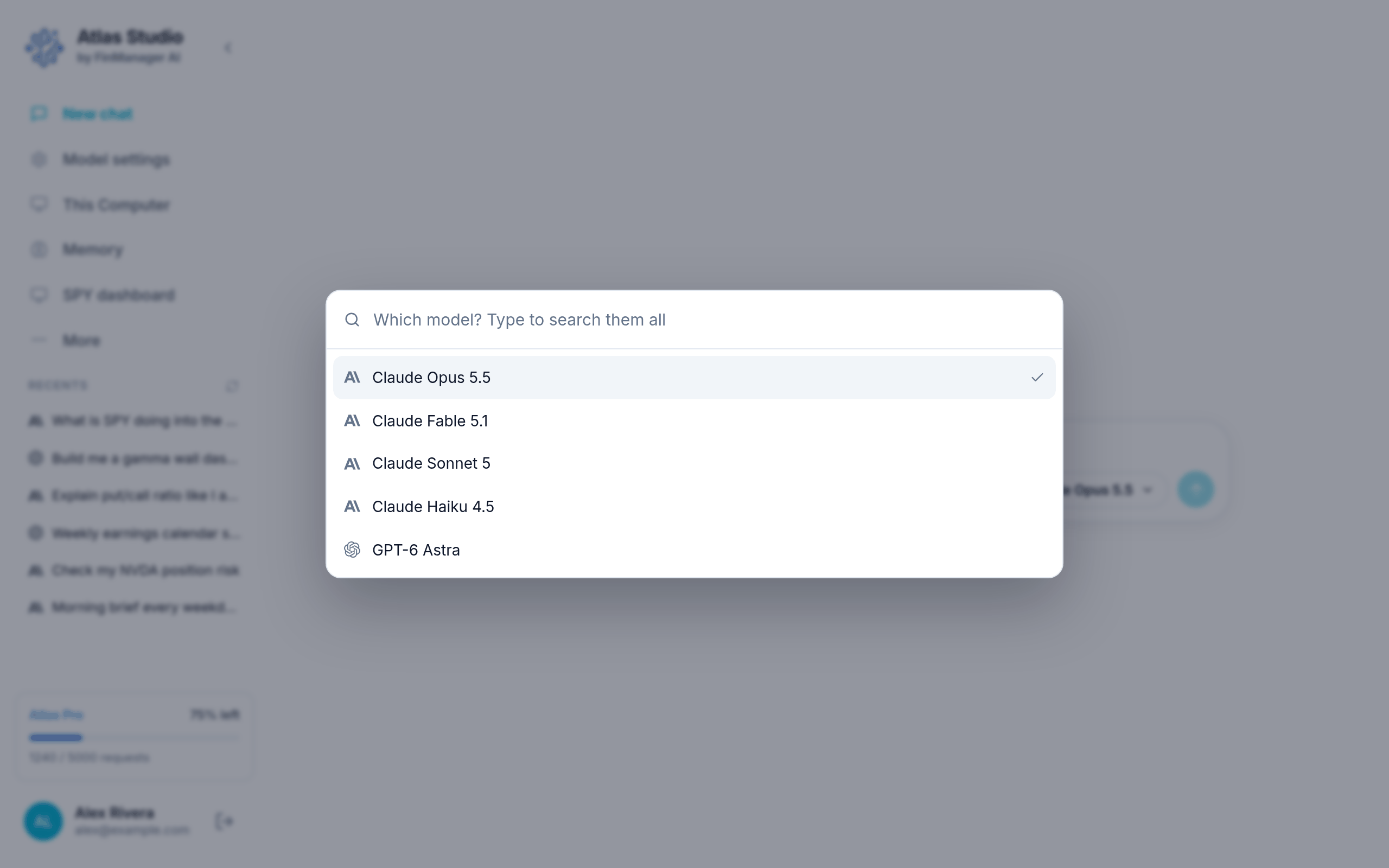
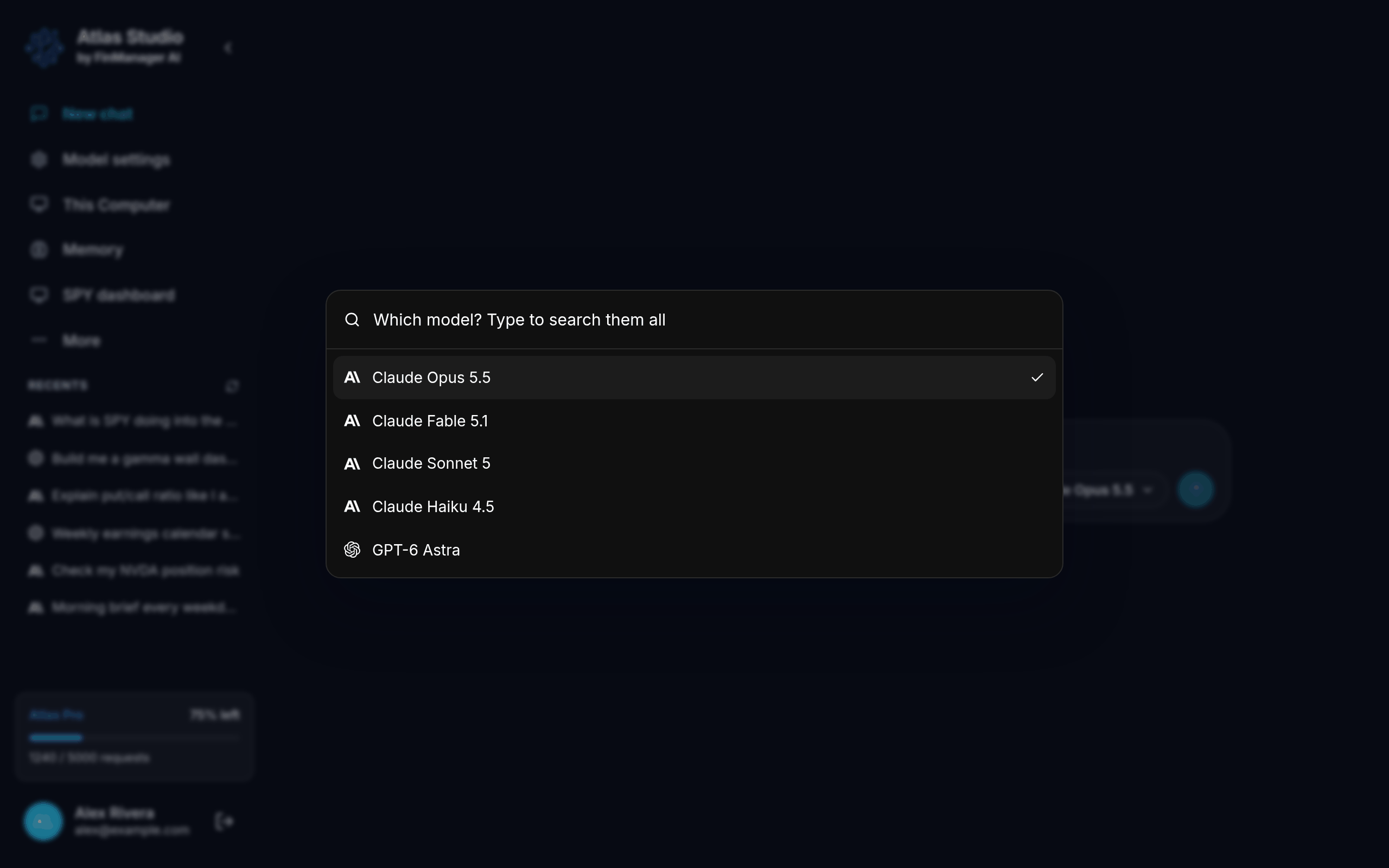
- The ones you used last are at the top.
- Type to search every model you have, including your own models and model groups.
- Click one, or use the arrow keys and press Enter.
Switching starts a fresh chat on the new model, in the same project. The old chat is kept in Recents. If it was still answering, it carries on in the background.
Only for one message
Want a second opinion without leaving the chat? Type @ in the chat box and pick a model. Only that message goes to it. See The chat box.
Changing the one a new chat starts with
Go to Model settings and choose it under Default model. See Model settings.
How hard it thinks
Next to the model name are Low / Medium / High / Max (some models have fewer). Higher means a slower, more careful answer. Like changing the model, changing this starts a fresh chat.