Chatting
Find past chats
Recents
Your latest chats are listed under Recents in the left menu, newest first, with the logo of the model you used. Click one to open it and carry on.
- The chat you are in is highlighted.
- A chat that is still working gently flashes, so you can see it at a glance.
- The small circle arrow next to Recents refreshes the list.
Right click a chat in Recents for two choices:
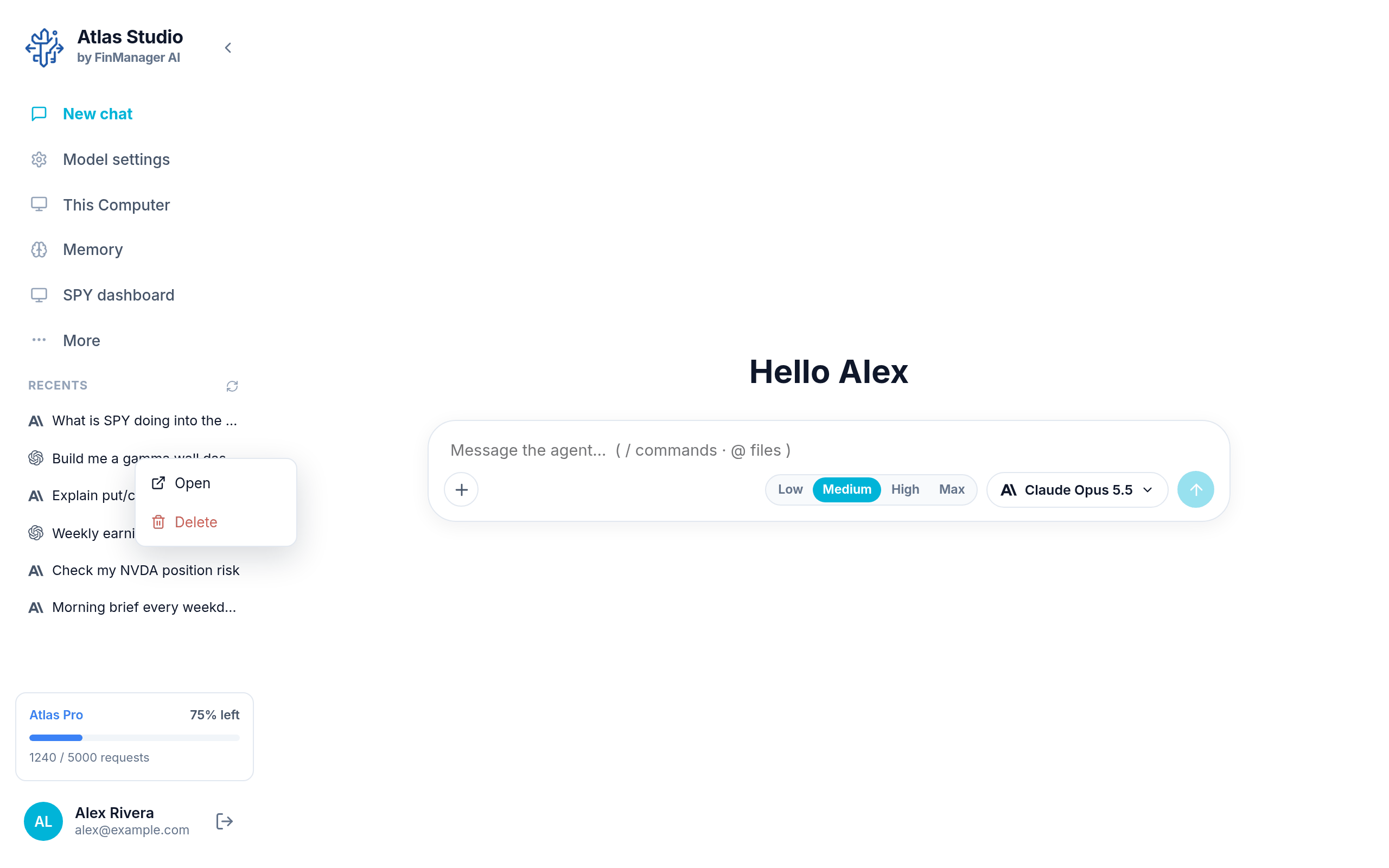
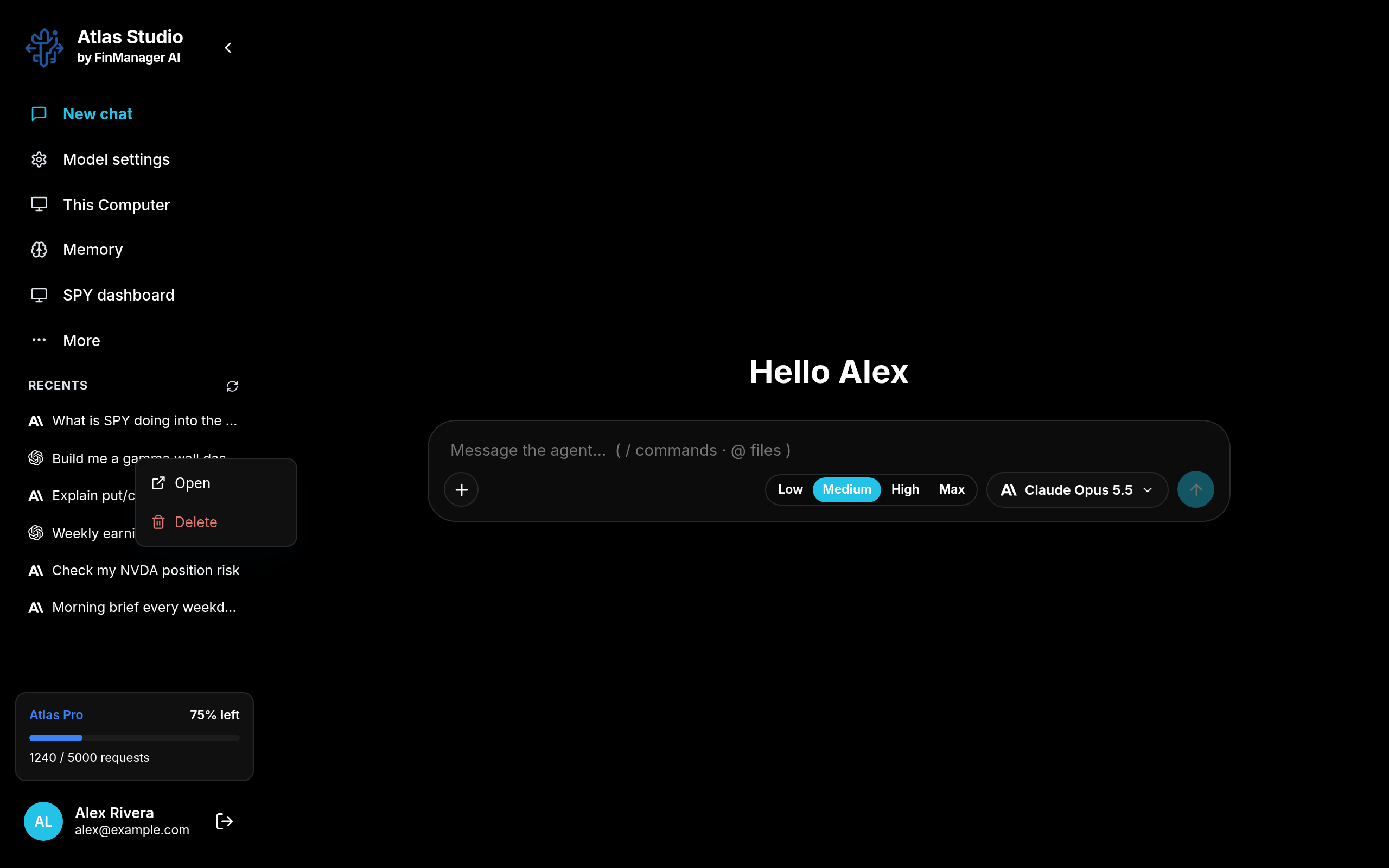
- Open
- Delete. This deletes it straight away, with no second question.
Every chat: Chat Sessions
Recents only shows the latest ones. For all of them, click your name at the bottom of the menu and choose the Chat Sessions tab.
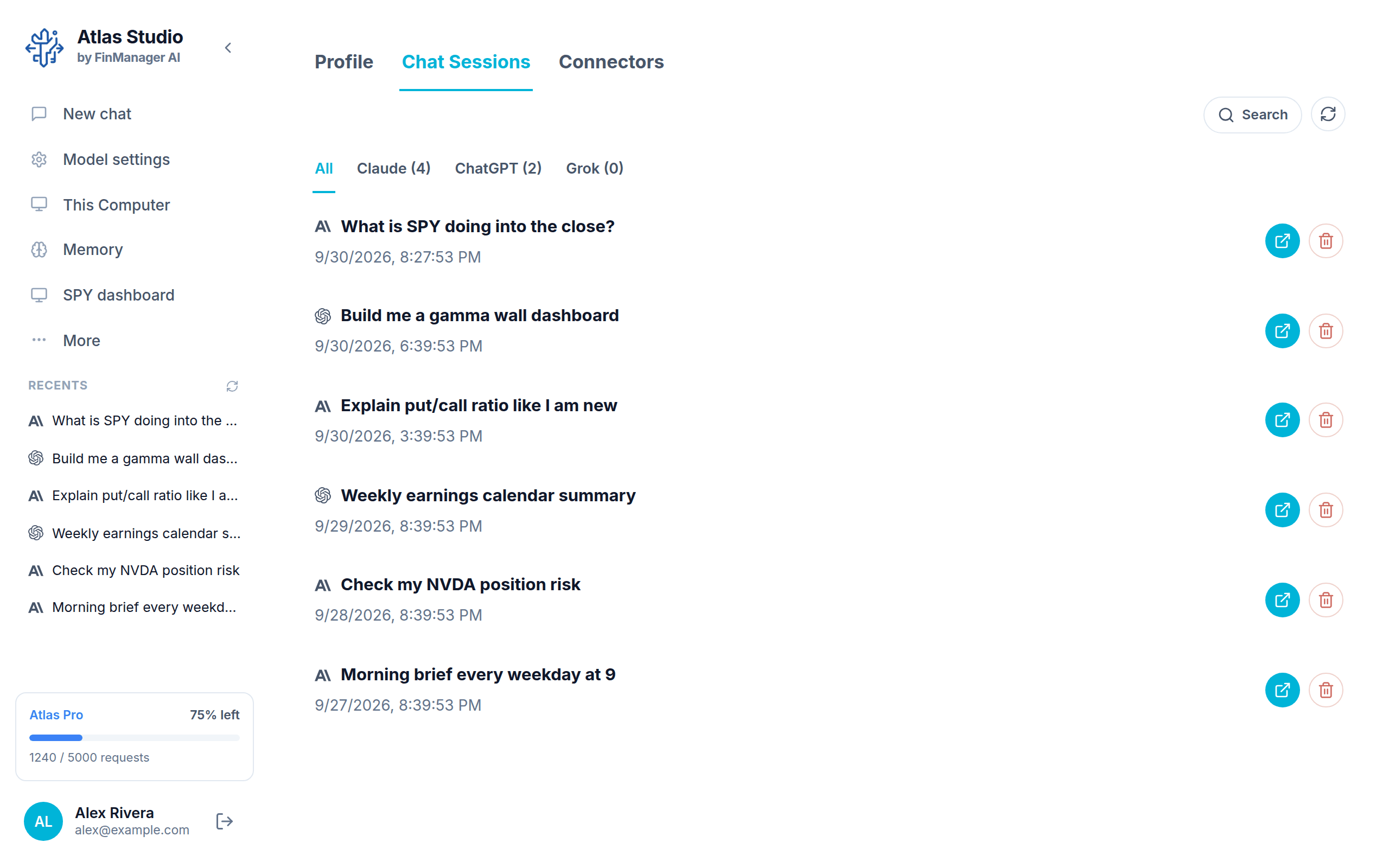
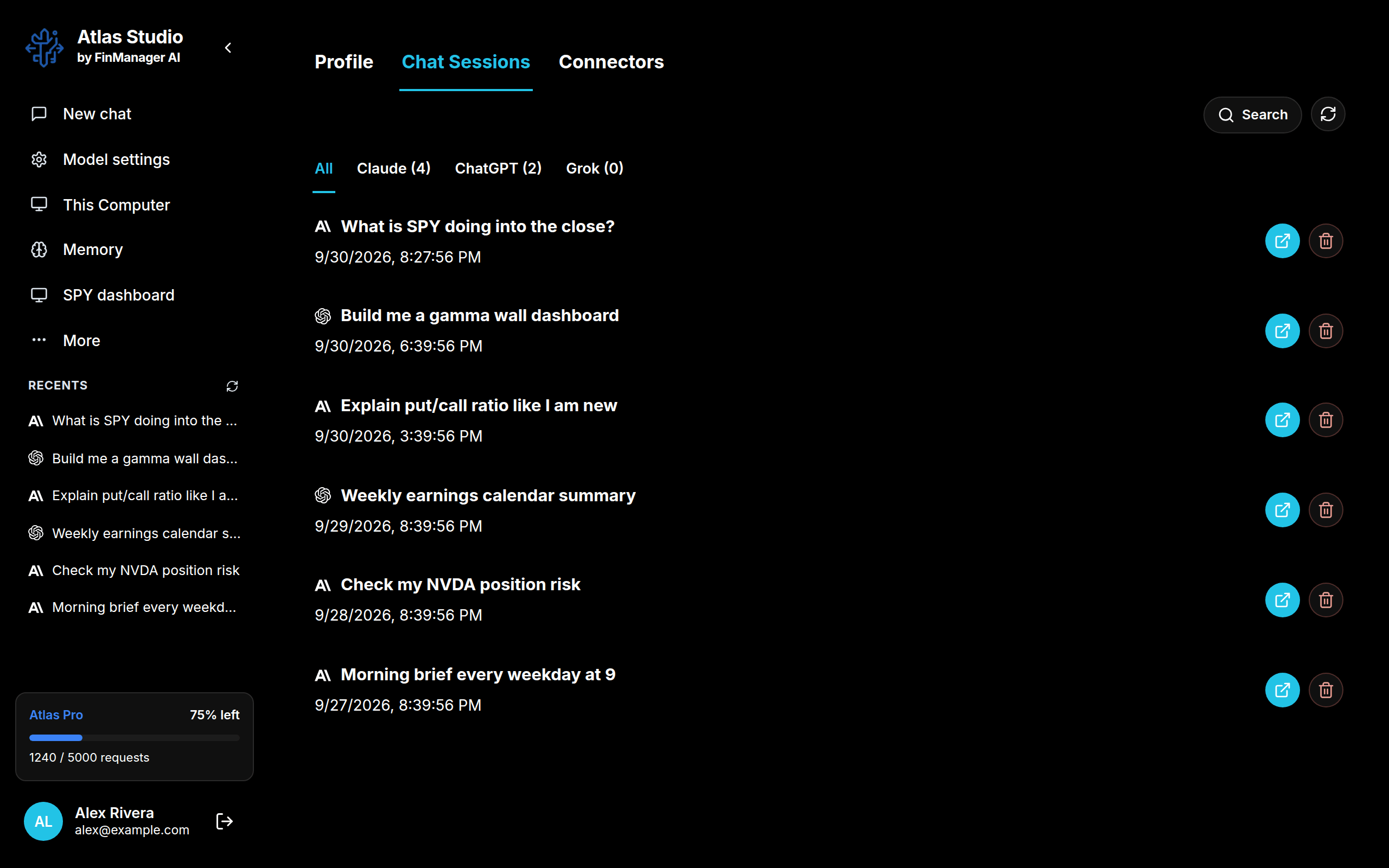
- The tabs along the top (All, Claude, ChatGPT...) filter by model.
- The blue button on a row opens that chat. The red one deletes it.
- A chat that is still working says Agent is working...
Search everything you have said
Press Search on Chat Sessions and type a few words. Atlas looks through every conversation on this computer, including what the model did, not only what was said.
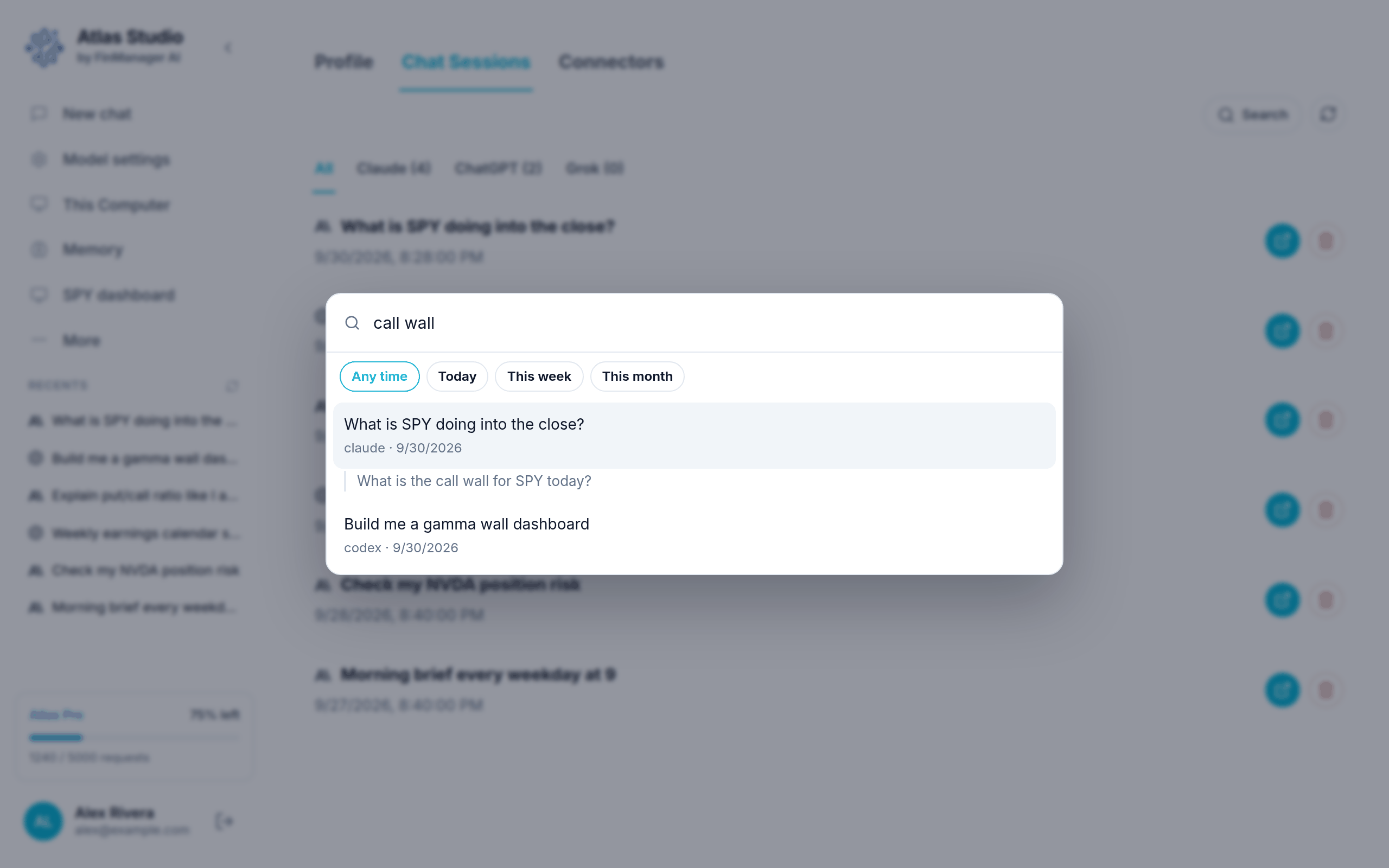
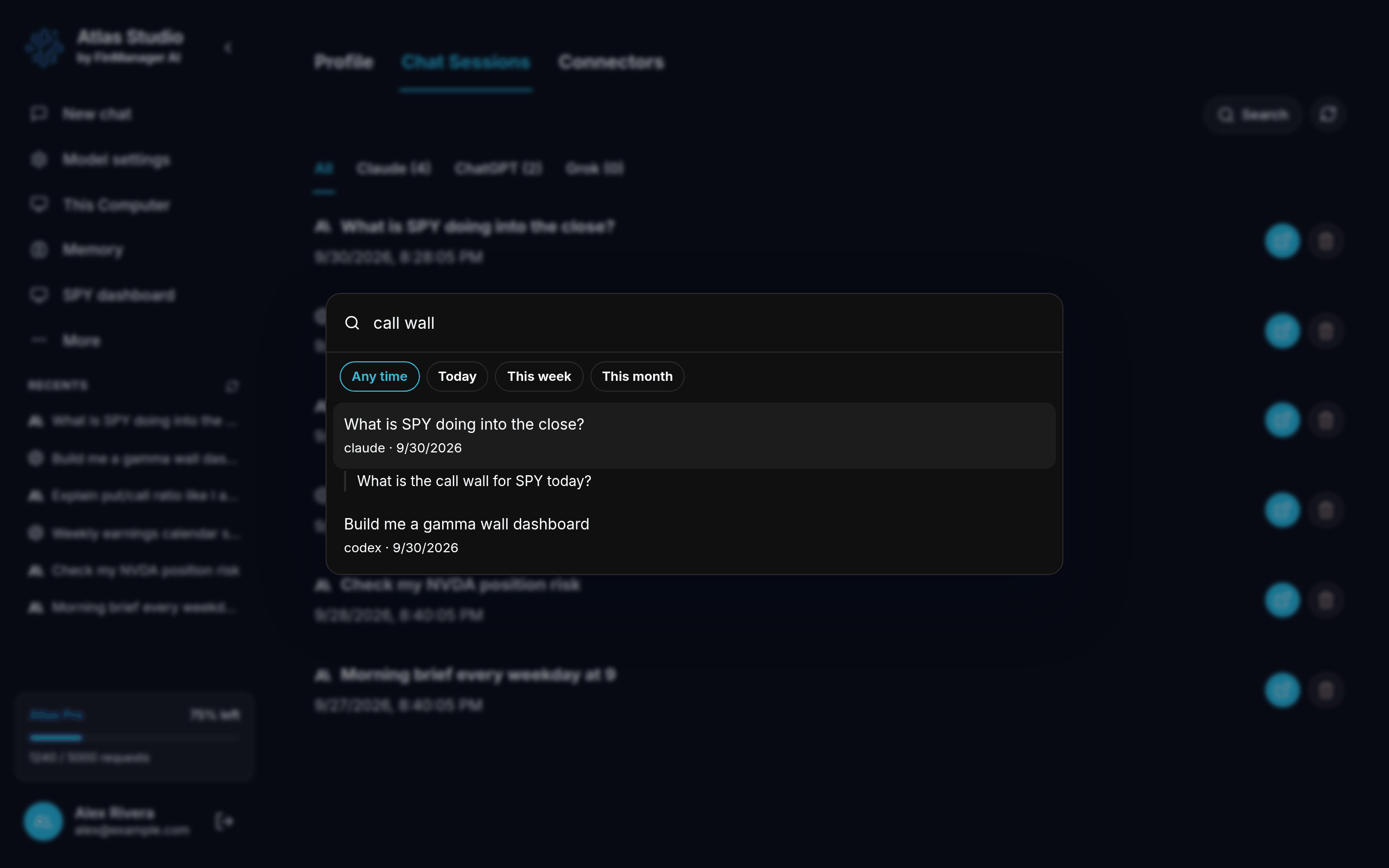
Use Any time / Today / This week / This month to narrow it down. Click a result (or press Enter) to open that chat.
Note
A chat's name comes from what you first asked. There is no way to rename a chat.