Using the dashboard
Exits and the scale out ladder
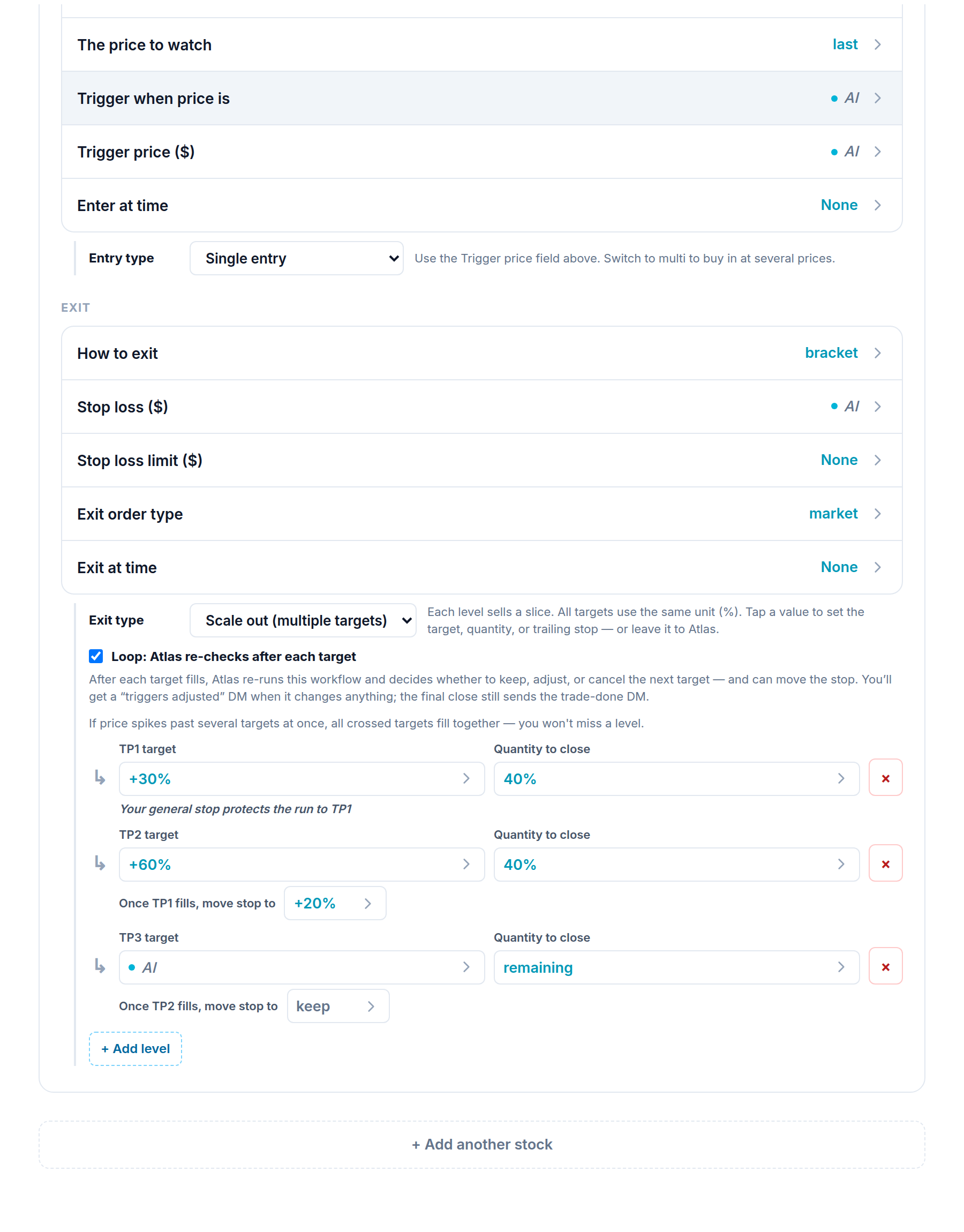
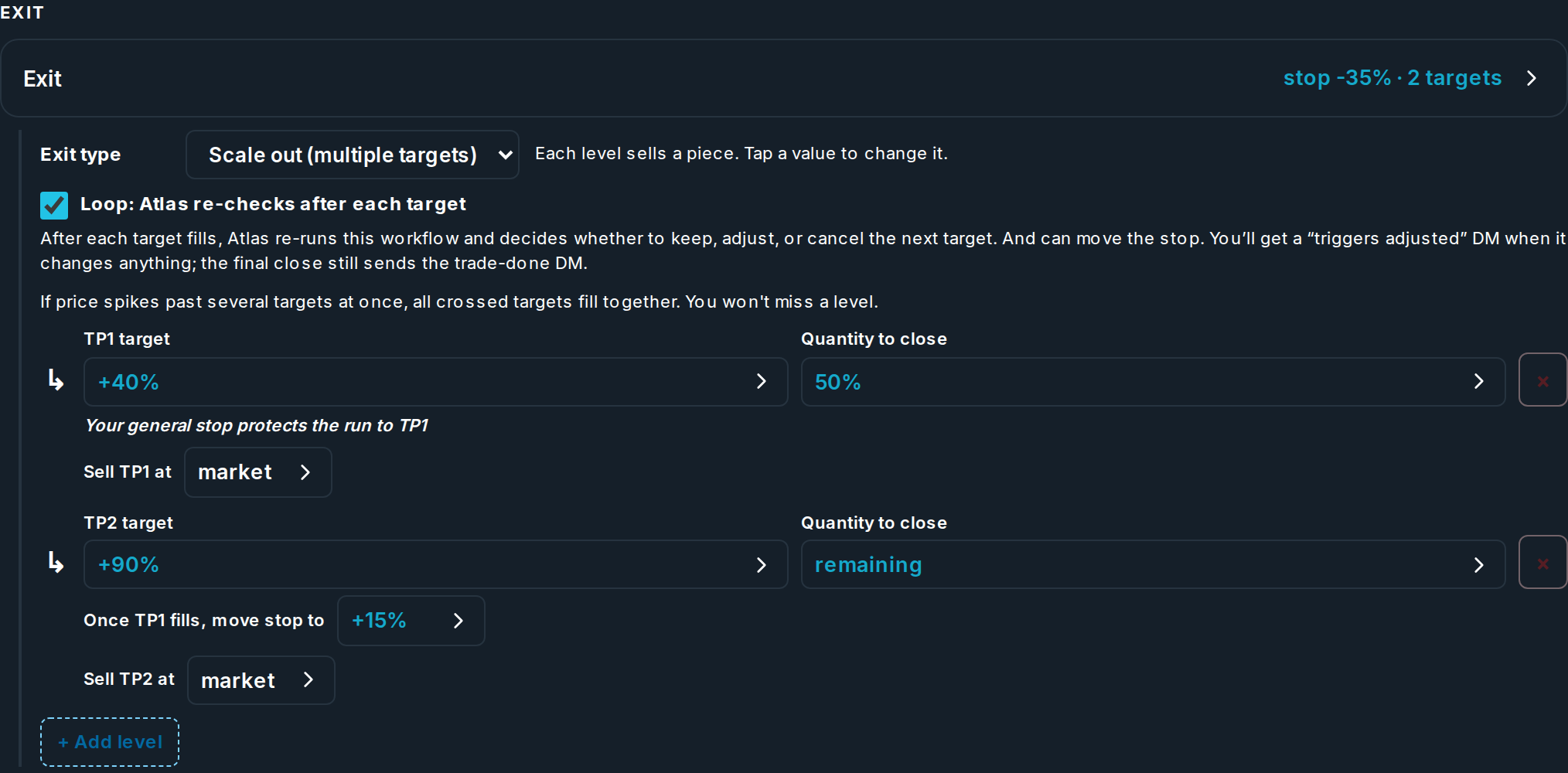
In the Trades step, set Exit type to Scale out (multiple targets) to sell in stages instead of all at once.
How a ladder works
Each level has a target, an amount to sell, and an optional trailing stop that turns on after the level before it fills.
| Setting | Choices | Notes |
|---|---|---|
| Target as | Percent or Price | Set it on the first level. Every later level uses the same one. |
| Target | a number, or AI | AI lets Atlas pick the level while it runs (loop workflows). |
| Amount to sell | a number, a percent, or remaining | The last level should sell remaining, so nothing is left over. |
| Move stop to | a level, breakeven, or keep | The trailing stop that guards the run into the next target. |
| Loop | on or off | With loop on, Atlas checks again after each fill and can move later targets or exit early. You get a message when it changes something. |
Rules the form checks for you
- One target type. Every level is all percent or all price. You cannot mix.
- Cover it all. The amounts must add up to the whole entry. A remaining amount always covers the rest. Fixed amounts must add up to the size, and percents must add up to 100.
- Fast moves. If the price jumps past a few targets at once, they all fill together, so you do not miss one.
Tip
Each time the loop actually changes your trade (moves a target or closes the rest early), it uses one request, the same as opening a trade. A check that leaves the trade alone is free. See Plans and how you get charged.