Alerts tab
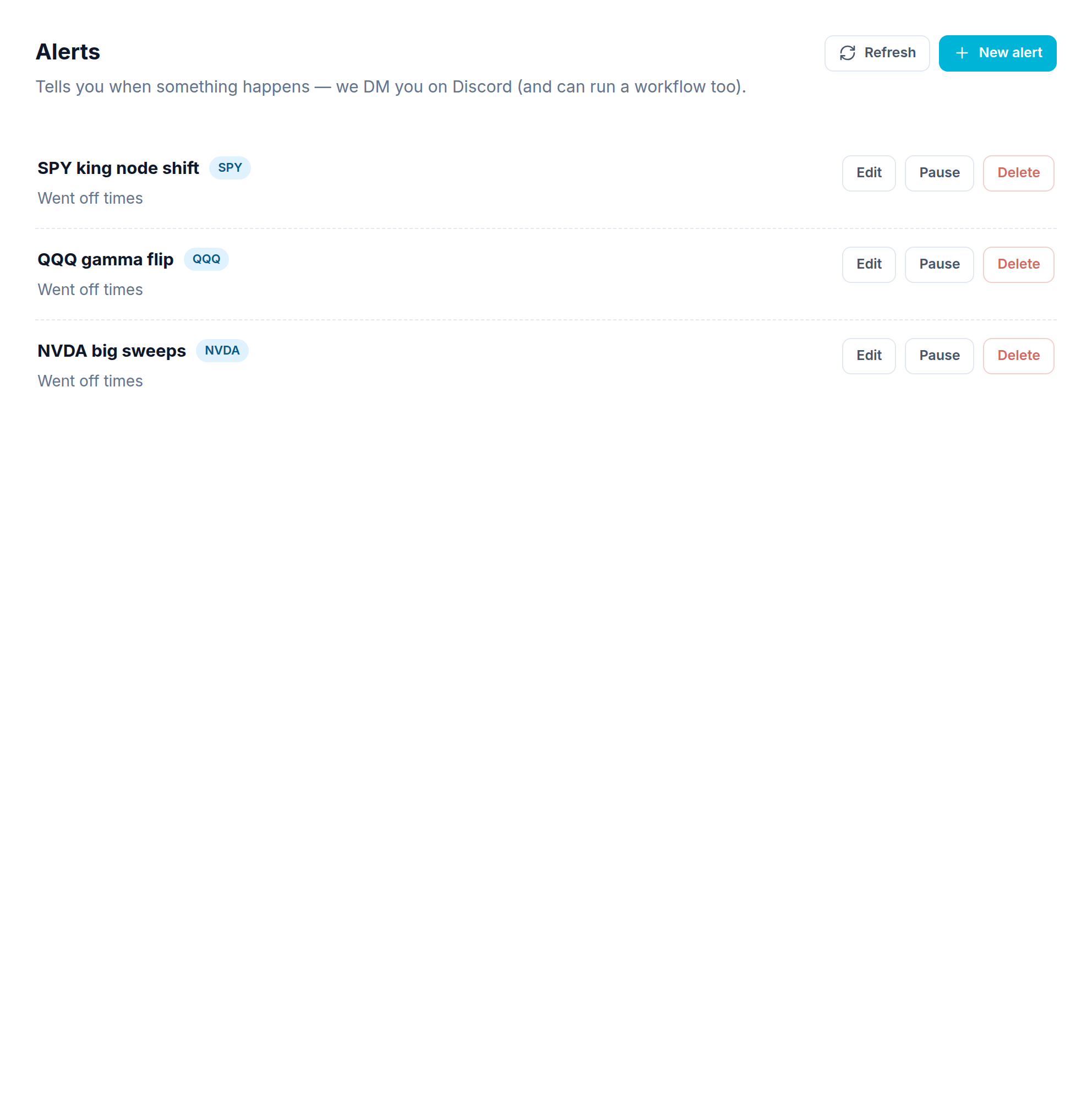
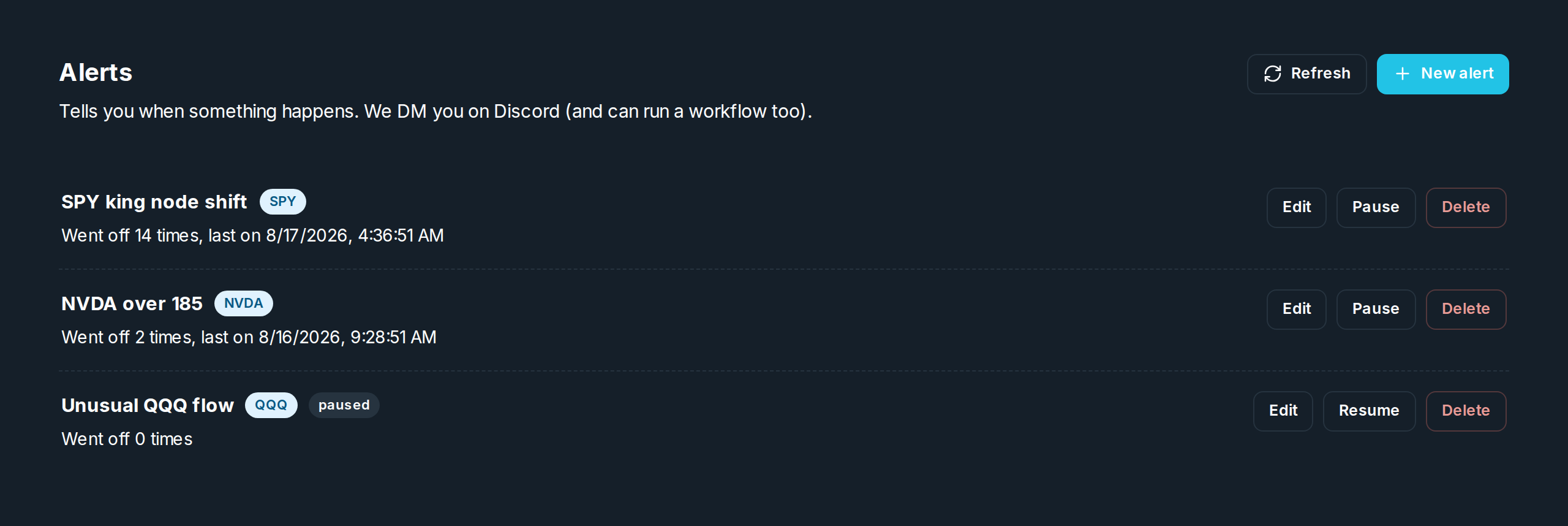
An alert watches the market and goes off when your condition is met. On its own it messages you. Attached to a workflow or trigger, it decides when that helper runs.
Making an alert
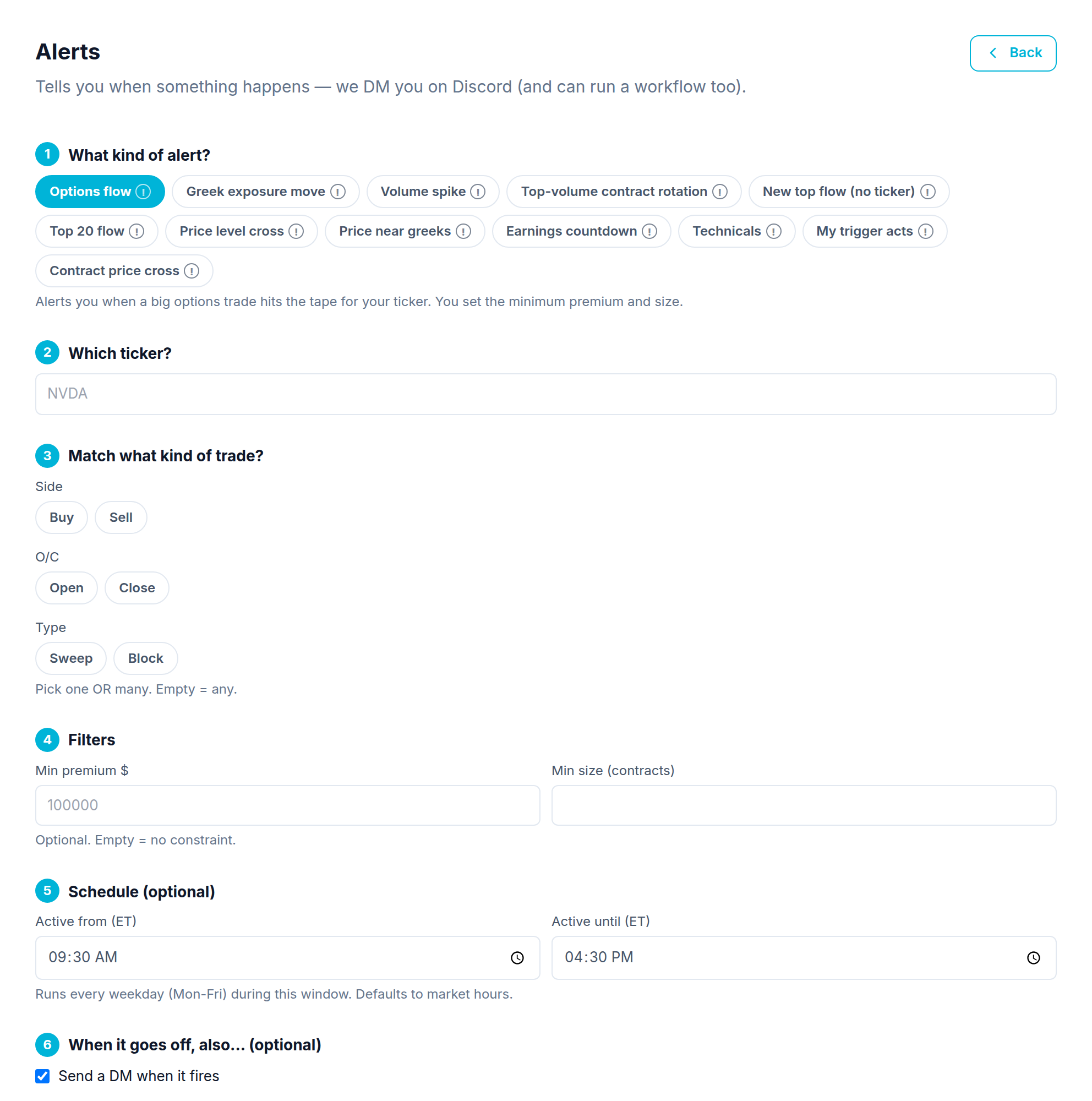
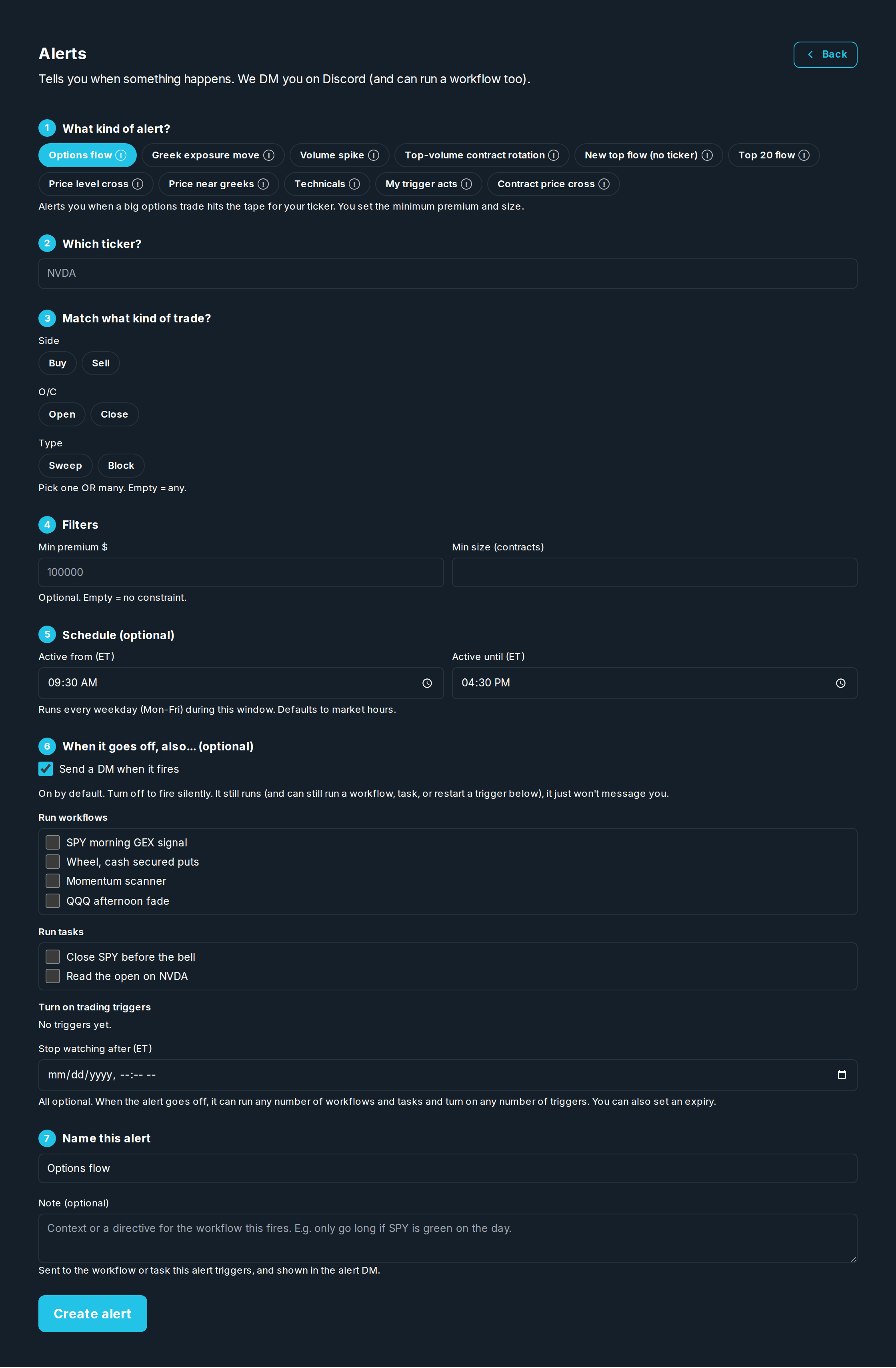
Click New alert to open the builder. It walks you through: what kind of alert, which stock, what to match, filters, an optional time window, and what happens when it goes off.
Kinds of alert
| Kind | Watches for |
|---|---|
| Price level cross | The stock crossing a price you set. |
| Contract price cross | One option's price crossing a level. |
| Greek exposure move | The "wall" (the strike with the most dealer exposure) moving to a new price, or that Greek's net exposure crossing zero. You choose which. This is the only alert that measures exposure. |
| Spot near a key level / Price near greeks | The stock PRICE getting close to a Greek wall, or crossing to the other side of it. Never about the exposure's sign. |
| Options flow | Unusual trades on a stock (you set the size). |
| Top 20 flow / New top flow | Unusual trades across the whole market. |
| Volume spike / Top volume contract rotation | A jump in volume, or the most active contract changing. |
| Technicals | Indicator conditions. |
| My trigger acts | Goes off when one of your triggers acts. |
What counts as a move
Greek exposure move and Price near greeks each ask what should set them off, because the same wall can be watched in more than one way.
On Greek exposure move: Wall moves to a new strike (the default) is the wall shifting to a new price. Positive wall and Negative wall follow only one side: every exposure chart marks two, purple for the biggest positive exposure and yellow for the biggest negative. Net exposure: positive → negative (or the other way, or either) is that Greek's net exposure crossing zero, the gamma flip. Any move or flip takes whichever comes first.
The two alerts use one vocabulary, and the subject is always named. A wall is one STRIKE. Net exposure is the whole chain's TOTAL crossing zero. Price is PRICE. Only Greek exposure move measures exposure: if you want gamma to go negative → positive, that is Net exposure: negative → positive, and no setting on any other alert does it.
On Price near greeks: Price gets near it is the original proximity band. Price crosses up through it / down through it go off when the price moves to the other side of the wall. That is the stock price crossing a level, not the Greek's sign changing. To watch a fixed price be crossed instead, use Price level cross.
Neither one goes off just because it starts on that side. It needs a real crossing between two checks, so Price crosses down through it set while the price is already below the wall waits for it to go above and come back down.
Does an overnight move count?
Every one of these alerts has this tick box, and it is off by default — meaning a move that happened while the market was shut still counts, and you hear about it on the first check after the open. Turn it on to count only moves during one session; the first check of each day then simply gets it ready again.
Two things worth knowing either way. If you do not pin an expiry, the alert follows the nearest one, which becomes a new contract each day — that changeover is never reported as a move. And Top 20 flow and New top flow compare against yesterday's board, so with this off they report the whole leaderboard as new every morning.
Common fields
- Stock, the symbol to watch (not needed for whole market flow alerts).
- What happens when it goes off: Message me, Run a workflow, or Run a trigger.
- Active from / Stops watching at, makes the watch window smaller.
- Max runs per day, limits how many times it can drive a trade.