What's new
The browser
Atlas has a real web browser the chat and your agents can use, and you watch it live beside the chat.
How it works
- One browser for you. Each chat, and each agent, gets its own tab in it. Sign-ins are shared, so you sign in to a site once.
- It stays open until it is closed. Nothing closes it for being idle. When you are done, press Close browser (or ask the chat to close it).
- Switches, check boxes, sliders and dials can be worked by the chat and your agents too, not only buttons and links.
- A page that crashes opens again where it was. Reload at the top loads it again yourself.
- A link to another site opens in a new tab, and the view follows it.
Full screen
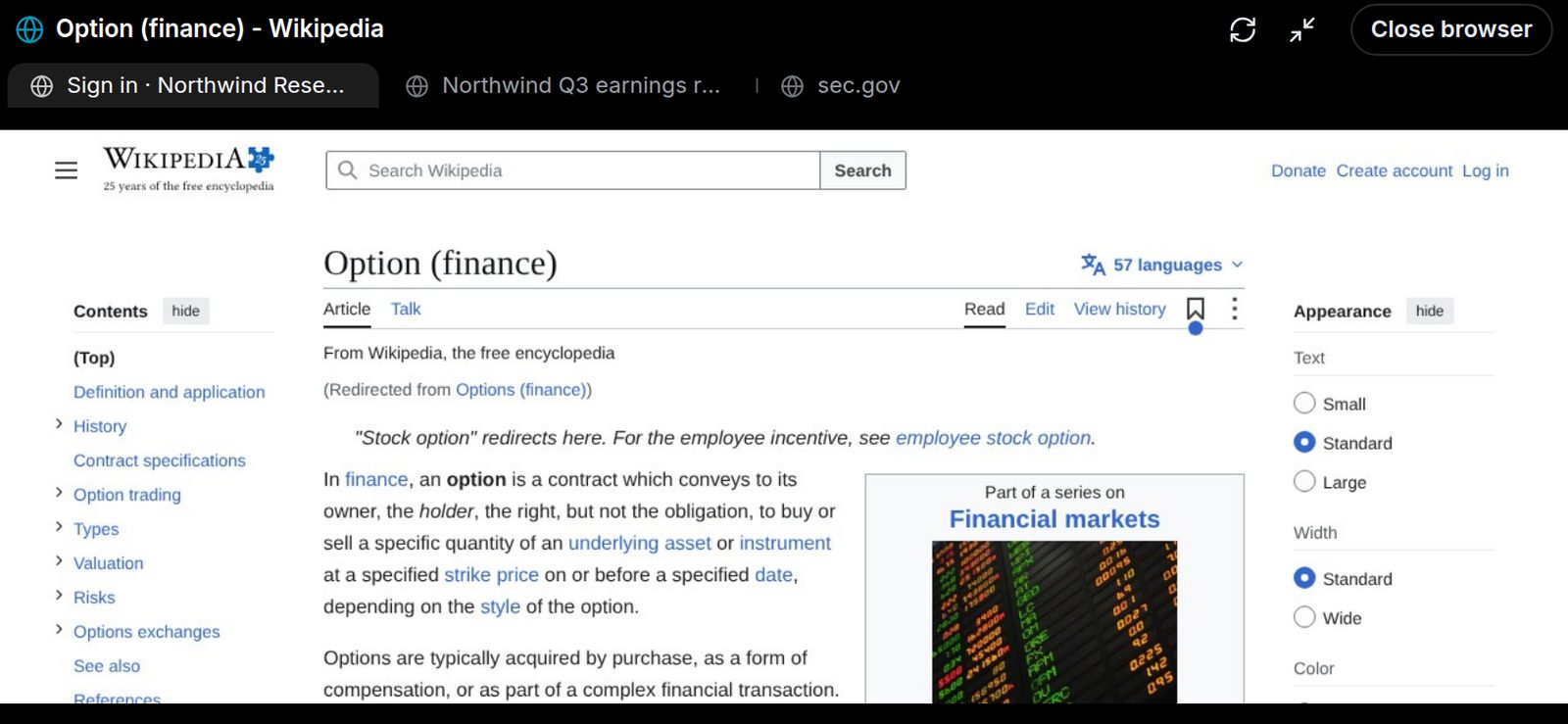
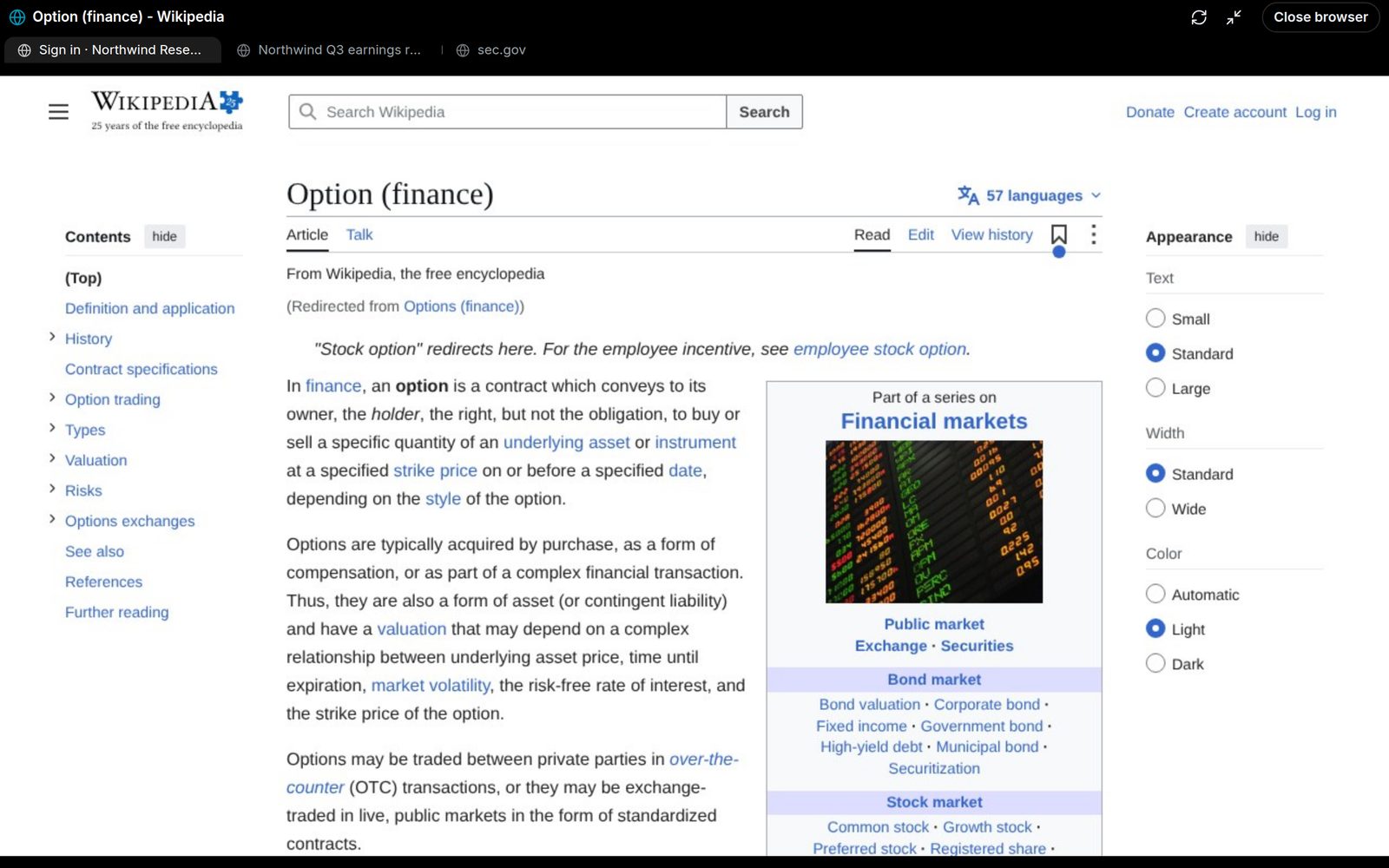
Press the full-screen button at the top of the browser. On a phone it turns sideways, the same way Computer use does, so the page fills the screen.
What the chat saw
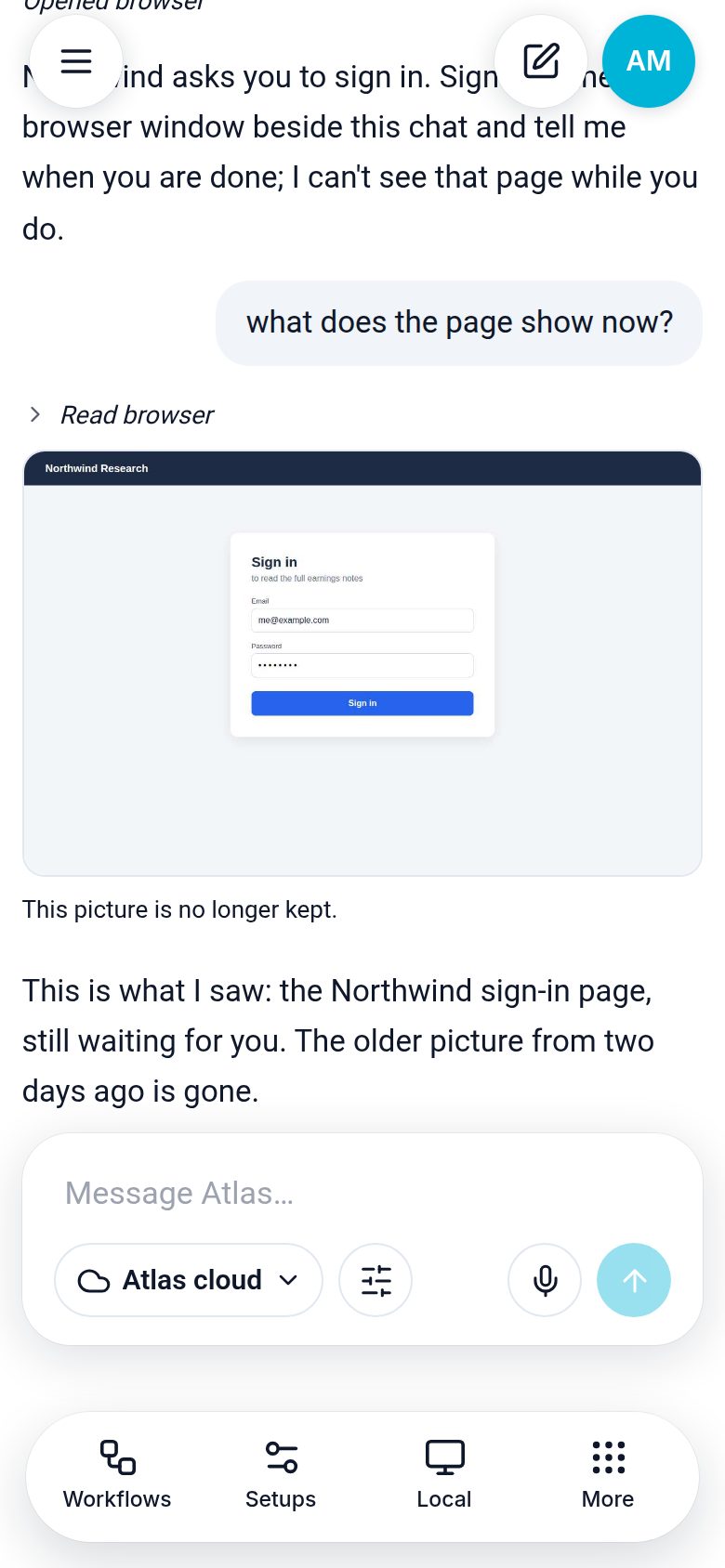
When the chat takes a picture of the page to look at it, the picture shows under that step in the chat. Tap it to see it large. Pictures are kept for one day, then deleted ("This picture is no longer kept").
Signing in
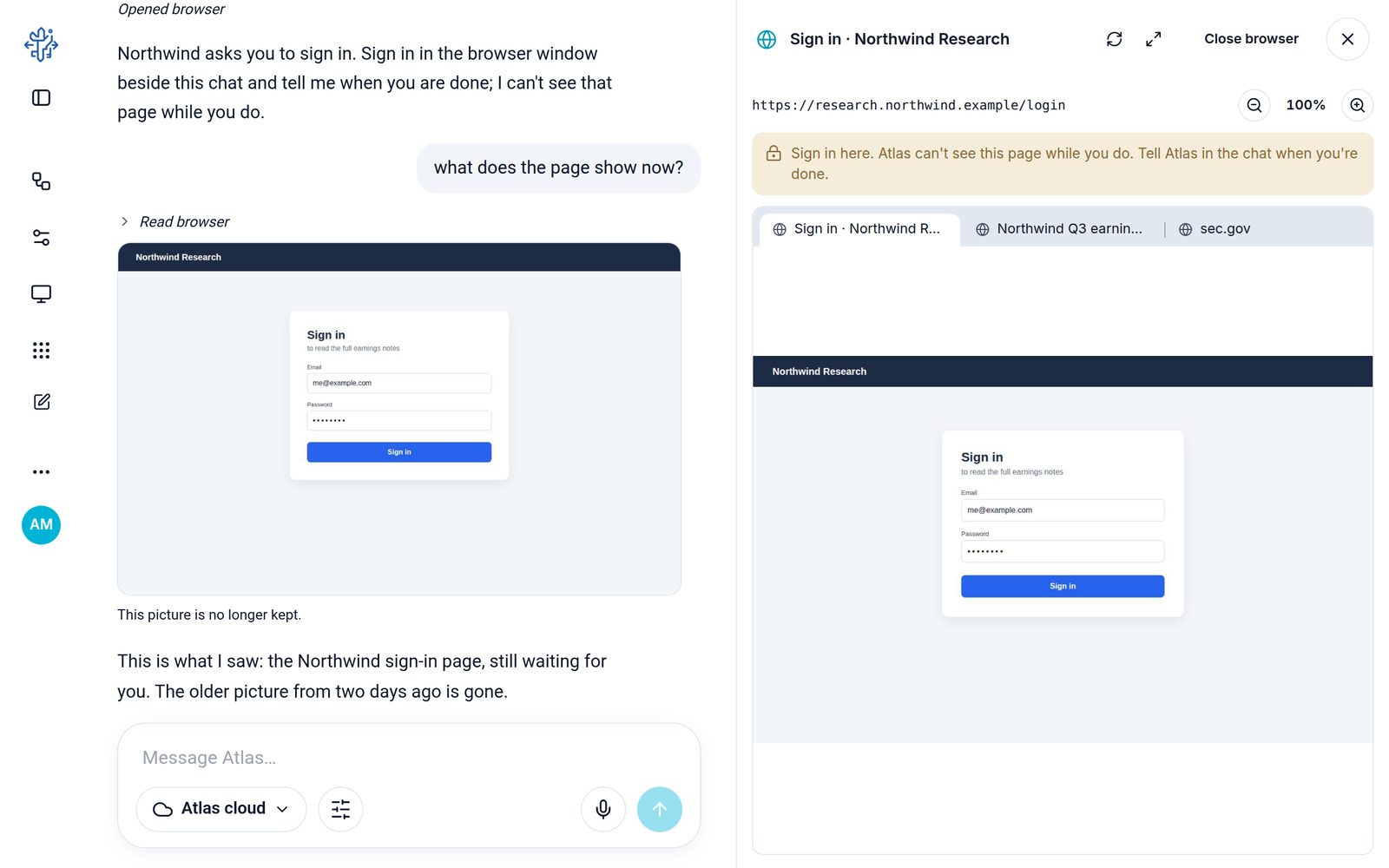
When a site needs you to sign in, the chat stops and asks you to sign in in the browser window yourself. It never sees that page and never asks for a password.
If you ask the chat
| You say | Atlas does |
|---|---|
| "Open the Fed's calendar" | Browser-Open with this chat's id; you watch it beside the chat. |
| "Open SEC filings in another tab" | Browser-Tab new. |
| "What does the chart look like?" | Browser-Read with look: true; the picture shows under the step. |
| "Turn on that switch" | Browser-Act check on the switch's ref from the page's controls. |
| "I'm done" | Browser-Close. |
Need help? Email accesspoint@finmanagerai.com.