Marketplace
The Marketplace is where you subscribe to somebody else's work, and where you charge for yours. Two things are for sale: a premium workflow that trades in your own account, and a signal group whose calls you copy.
Browse
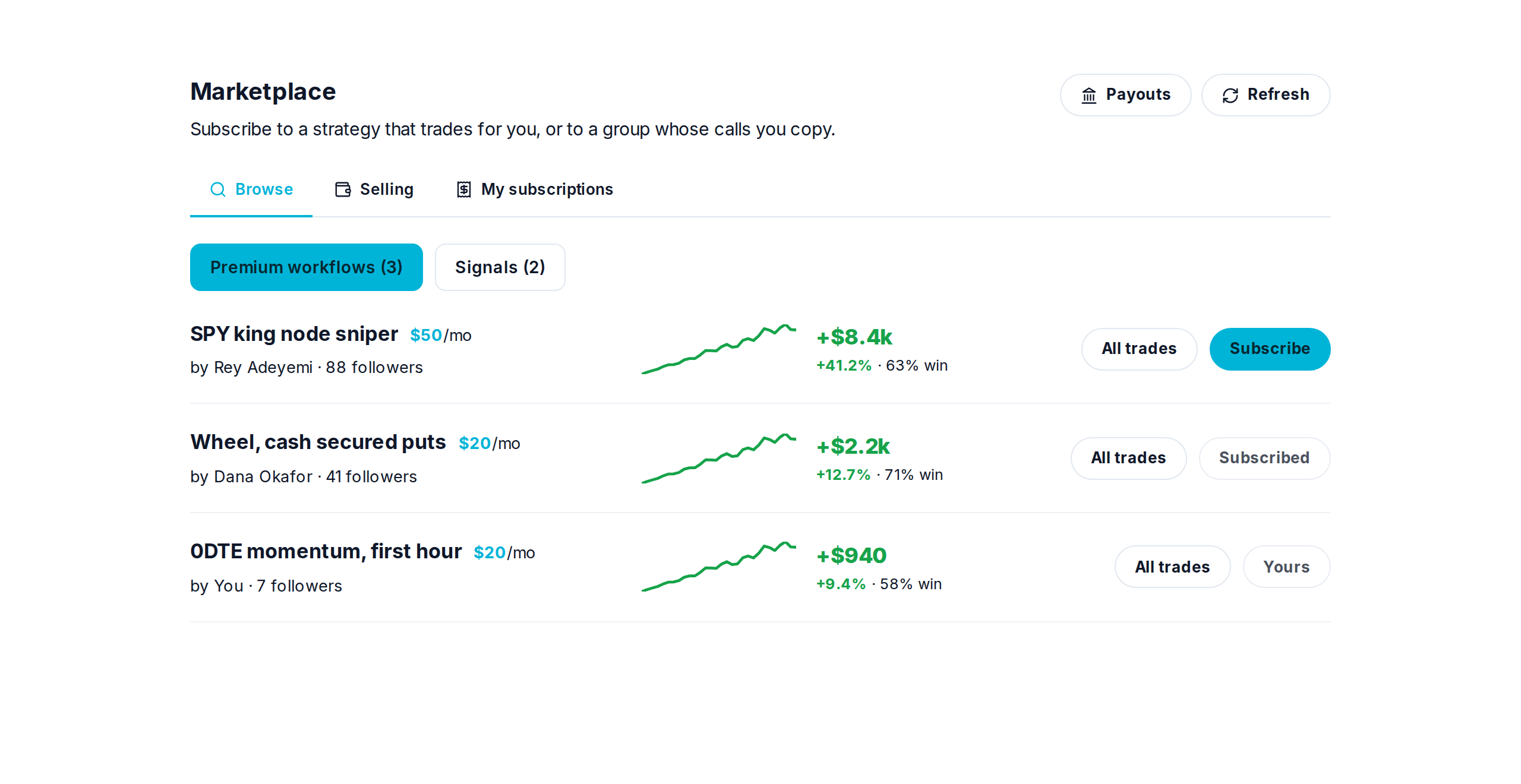
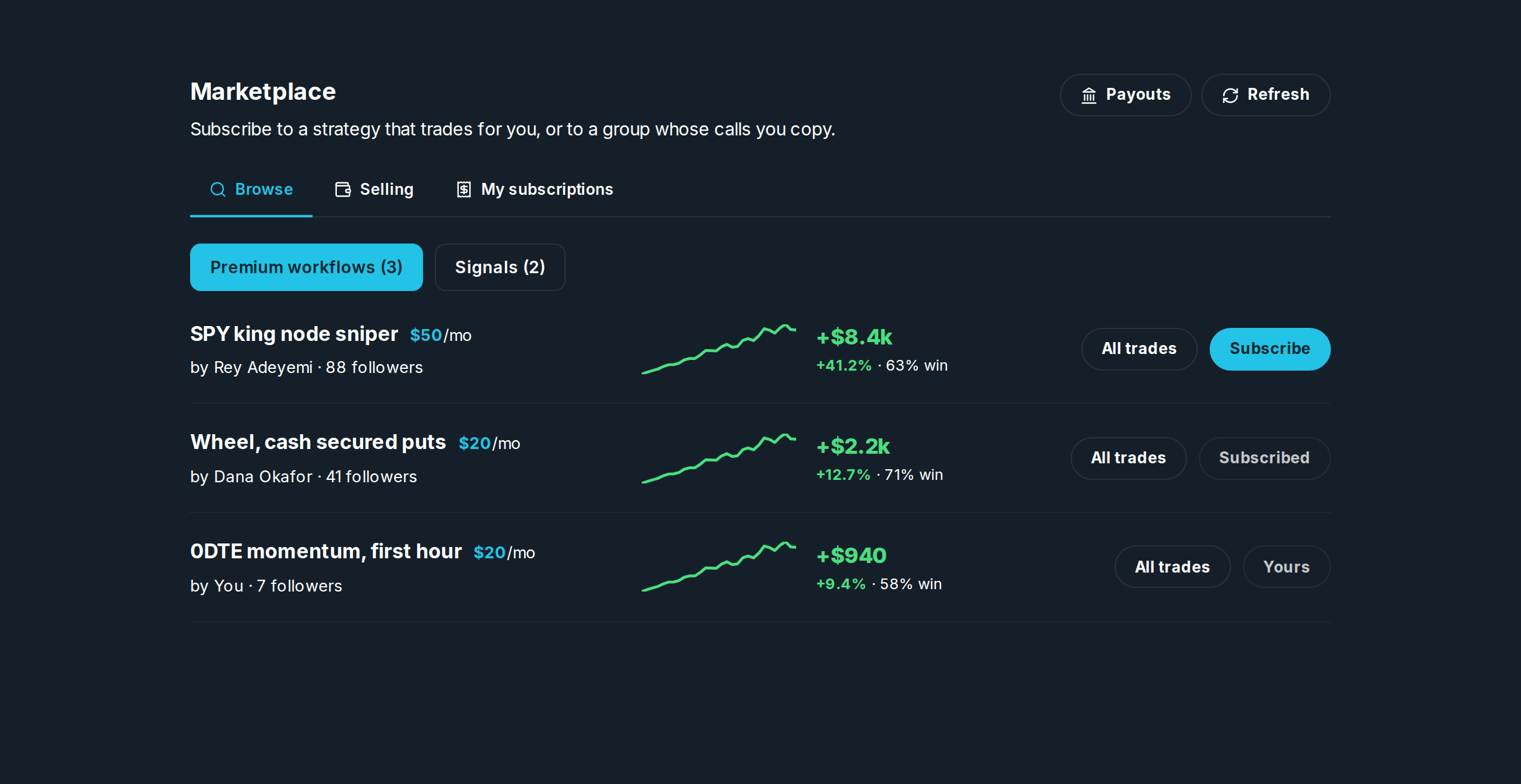
Each row is one thing for sale, with the record behind it: total profit, the percentage, the win rate, and a line of how it got there. Those are the same numbers the workflow's own Performance page shows, so you can check them.
| Button | What it does |
|---|---|
| All trades | Every trade it has made, so you can look before you pay. |
| Subscribe | Takes you to checkout. Once you are paying, a copy lands in your Workflows tab. |
| Subscribed | You already pay for this one. |
| Yours | You are the one selling it. |
Prices are monthly: $10, $20, $50, $100, or $200. The seller receives 70% of what you pay, at every price.
Selling
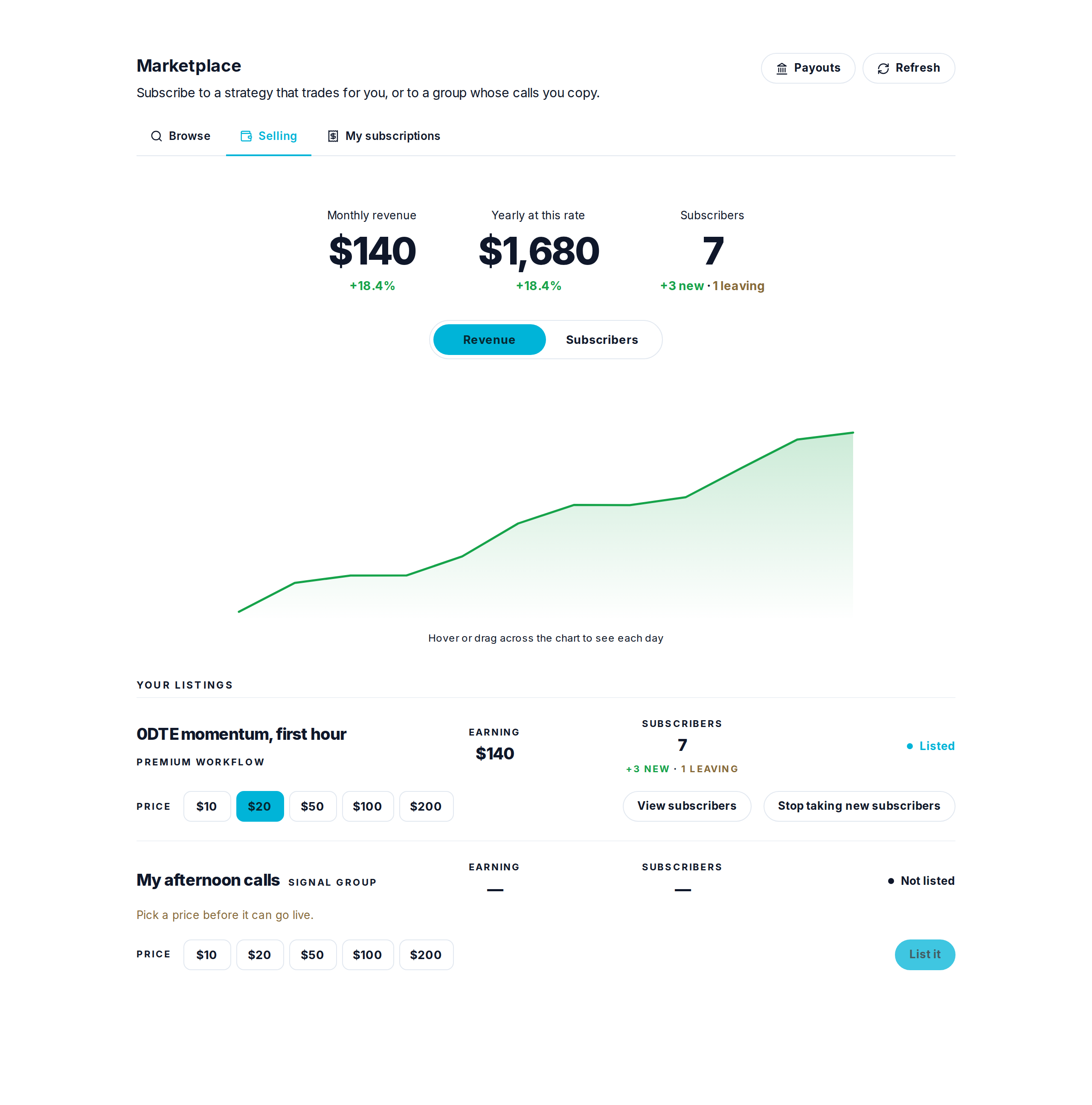
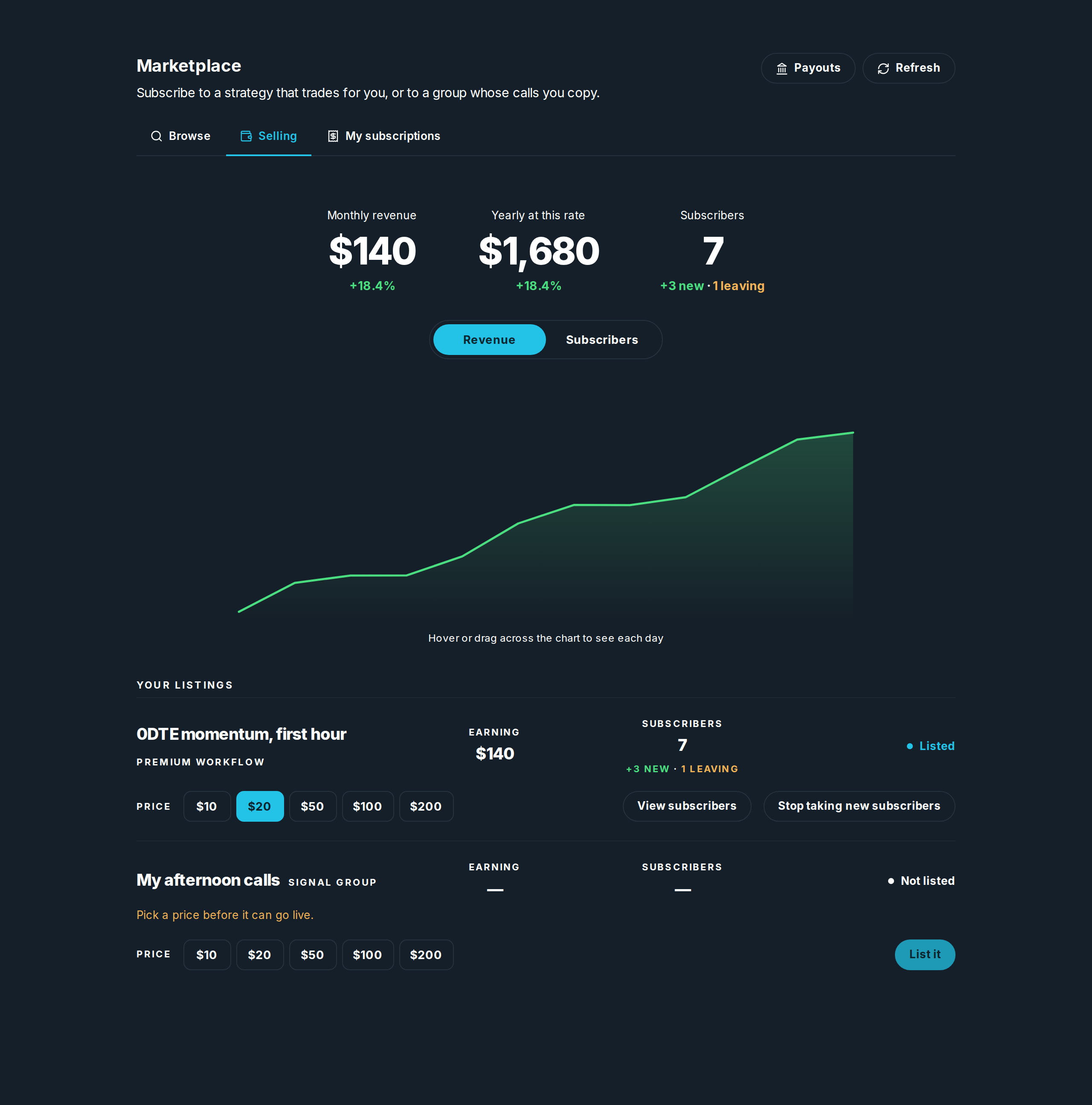
Put a price on anything you own and it goes on sale. The top shows what you are earning a month, what that is a year at the same rate, and how many people are paying, with how many joined and how many are leaving this month. Someone who cancels still counts until their paid month actually ends.
- Pick a price, then List it. Nothing is on sale until you do both.
- View subscribers shows who is paying.
- Stop taking new subscribers closes it to new people without dropping anyone already paying.
- Payouts, in the header, is where the money goes. You set that up once.
My subscriptions
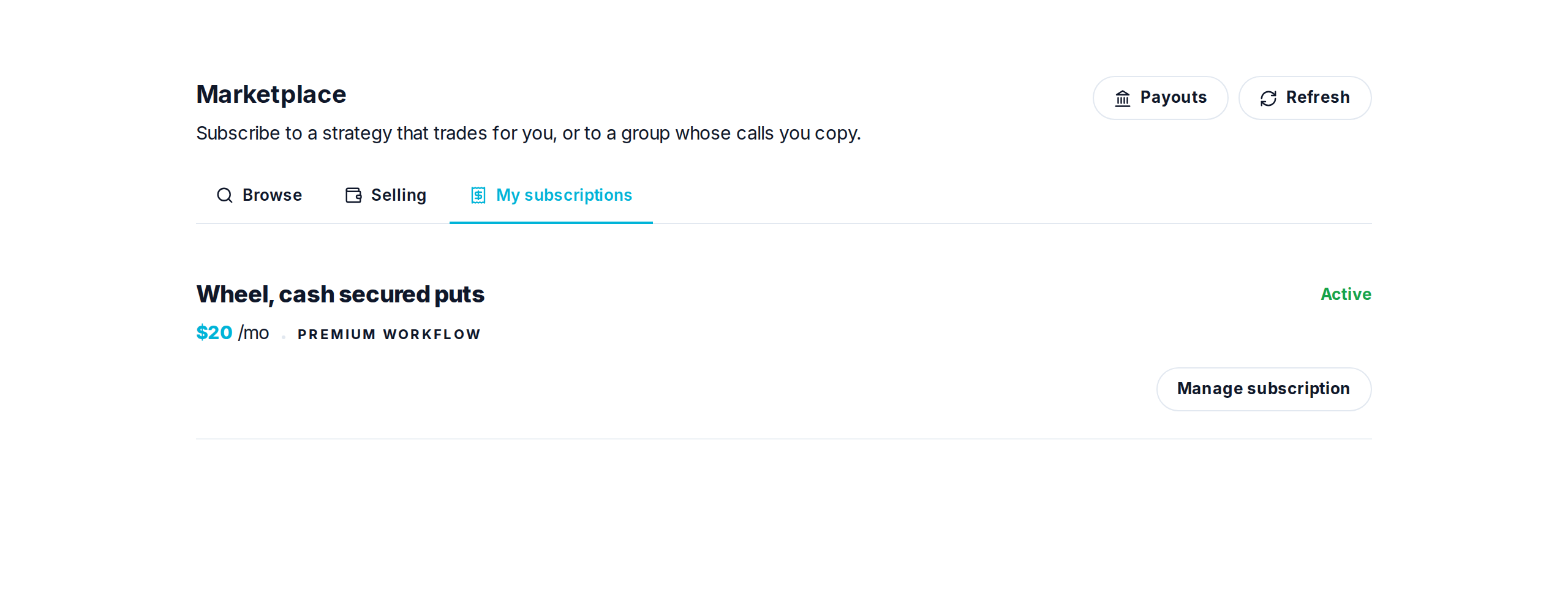
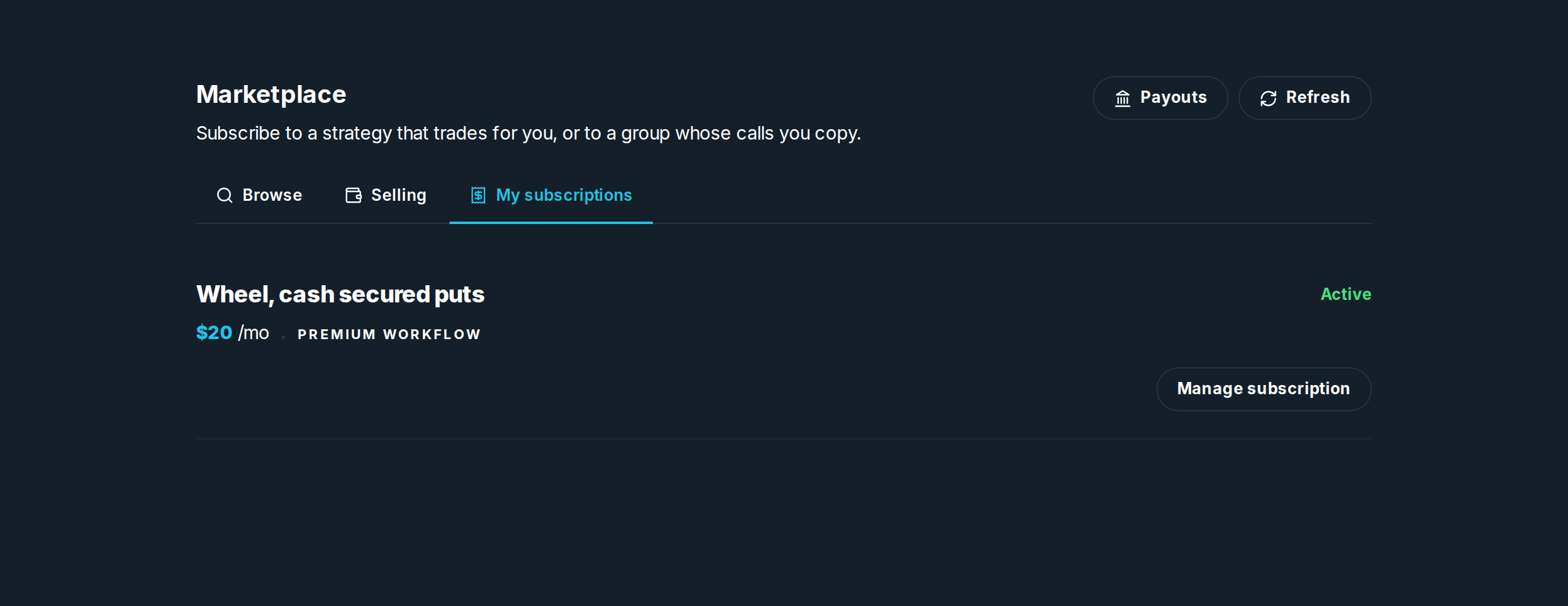
What you pay for, what it costs, and when it renews. Manage subscription opens the billing page, where you can cancel. You keep it until the month you have paid for runs out.
This is also where you set how a subscription that trades for you behaves: Trade it for me or Ask me first, and a Budget, the most any one trade of theirs may spend in your account.