Trade settings
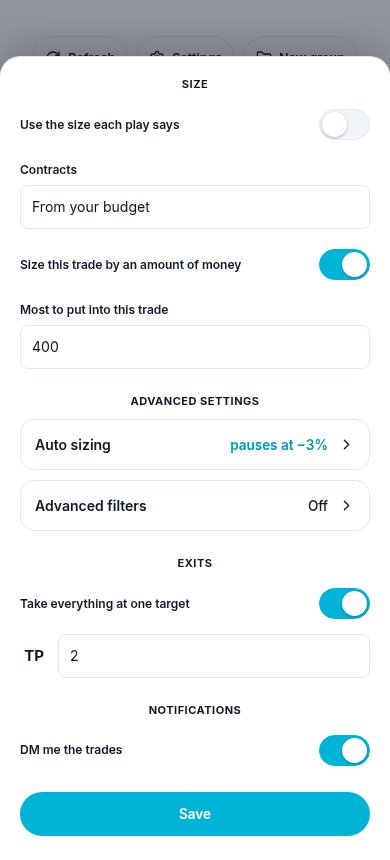
Trade settings is one sheet for how a workflow's trades are placed for you: which account, how big, auto sizing, filters, how you get out, and the messages you get. It is the same sheet for a workflow you made and for a copy of somebody's, live or paused.
Where to find it
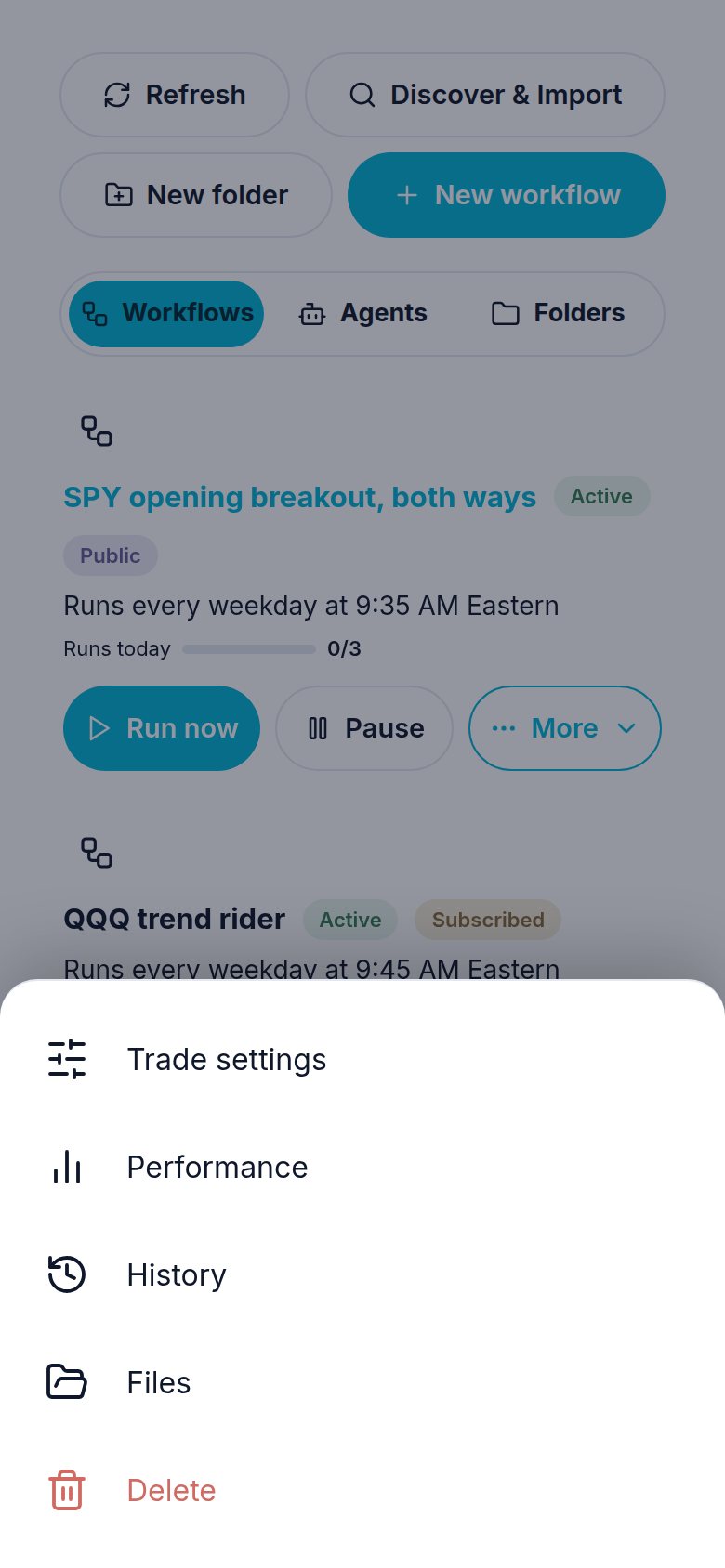
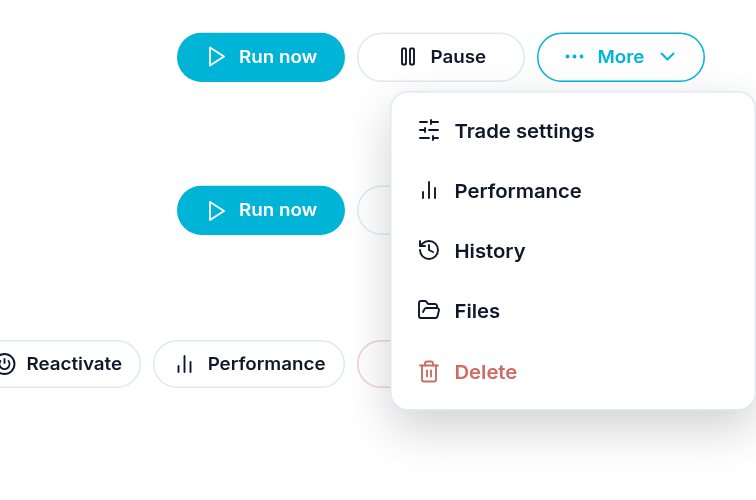
- A workflow: press More on its row. Trade settings is the first line.
- A signal group you own: the Trade settings button on the group (the sliders). It sets your own order on each play you post.
- A signal group you follow: its Trade settings button, as before.
What each part does
| Part | What it does |
|---|---|
| Account | The broker account the orders go to. |
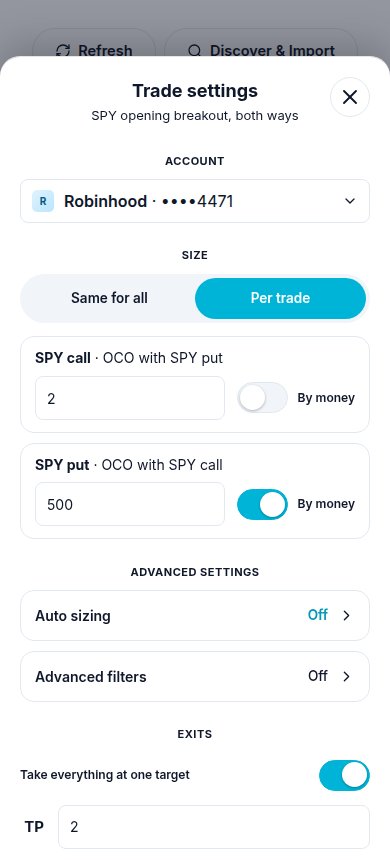
| Size | Same for all: one size for every trade of the workflow, a number of contracts, or money with Size this trade by an amount of money. Per trade: a size for each trade card, for example 2 contracts on the call and $500 on the put. Trades that go together (OCO, OEO) are shown together. |
| Advanced settings: Auto sizing | Puts in less after losses and more after wins, and holds the circuit breaker. Only with money. See Size and auto sizing. |
| Advanced settings: Advanced filters | Which trades are taken for you. See Advanced filters. |
| Exits: Take everything at one target | Switch it on and type the target's number beside TP (any target, 1 to 20). When that target fills, everything you still hold comes out. Later targets do nothing for you. No target moves, and nobody else's amounts change. |
| How your exits split | How your position comes off at the targets: the amounts on each card, the same as the author, more at the first, more at the last, or even. |
| Notifications | DM me the trades on Discord, and the message's format. |
| Let the author's close reach me | On a copy only: whether the author pressing Close all closes yours too. |
Per trade, or the same for all
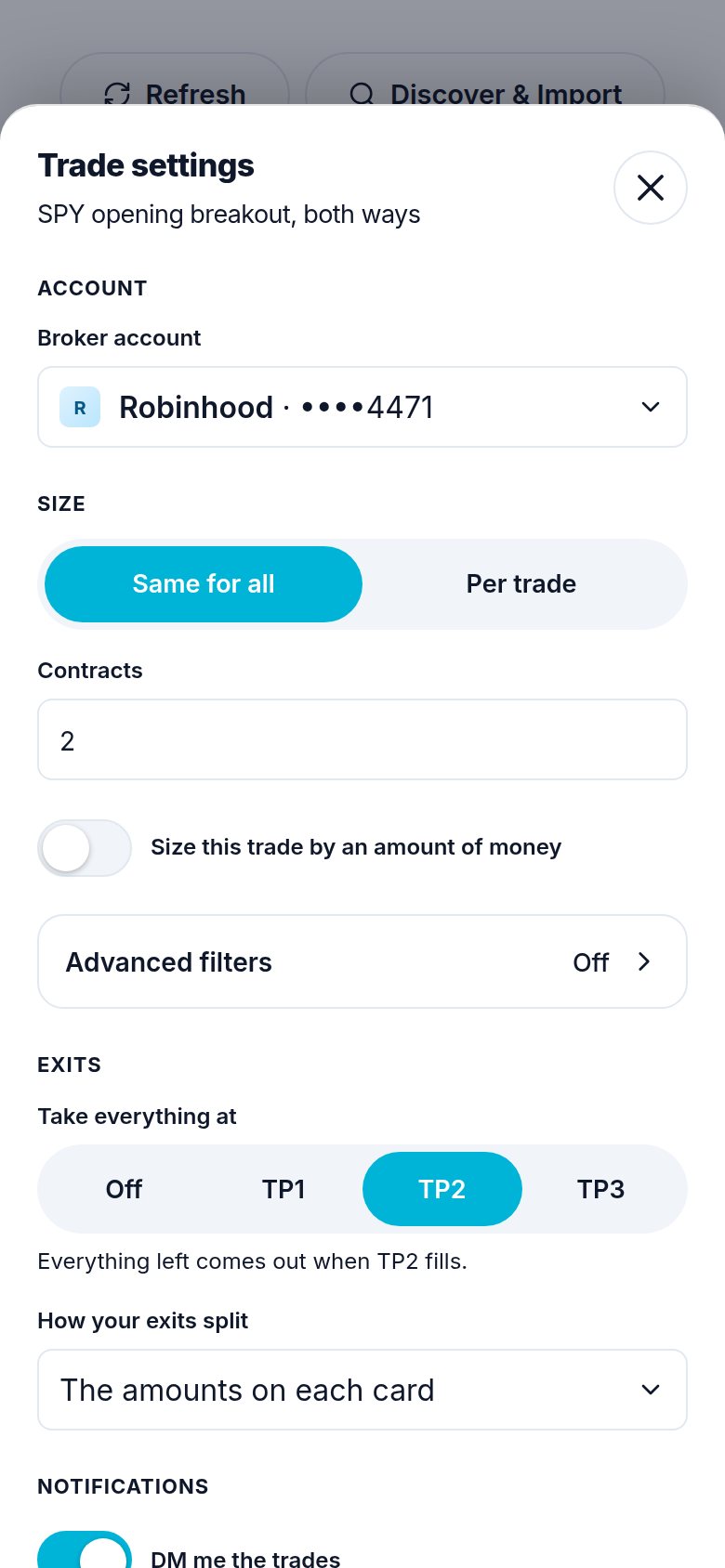
On a computer the sheet opens in the middle of the screen:
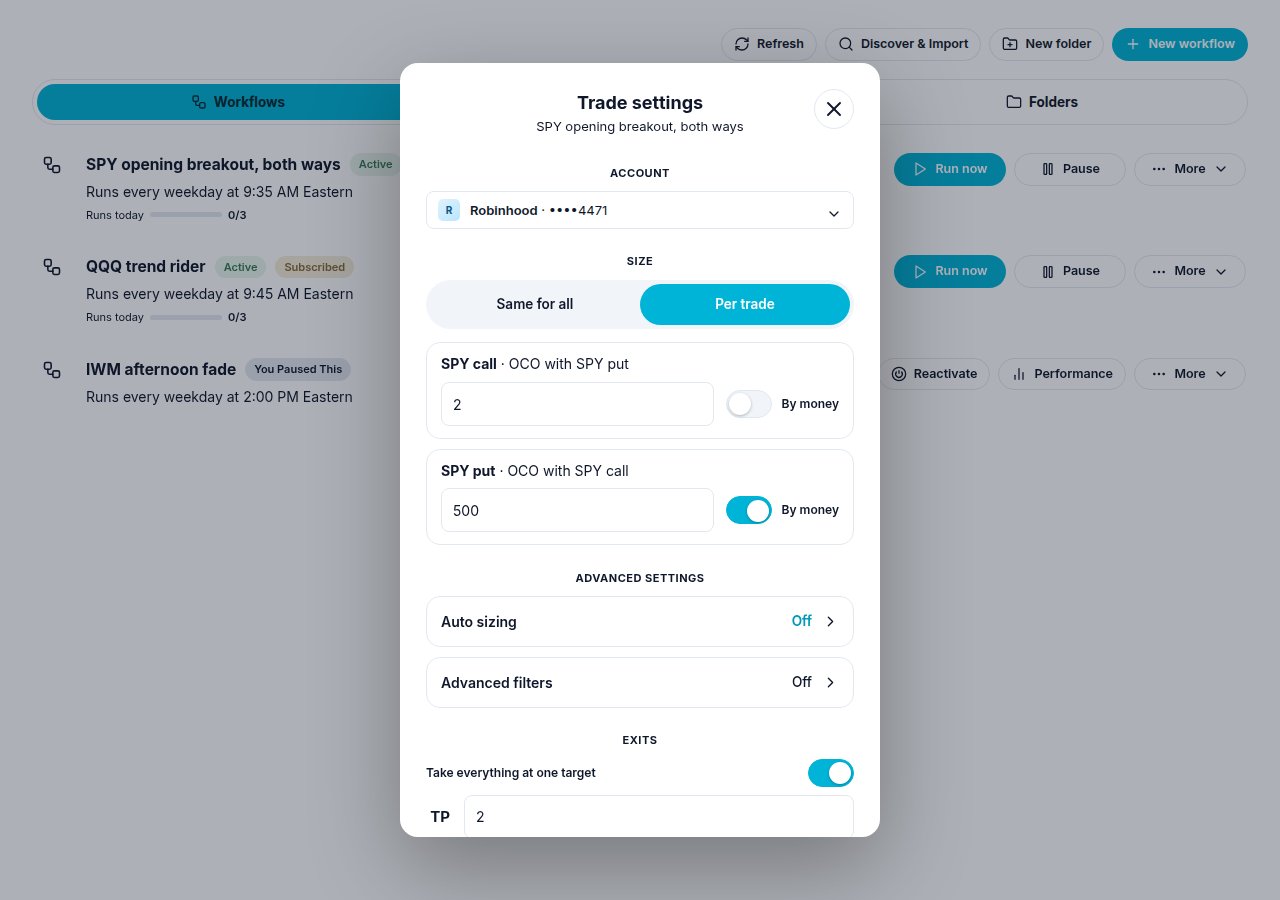
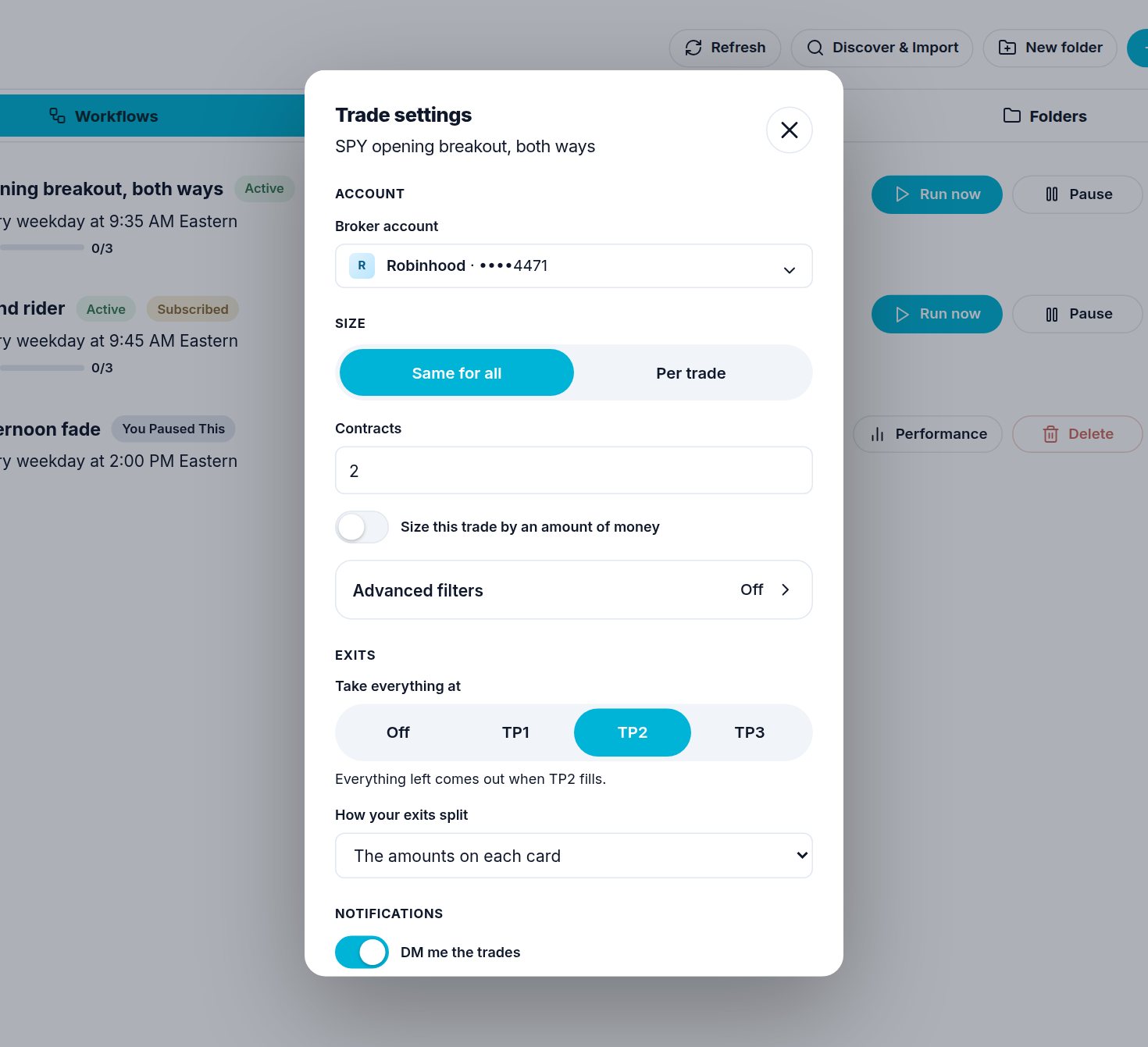
Take everything at TP N
Under Exits, switch on Take everything at one target and type the target's number beside TP: 2 for TP2, 12 for TP12. "Everything left comes out when TP2 fills." Switched off, each target takes its own amount.
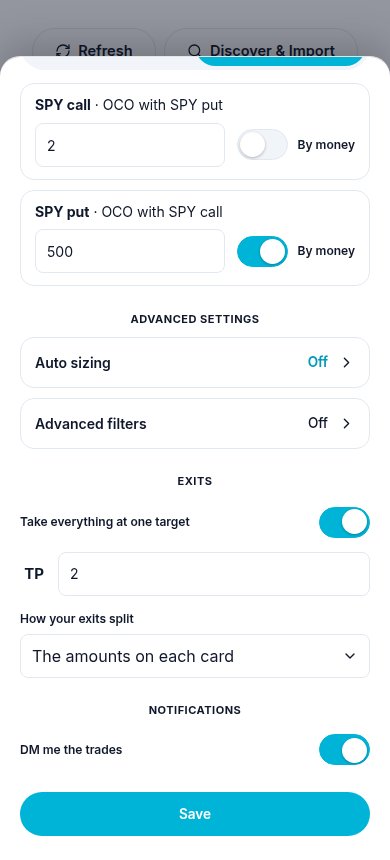
One Save, and it always matches the workflow
Change what you want, then press Save once at the bottom. Only what you changed is sent. On your own workflow the sheet reads and writes the trade cards themselves, so the workflow form and Trade settings always show the same thing. On a copy it changes only your own settings, and you keep following the author.
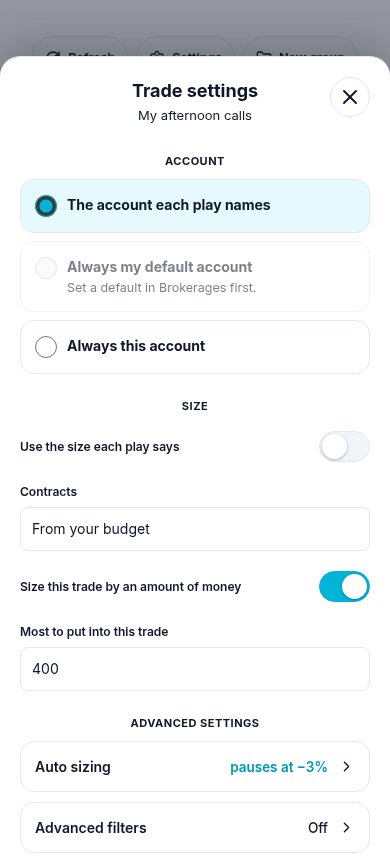
A signal group you own
The group's Trade settings sets your own order on each play you post there. Left alone, each play trades as you post it. What you set here wins over what a play says, so a play posted with the wrong account or size is put right by itself.
- Account, three ways: The account each play names (your default when a play names none; the starting choice), Always my default account, or Always this account with the account picked under it. The last two win over the account a play names.
- Size: Use the size each play says, or your own count or amount of money. Your own size is written onto every play you post, so the play, your order and every follower who copies your size read one number.
- Advanced settings: Auto sizing (with your own circuit breaker) and Advanced filters. A play outside your filters still posts to your followers; only your own order is not placed.
- Exits: Take everything at one target, with the TP number typed.
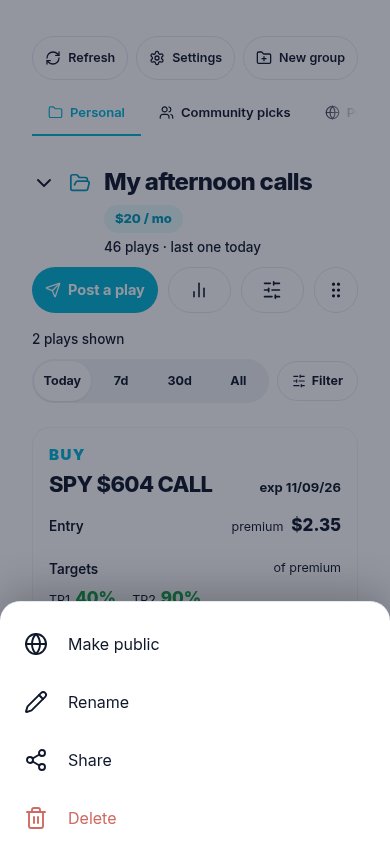
A tripped breaker stops only your own orders; your plays still go to your followers. Your followers have the same sections in their own Trade settings. A group's Delete is in its More menu, last and in red.
If you ask the chat
| You say | Atlas does |
|---|---|
| "Show the trade settings of my SPY workflow" | Workflow-Trade-Settings with only workflow_id: account, every trade card and its size, and the rest. |
| "$500 on every trade of that workflow" | Workflow-Trade-Settings size: {"scope": "all", "mode": "budget", "budget_dollars": 500}. |
| "3 contracts on the call, $200 on the put" | size: {"scope": "per_card", "cards": [...]}, each card by its label. |
| "Sell everything at TP2" | take_all_at_tp: 2 (0 turns it off). On a signal group: Signal-Trade-Settings with group_id and take_all_at_tp: 2. |
| "DM me this workflow's trades" | notify: {"dm": true}. |
| "Use my Schwab account for it" | broker_account_id from the read. |
| "Only SPY on that workflow" | trade_filters: {"symbols": ["SPY"]}. |
| "Size it by my account, less after losses" | auto_size (with a budget). |
| "Turn my own orders back on in my group" | Signal-Trade-Settings with group_id and resume_own_orders: true. |
Need help? Email accesspoint@finmanagerai.com.