Using the dashboard
Atlas Chat
The Chat tab is a full chat. Ask Atlas anything and it uses your tools, shows its thinking, and draws live charts and order previews right in the chat.
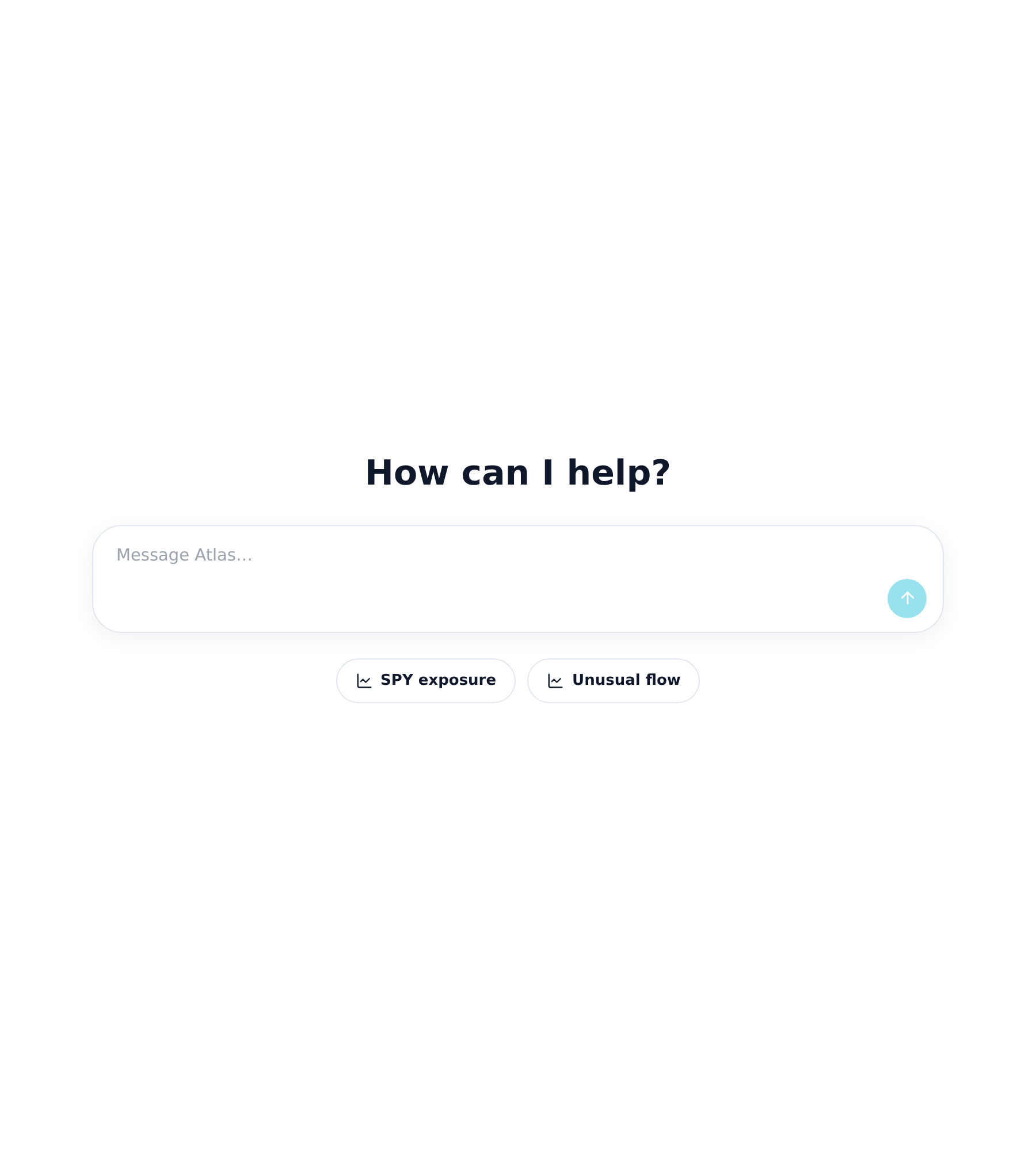
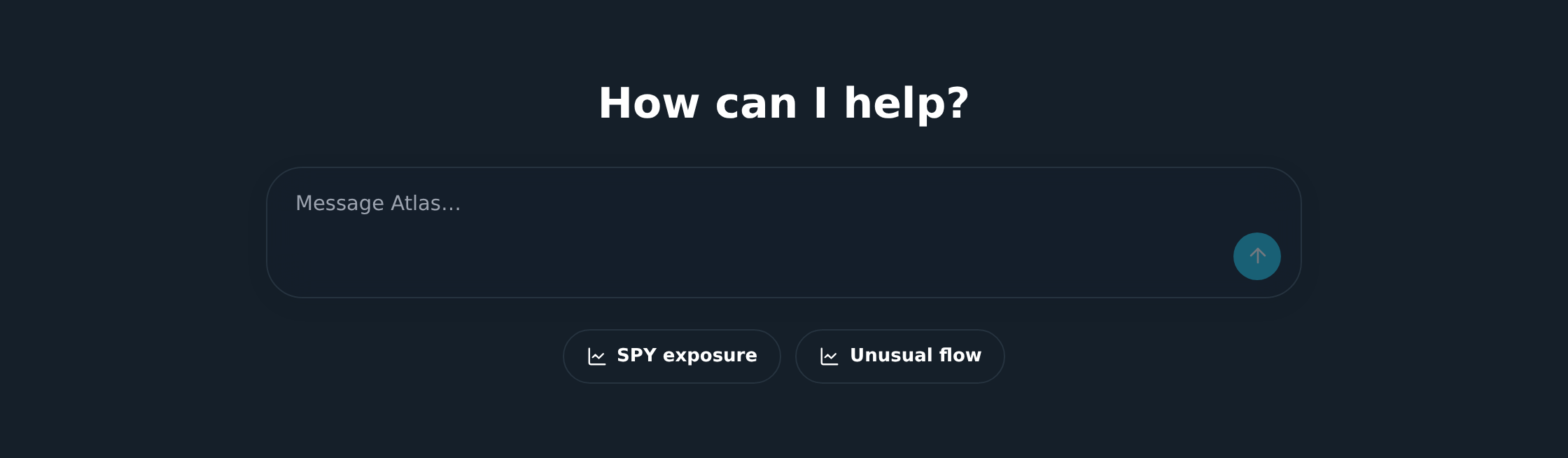
- Type box, ask a question and Atlas picks the tools it needs.
- Tool folds, each tool it uses shows as a fold you can open to see what went in and out.
- Charts, charts and trading views draw right in the chat.
- Ask first, in ask mode Atlas waits for your OK before each tool. Switch to skip in Profile to let it run tools without asking.
Your chats and the ask or skip setting live in the Profile tab.