Signals tab
A signal, or a play, is a call a person makes: buy this contract, here, take profit there, get out at this stop. No AI decides any of it — someone fills in the form and posts it. That is the whole difference between a play and a workflow. See Signals for how one works end to end.
Nothing on this screen trades on its own. A play sits there until you press Take now.
The three tabs
| Tab | What is in it |
|---|---|
| Personal | Your own signal groups, and the groups you follow. |
| Community picks | The open board. Anyone can post, anyone can read. |
| Plays taken | Every play you have money on: waiting to fill, and running. |
The community board
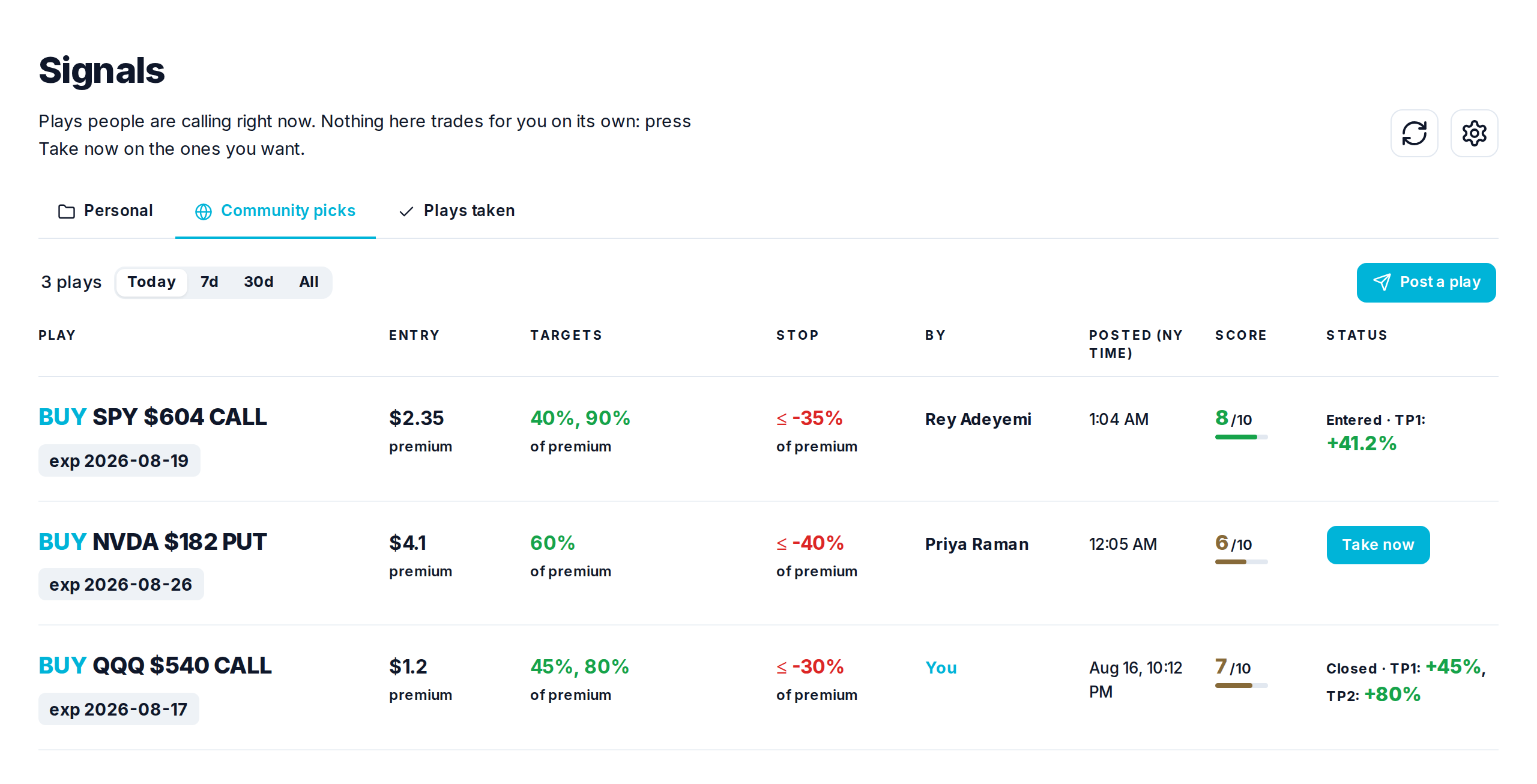
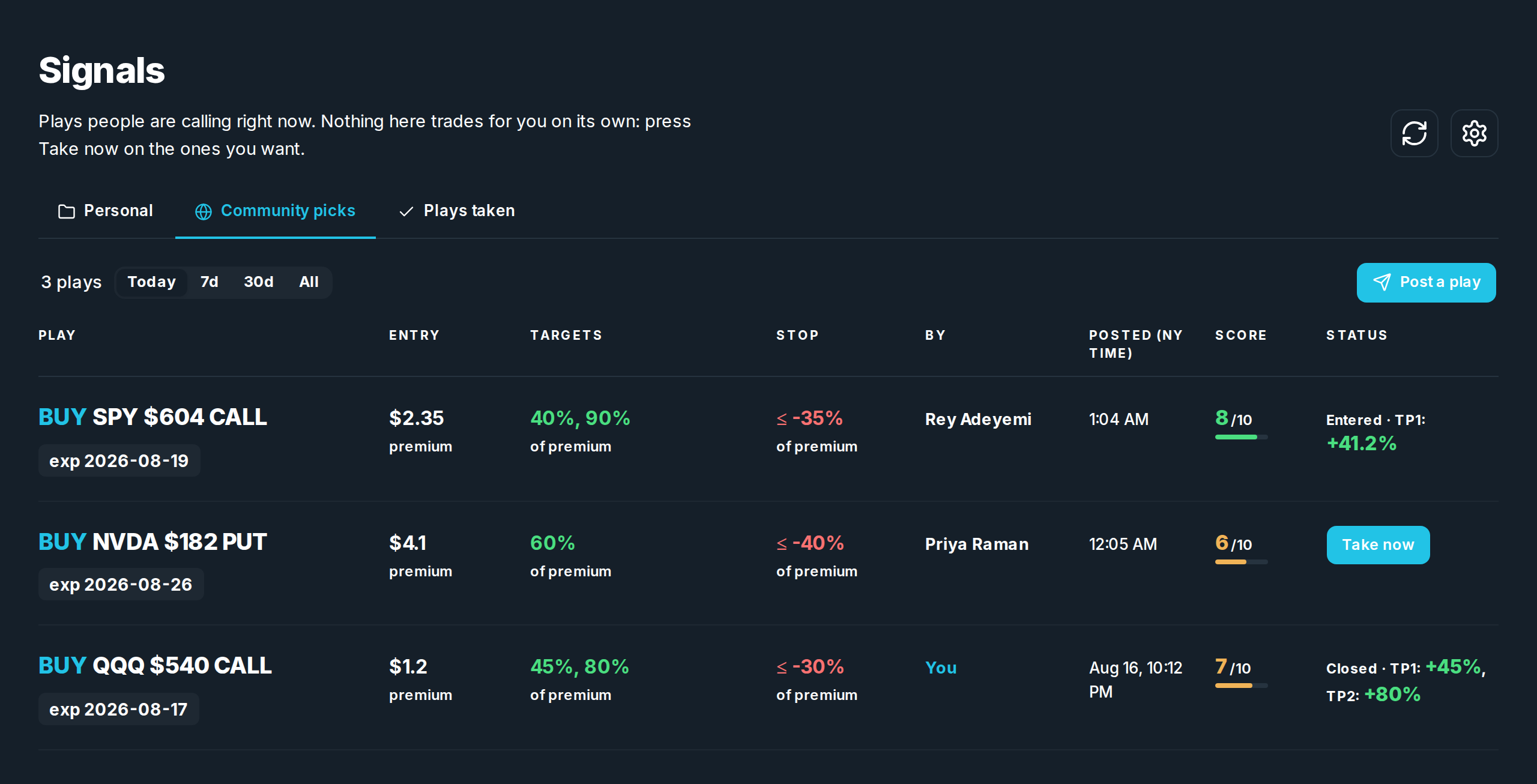
One row per play. Reading it left to right:
| Column | What it means |
|---|---|
| Play | Buy or sell, the stock, the strike, call or put, and the expiry. |
| Entry | Where the caller wants in. premium means the option's own price. stock means it waits for the stock to reach that price. |
| Targets | Where to take profit. 40%, 90% means the first slice sells up 40 percent and the rest up 90 percent. |
| Stop | Where to get out if it goes the wrong way. |
| By | Who called it. |
| Score | How strongly they rate it, 1 to 10. Their opinion. It never sizes or filters anything. |
| Status | What happened to your order on it. What anyone else did is theirs. |
Today / 7d / 30d / All narrows how far back you are looking. It opens on Today, because a board of same day plays is something you check this morning.
Taking a play
Take now asks you three things, then places a real order in your account:
- How many contracts. Yours, not the caller's — their size sizes them.
- Which broker account it goes to.
- How it comes off: follow the caller's split, take more out at the first target, leave more on for the last one, or the same at each target.
Once you hold it, the button becomes My order, which opens the same sheet so you can change the size, or Cancel mine while nothing has filled yet.
Taking a play places a real order in your broker account. Nothing on the board does that on its own, and nobody else can do it for you.
Your own groups
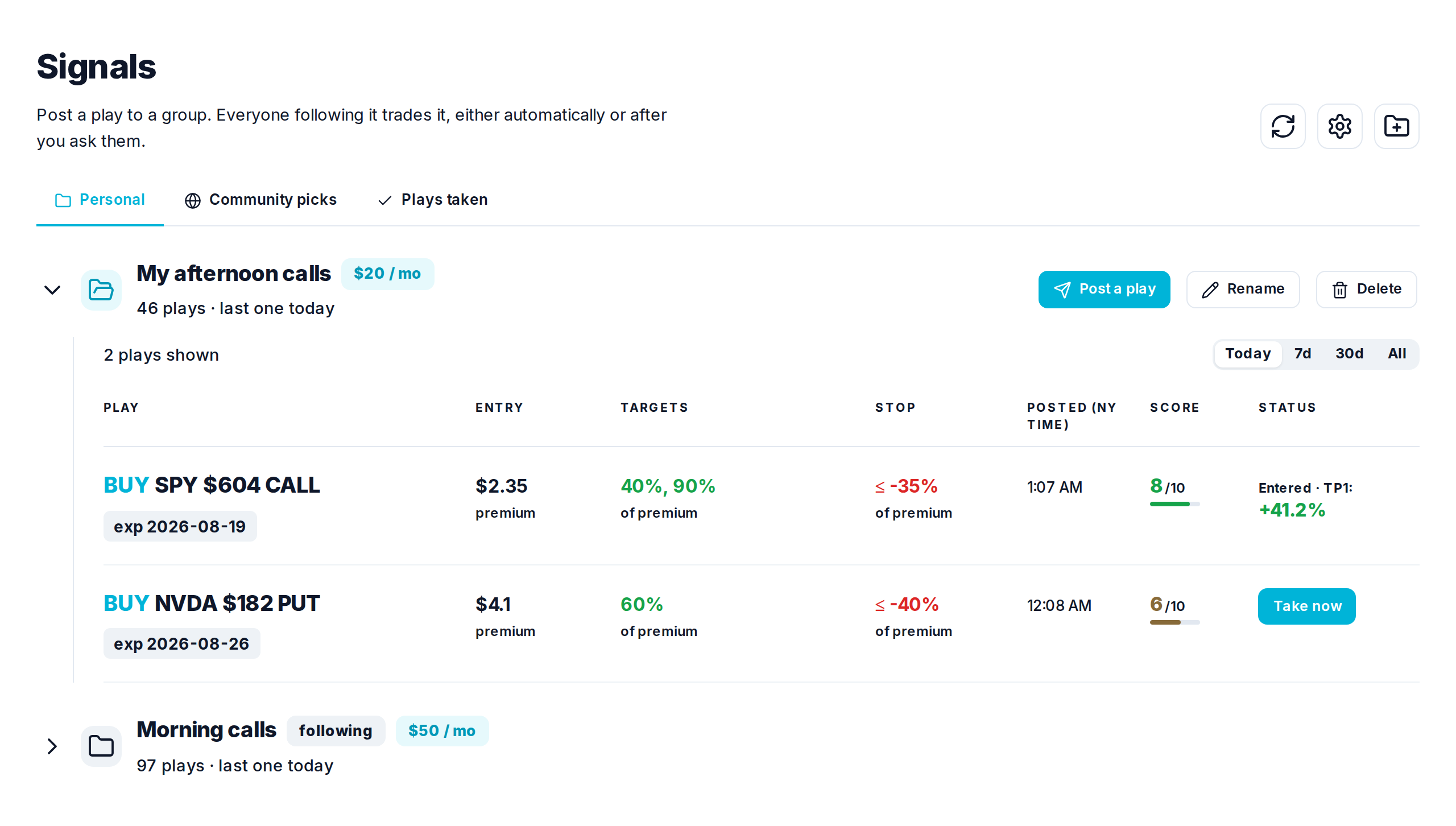
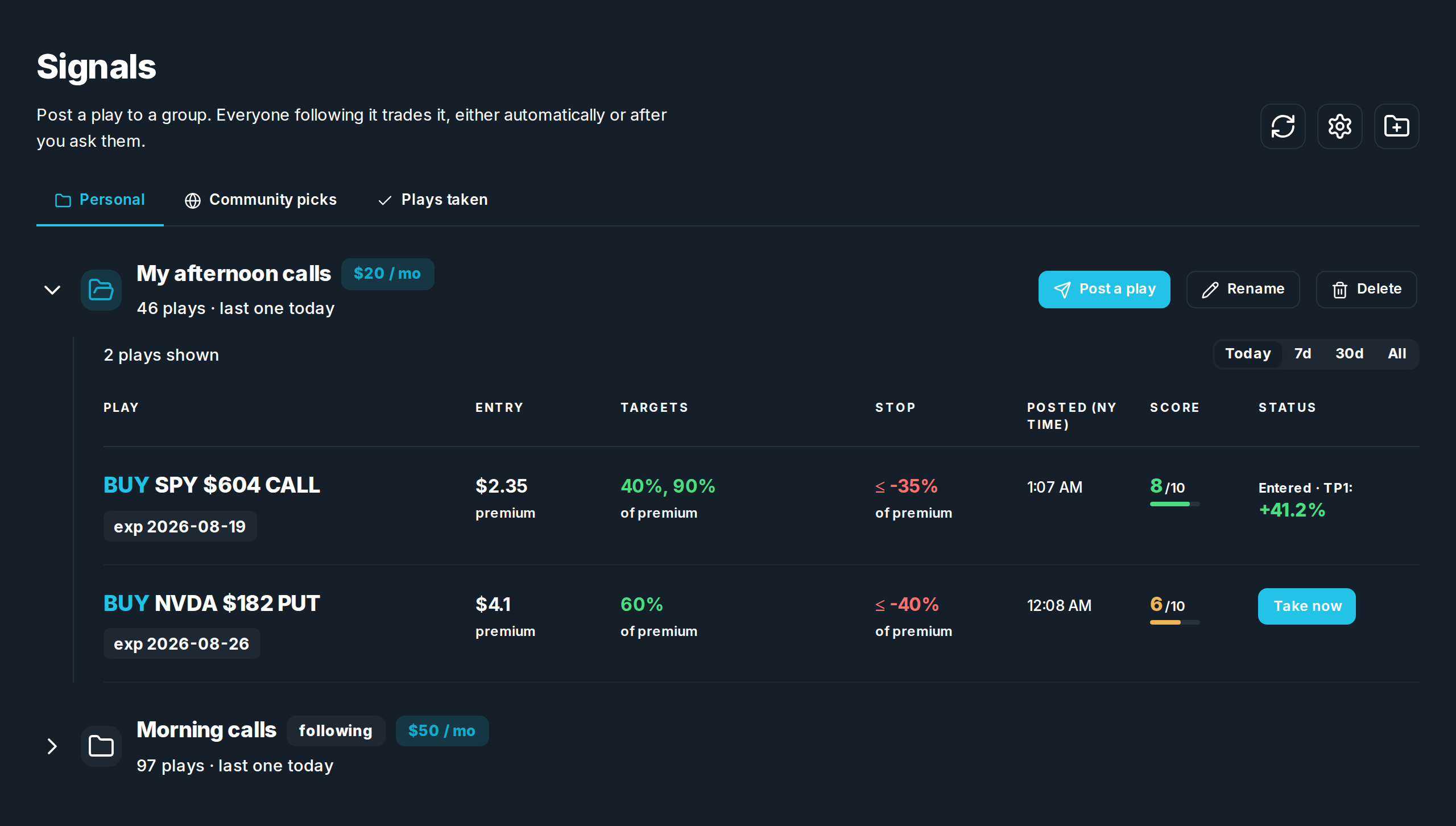
A signal group is a folder of plays with your name on it. Make one with the folder button in the header, then Post a play into it. Everyone following the group sees what you post.
- Post a play opens the same form the board uses: stock, contract, entry, targets, stop, and why.
- Still open? Edit it rather than posting a second one, so the same trade is not sitting on the board twice.
- Close sells it for everyone riding it. Delete pulls it off the board and cancels the waiting orders, and only works before anyone has filled.
- To charge for a group, put a price on it in Marketplace.
Settings
The gear in the header holds your broker for plays: which account orders go to, and whether to use it automatically for plays you post and plays you take. You can also turn on a Discord message when a community pick is posted.