Using the dashboard
Triggers tab
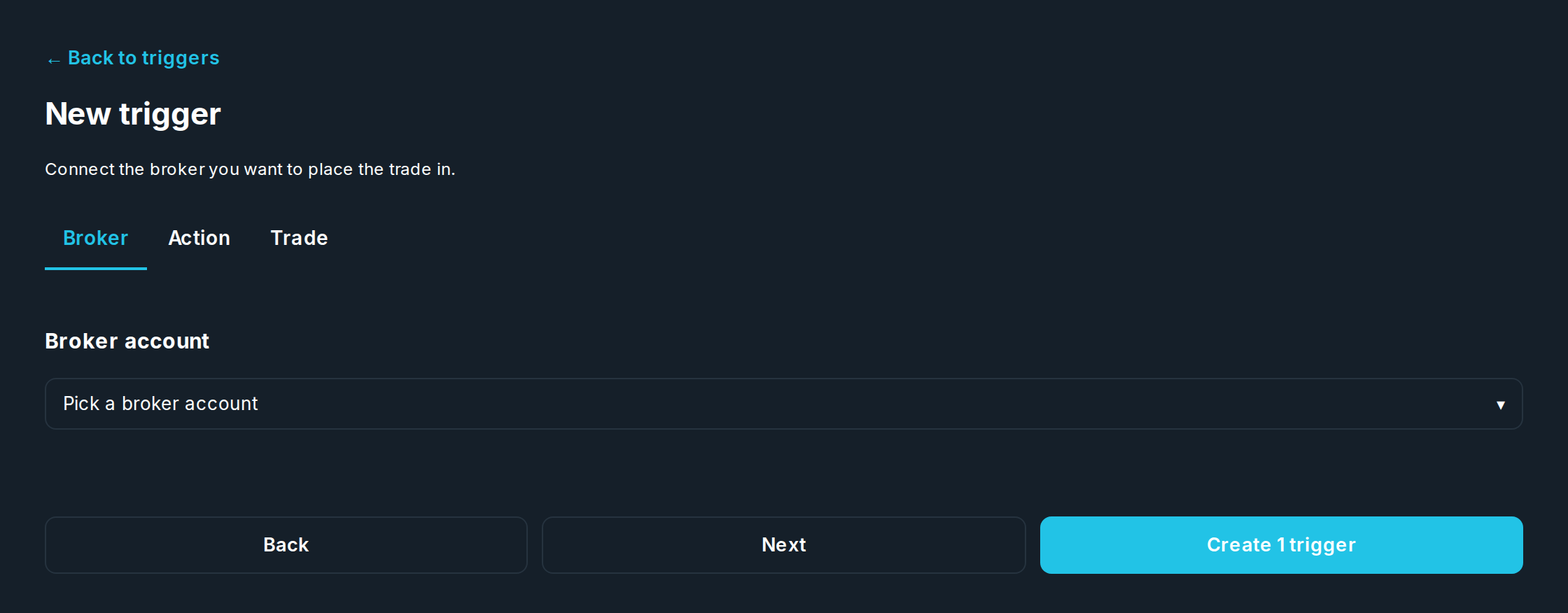
A trigger is one "if this, then trade" order. The Triggers tab lists your set up triggers, with filters along the top: All, Active, Trade open, Paused, Preview, Fired. New trigger opens the builder, in two steps: Setup and Trade.

| Step | Fields |
|---|---|
| Setup | The linked account the order goes to, and what starts it: Just the trade (it waits for its entry), or Something starts it: a Schedule (a time), an Alert, or Both. |
| Trade | Stock symbol, Options or Stock, the Contract (call or put, strike, expiry, contracts), the Entry (order type, price), and the Exit (stop loss, which can be a Trailing %, take profit, order type). |
+ Add another stock puts a second trade in the same trigger. Two trades can be linked: Cancels when it fills or Starts when it fills, with the other trade picked.
Trading always lets you check first, then place: the Preview tab on each trade shows exactly what will be set up, and Create trigger places it.
Need help? Email accesspoint@finmanagerai.com.