Using the dashboard
Templates
The Templates tab is a shelf of ready made setups you can add in a couple of clicks. Filter by Stocks, Options, or Both. Each card is marked by kind: Workflow, Alert, Strategy, or Trigger.
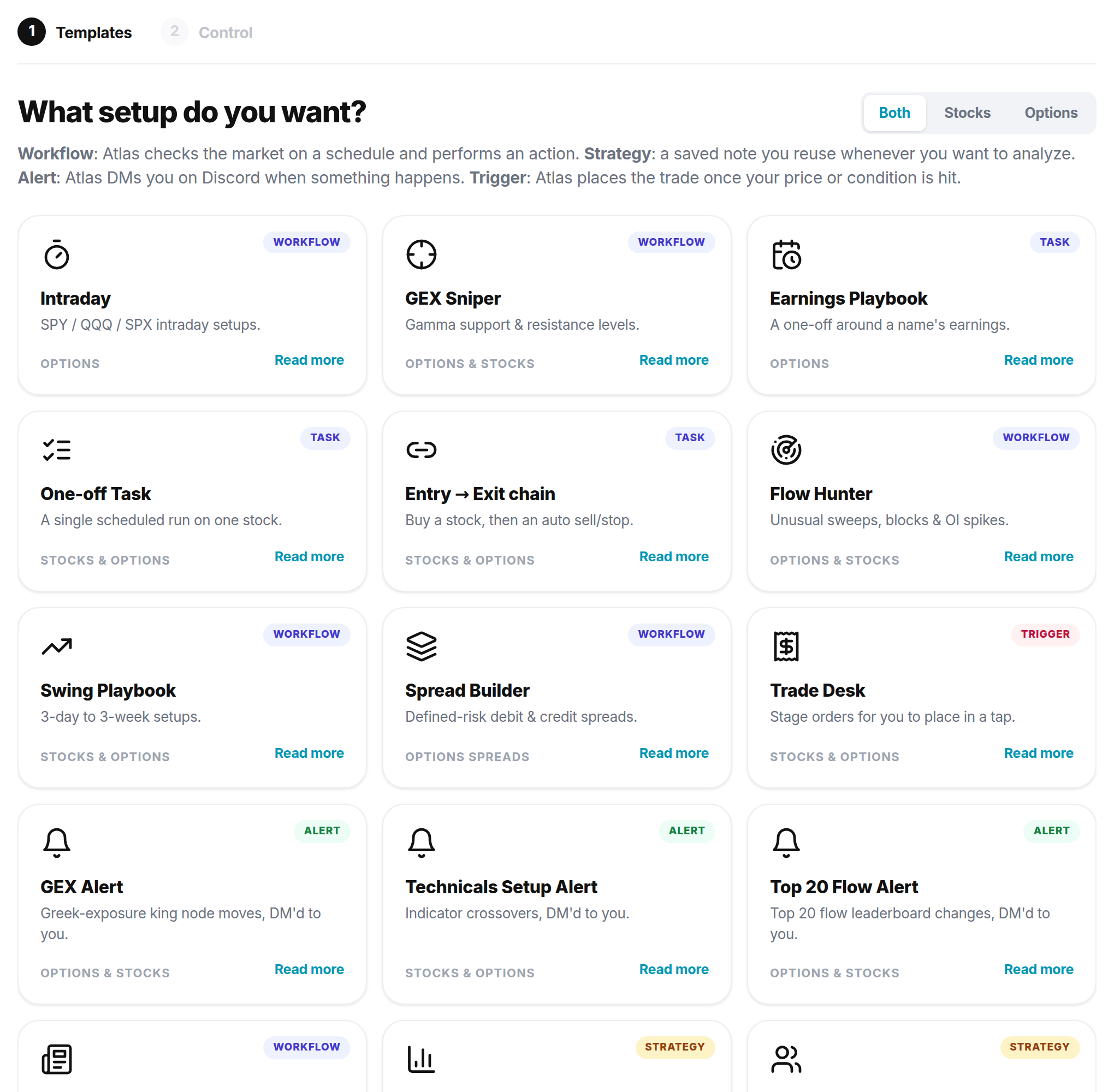
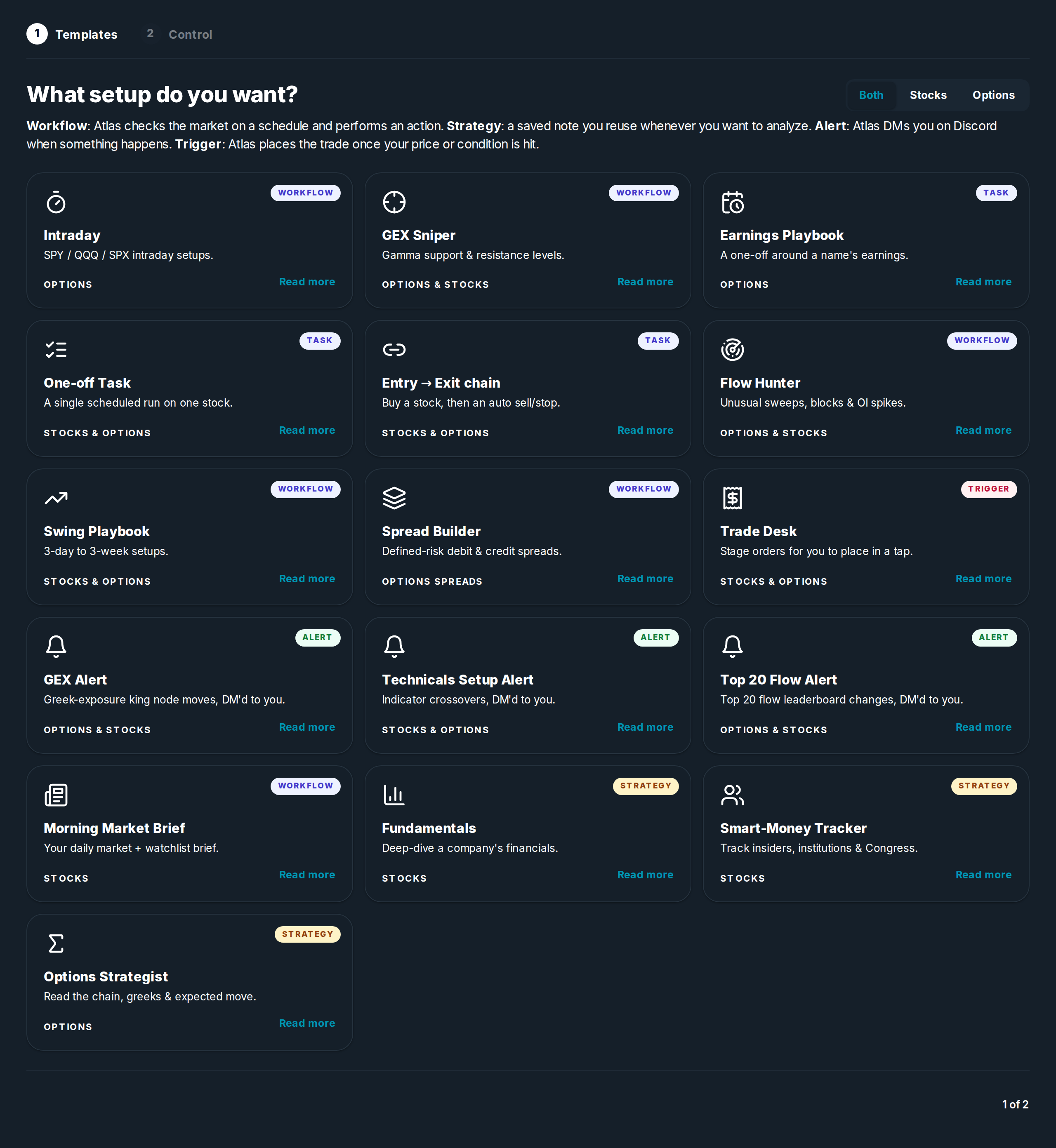
- Read more shows a template's tools, rules, and exit before you add it.
- Importing a workflow makes a copy in your Workflows tab. Link your broker and set your size, then turn it on.
- Templates cover the whole toolkit: repeating workflows, alerts that message you, reusable strategies, and triggers that set up an order.
See Workflows for how copies and forks work.