Using the dashboard
Strategies tab
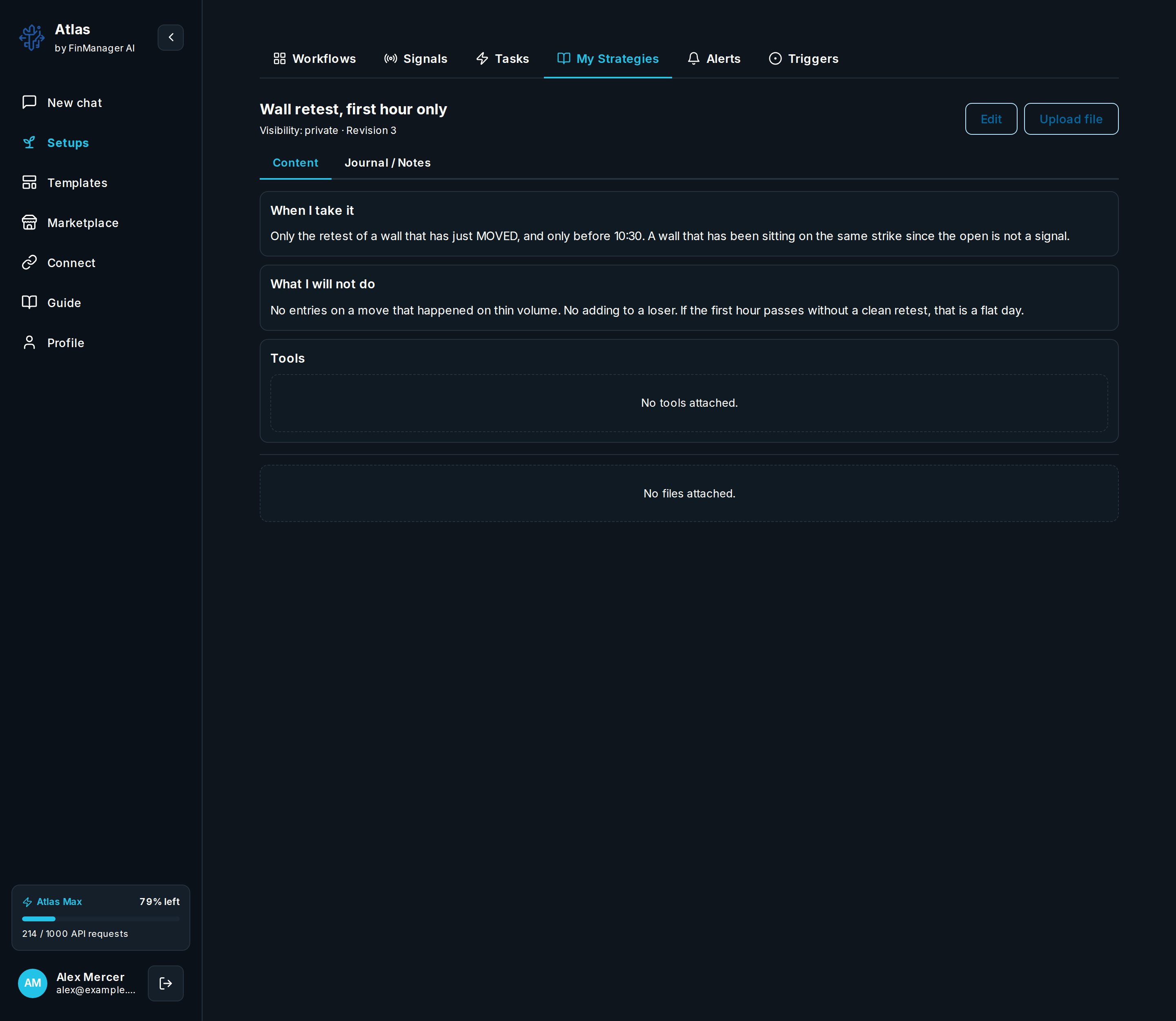
A strategy is your saved trading playbook. The Strategies tab lists yours and lets you make, edit, import, and share them. Opening one shows its title, who can see it, and the names of its sections; open a section to read it, or press Edit to change it.

What is in it
| Field | What it does |
|---|---|
| Title | A short name for the playbook. |
| Who can see it | Private (only you), Invite-only, Unlisted (anyone with the link) or Atlas Public (anyone signed in). |
| Content | Your rules in your own words, split into sections. |
| Tools | The Atlas tools this playbook uses. |
| Import files | Add files to it. |
Point to a strategy in Chat ("use my wheel strategy on MSFT") or point a workflow's Reasoning at it so its choices follow your rules. Discover shows shared strategies you can import.
Need help? Email accesspoint@finmanagerai.com.