Using the dashboard
Profile
The Profile tab holds your account settings and, most important, your key.
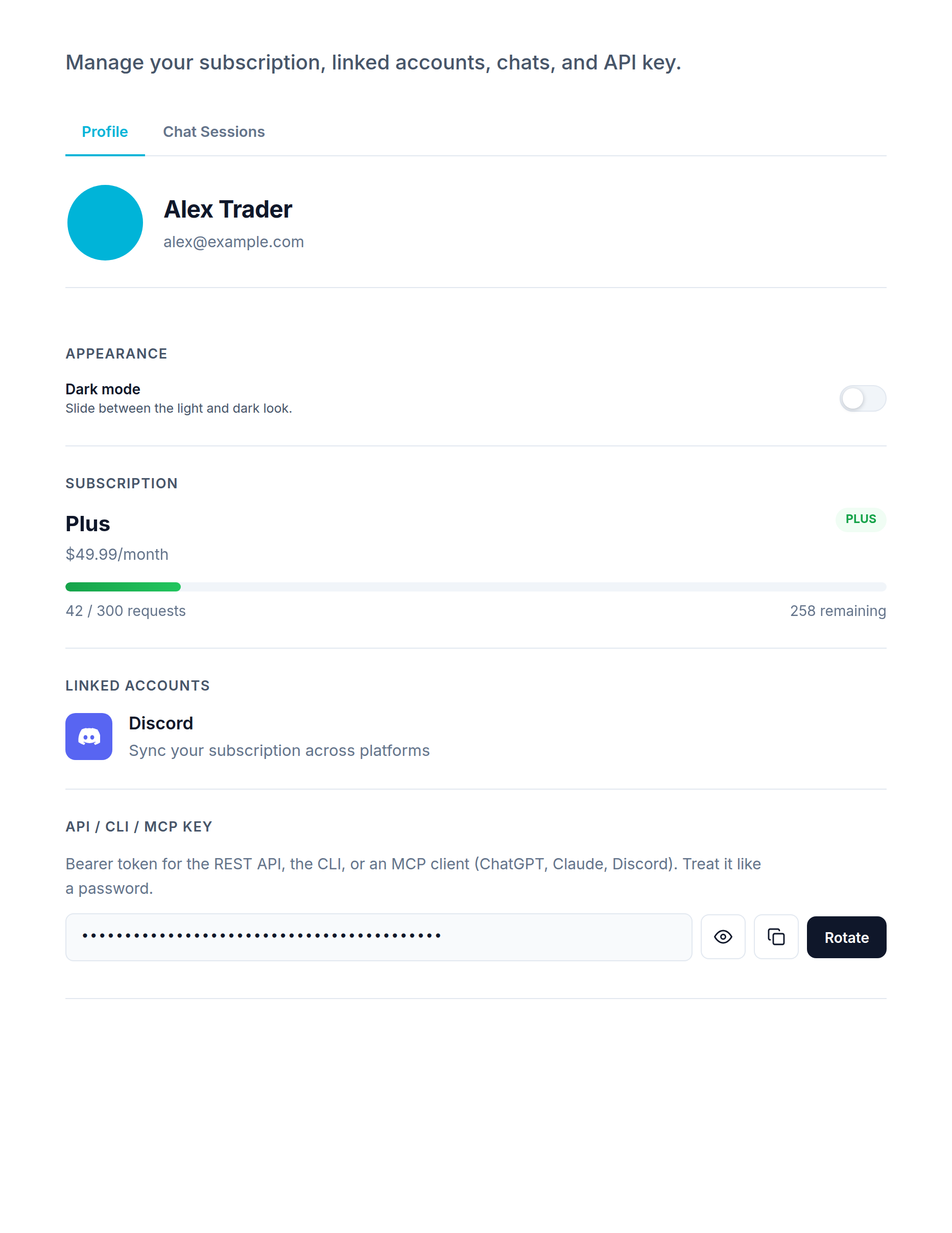
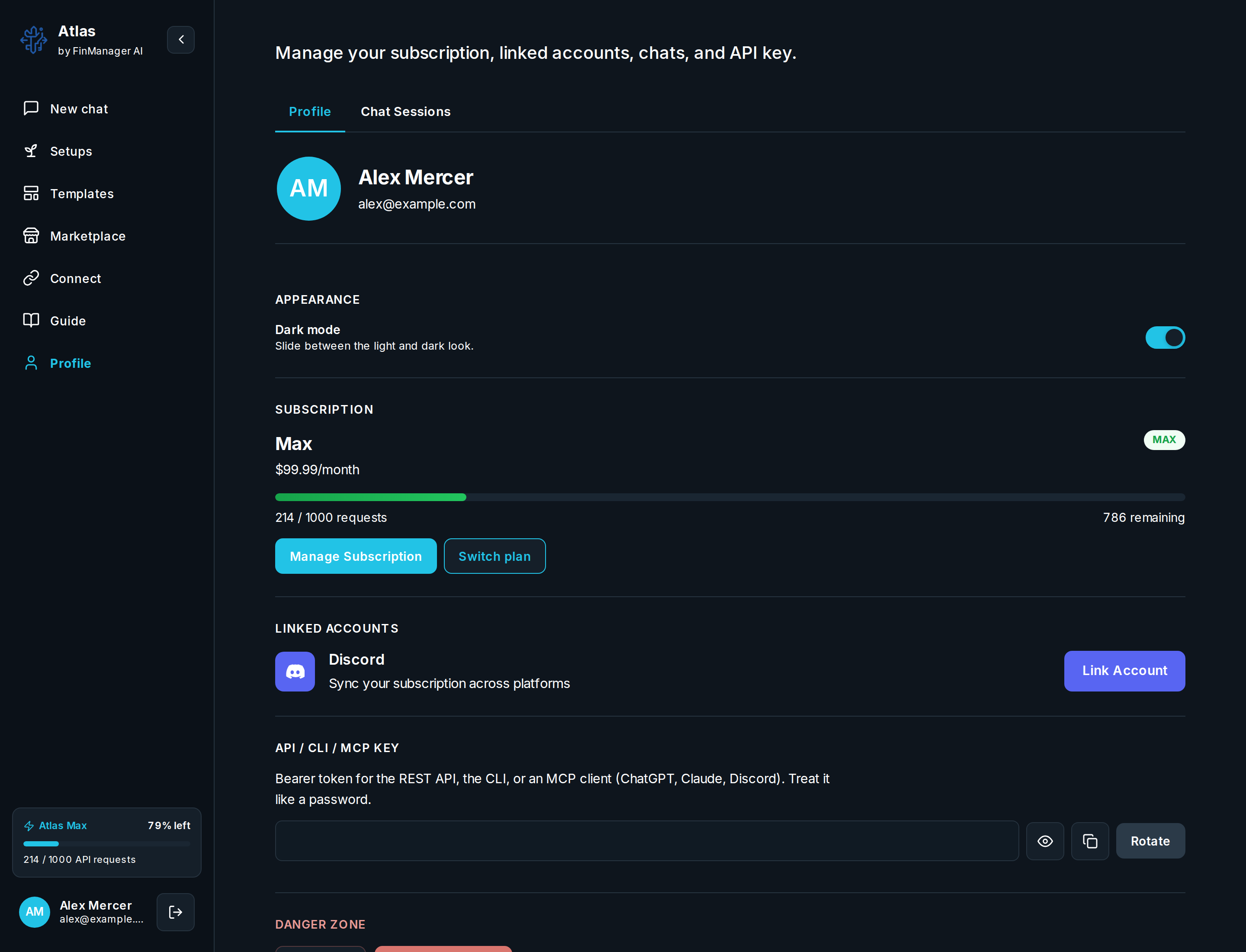
| Section | What is there |
|---|---|
| Plan | Your plan, how much you have used, and when it renews. See Plans and how you get charged. |
| Broker | Link and manage your broker for trading. |
| Discord | Link Discord to get workflow and trade messages. |
| Look | Light or dark mode. |
| Chats | Your saved chats and the ask or skip setting. |
| Key | Copy or make a new key for the Web API and command line. |
Heads up
Your key can place real orders with a linked broker. Keep it secret, and make a new one here if it ever leaks.