Using the dashboard
Tasks tab
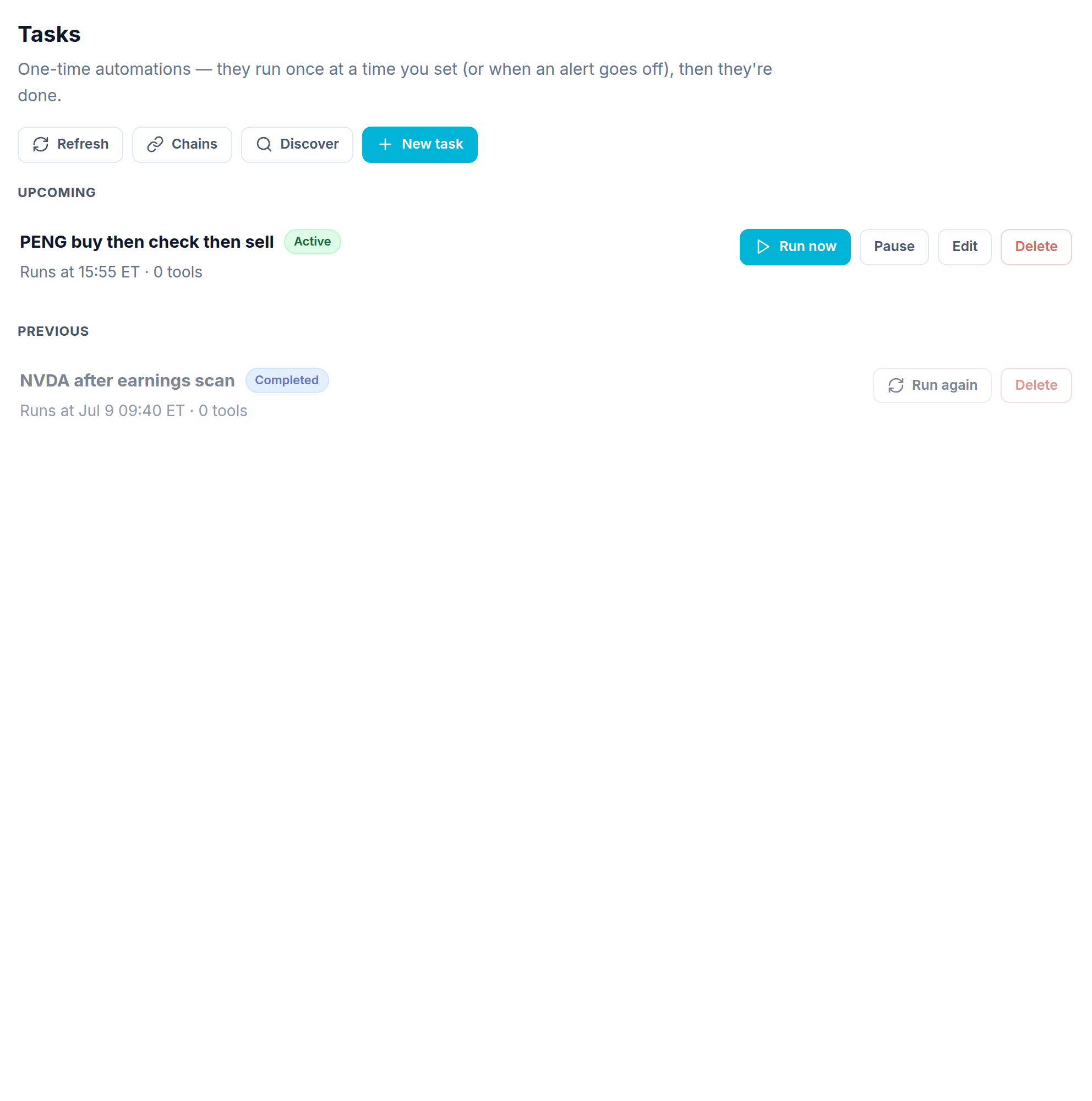
A task is a one time helper. The Tasks tab splits them into Up next (still to run) and Previous (done).
The task form
Making a task uses the same steps as a workflow (Basics, Tools, Reasoning, Trades, Notify). The only change is in Schedule: instead of a repeating time, you give it times that each run once, or an alert that runs it once.
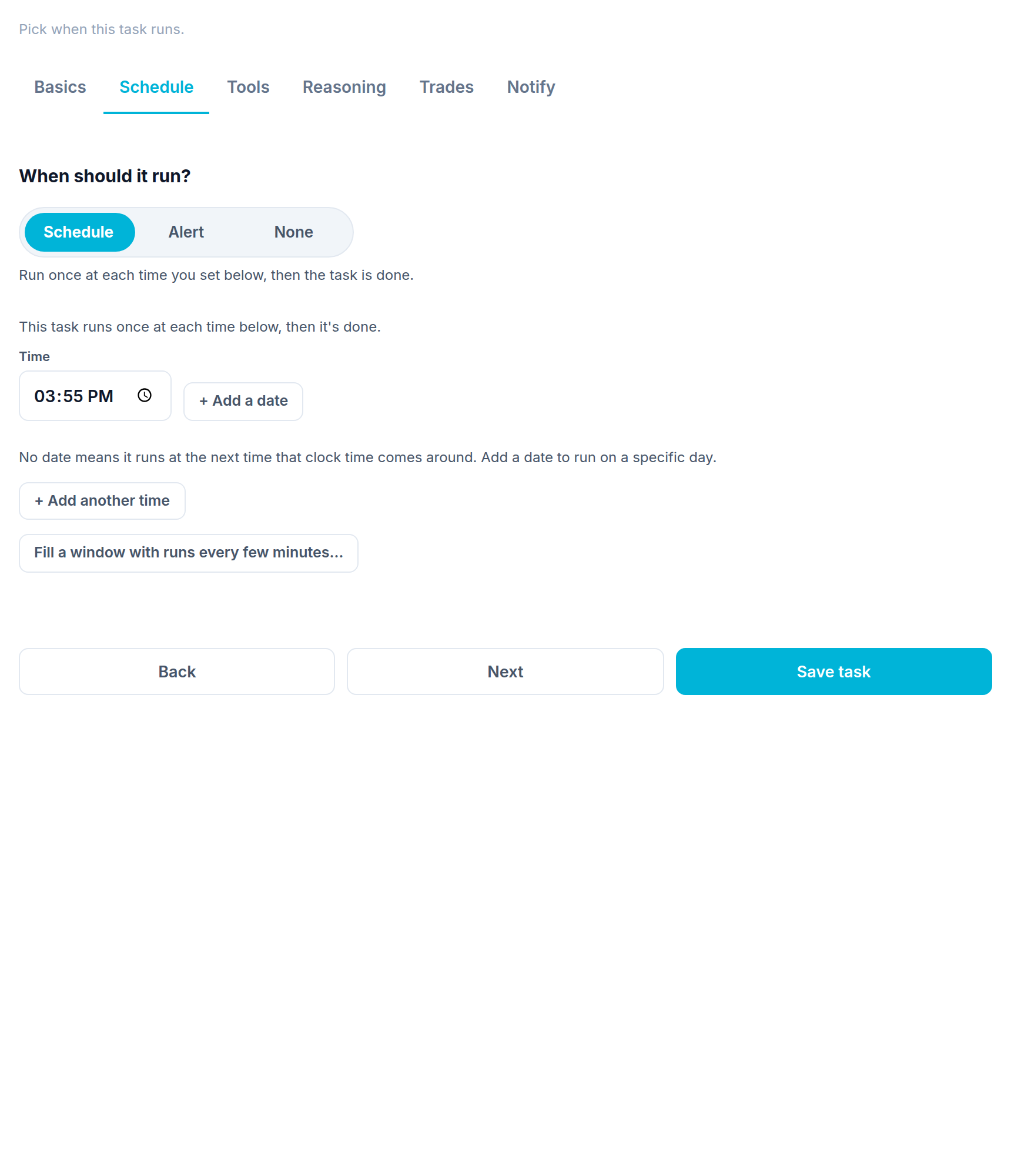
Add one or more times. Each runs once, then the task is done and moves to Previous. Use Run again to copy a finished task. Tasks have no performance page since they run one time.